Slide 3 of 7 from Free Business Strategy Diagram PowerPoint
Hexagonal Diagrams with PowerPoint Icons
Business Strategy Diagram for PowerPoint
- Diagram
- Circular Cycle
- Process Slide
- 16:9
- 100% Editable
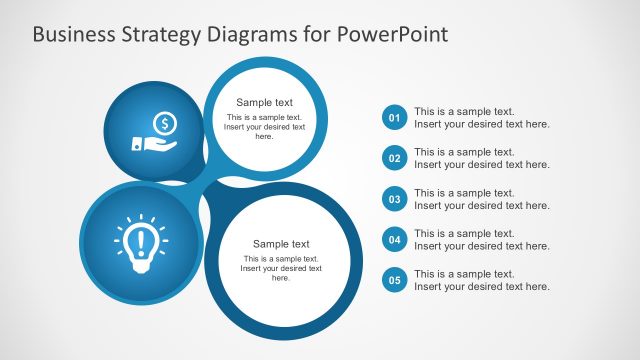
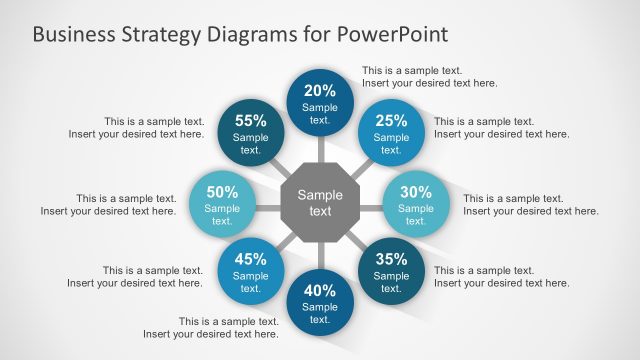
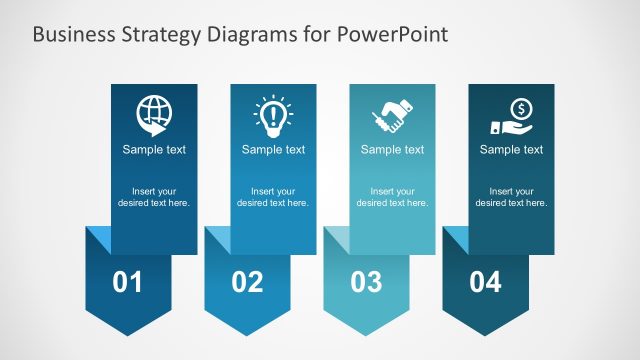
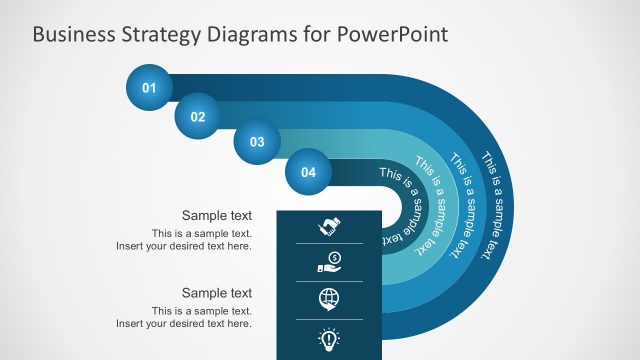
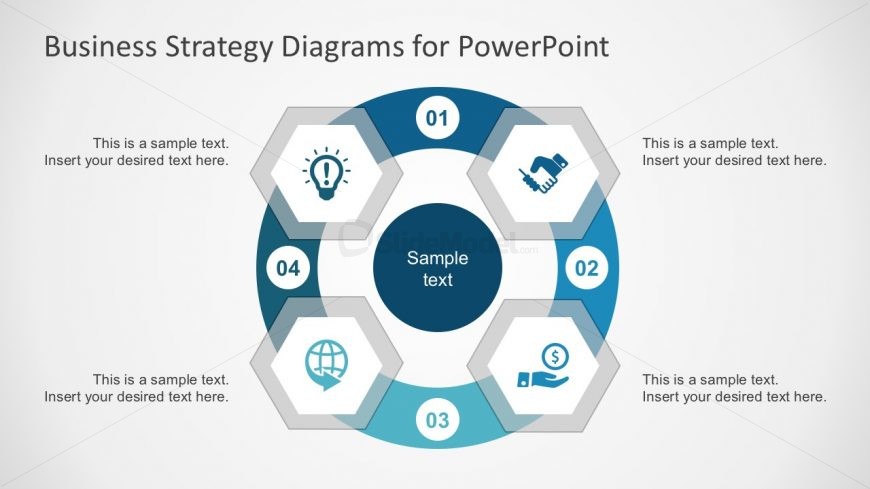
The Business Strategy Diagram slide from the Free Business Strategy Diagram PowerPoint template offers a clear circular process layout ideal for outlining strategic initiatives and project phases. This slide uses editable shapes and vector icons arranged around a central node to visually summarize key business objectives, making it suitable for corporate presentations and pitch deck templates that require concise process flow visualization.
What’s on This Slide
The layout features a central circular node labeled 'Sample text' surrounded by five hexagonal nodes. Each hexagon is positioned at equal intervals around the central node, with icons representing various concepts. The top hexagon contains a light bulb icon, the right hexagon shows a handshake, the bottom hexagon has a globe, and the left hexagon features a dollar sign. Each hexagon has a text placeholder aligned centrally, with additional text placeholders below them. The background is light with a subtle gradient, enhancing the visual hierarchy.
How to Use It
This layout serves as a process flow diagram, illustrating steps in a business strategy. It fits well in a presentation sequence after introducing a problem or concept, providing a visual roadmap. It is useful for scenarios such as outlining strategic initiatives, presenting project phases, or summarizing key business objectives. The central node can highlight the main theme, while the surrounding nodes detail supporting elements.
Text Placeholders & Capacity
Keep your copy within these limits so it fits without resizing. Node body slots can hold about 6-8 words each.
| Placeholder | Count | Max characters (approx.) |
|---|---|---|
| Item body | 5 | 35 |
| Item body | 1 | 35 |
| Slide title | 1 | 50 |
Slide Keywords
Download unlimited PowerPoint templates, charts and graphics for your presentations with our annual plan.
DOWNLOADReturn to Free Business Strategy Diagram PowerPoint.