Slide 8 of 19 from Business Report Presentation Template
Editable Business Report Presentation Slide
Business Report Layout for Presentations
- Text Layout
- Other
- Context Slide
- 16:9
- 100% Editable
The Business Report Layout from the Business Report Presentation Template offers a well-organized slide for quarterly reviews and project updates. This slide layout combines editable shapes and charts with text placeholders, making it suitable for corporate presentations that require clear visualization of performance data. It integrates seamlessly into business presentation slide decks, supporting effective communication of metrics and progress.
What’s on This Slide
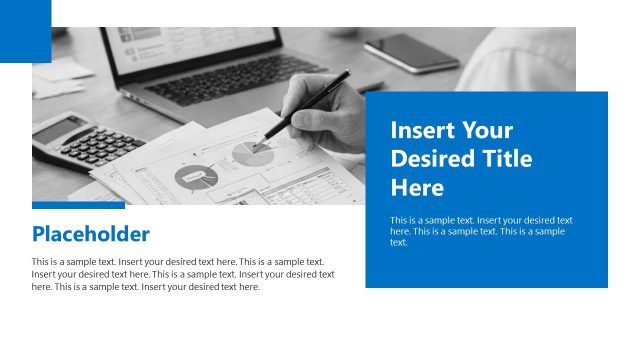
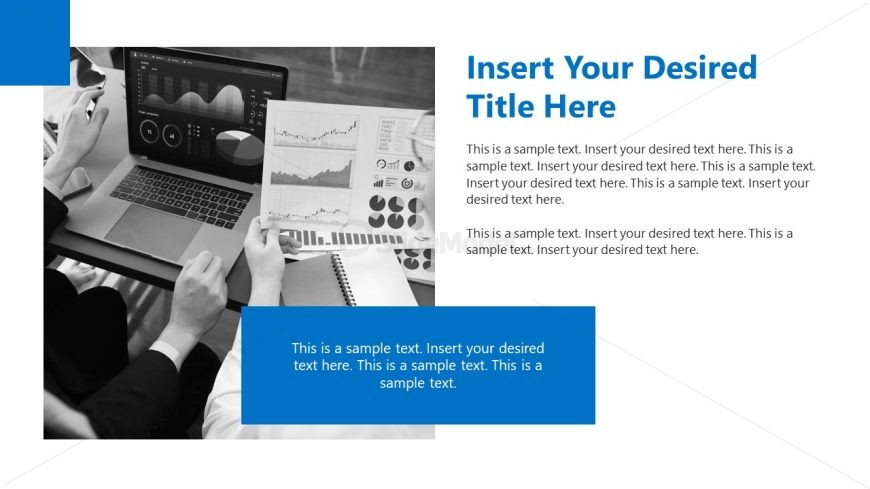
The layout features a left-aligned section with a blue rectangle containing a title placeholder. Adjacent to this, there is a large area displaying various charts and graphs, including bar and pie charts. The charts are positioned on a white background, creating contrast with the blue section. Below the title placeholder, there are additional text placeholders aligned vertically. The visual hierarchy emphasizes the title at the top, followed by the charts, and then the supporting text. The overall composition balances text and visuals effectively.
How to Use It
This layout serves as a structured overview for business reporting, ideal for presenting data insights and progress updates. It fits well after introductory slides, providing context and analysis. Suitable for scenarios such as quarterly reviews, project updates, or performance assessments, it allows for clear communication of key metrics and findings. This layout can be used to summarize data visually while supporting it with explanatory text, enhancing audience understanding.
Text Placeholders & Capacity
Keep your copy within these limits so it fits without resizing. Body slots can accommodate roughly 25-30 words each.
| Placeholder | Count | Max characters (approx.) |
|---|---|---|
| Slide title | 1 | 40 |
| Body paragraph | 3 | 150 |
Slide Keywords
Download unlimited PowerPoint templates, charts and graphics for your presentations with our annual plan.
DOWNLOADReturn to Business Report Presentation Template.