Slide 7 of 19 from Business Report Presentation Template
Business Report Template Slide with Impressive Visuals
Business Report Presentation Text Layout Slide
- Text Layout
- Other
- Context Slide
- 16:9
- 100% Editable
The Text Layout with Image Placeholder slide from the Business Report Presentation Template offers a structured design combining editable slides with a clear visual hierarchy. Ideal for business reports and project updates, this layout integrates a left-aligned image with text placeholders to effectively communicate progress summaries within a corporate presentation or slide deck.
What’s on This Slide
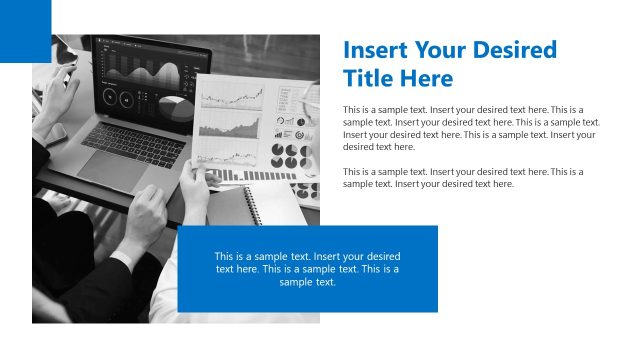
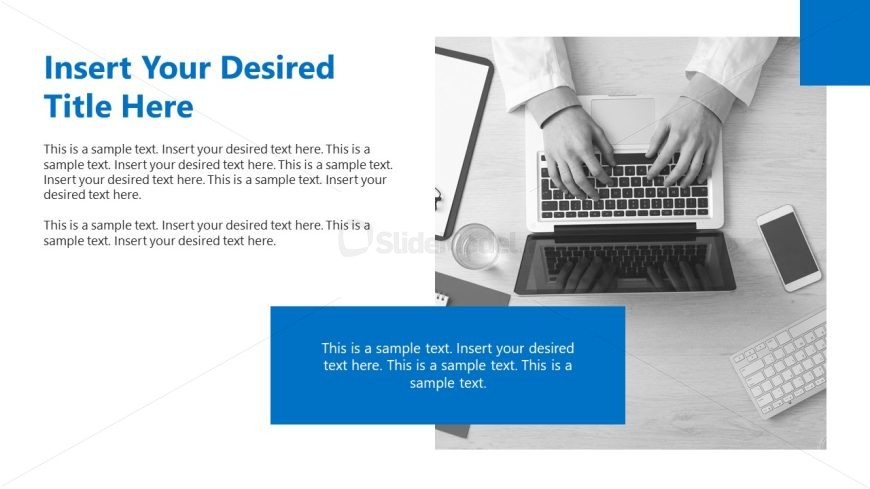
The layout features a left-aligned image of hands on a laptop, occupying the upper left quadrant. The right side has a large title placeholder at the top, followed by two body text placeholders stacked vertically. The first body text placeholder is positioned directly below the title, while the second is located further down, separated by space. A blue rectangular container at the bottom right contains additional text, aligned centrally. The overall color scheme includes a white background with blue accents, creating a clear visual hierarchy.
How to Use It
This layout serves as a text layout for presenting information alongside an image. It is suitable for business reports, project updates, or progress summaries. The structure allows for clear communication of key points and supporting details. This slide fits well in a sequence following an introduction or overview slide, providing detailed insights or narratives. It can be used in various business contexts where textual information needs to be highlighted alongside relevant imagery.
Text Placeholders & Capacity
Keep your copy within these limits so it fits without resizing. Body slots can accommodate roughly 30-40 words each.
| Placeholder | Count | Max characters (approx.) |
|---|---|---|
| Slide title | 1 | 40 |
| Body paragraph | 2 | 200 |
| Callout | 1 | 150 |
Slide Keywords
Download unlimited PowerPoint templates, charts and graphics for your presentations with our annual plan.
DOWNLOADReturn to Business Report Presentation Template.