Discuss the reasons employees are turning back to the former company with our fully customizable Boomerang Infographic PowerPoint Template. A boomerang is a curved, flat wooden tool (of Australian origin) designed to return to the thrower. It may also be used to depict a system that backfires, a response to an action, or something that returns. Boomerang employees are former staff members who resigned but later rejoined the company. This is a modern-day trend in which employees return to their organization due to financial pressure or other reasons. They could have returned because the new company might not have met their requirements for culture or work environment. Boomerang employees reduce the company’s training or onboarding costs. HR directors or strategy leaders use the boomerang diagram template to illustrate the ways to improve talent retention. They can discuss which parameters to implement to keep employees from leaving the company for good.
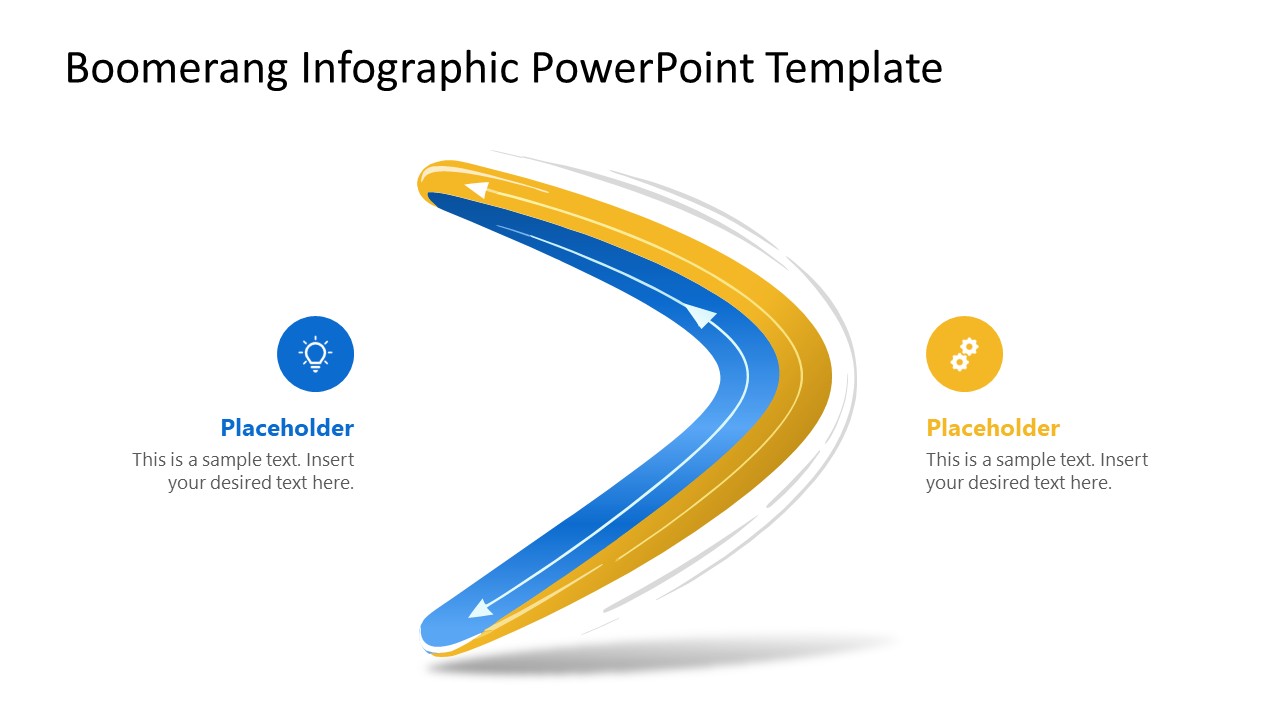
The boomerang template layout is ideal for visualizing feedback loops or cyclical processes. Financial managers use a boomerang to present strategies to stakeholders that show how their investment will generate a return on investment (ROI). The Boomerang Infographic PowerPoint Template features a sleek 3D boomerang diagram with a blue-and-gold color scheme. The directional arrows along the boomerang’s curves guide the audience through the relationship between action and reaction, or investment and ROI. A supply chain consultant uses the two infographic icons on the slide to illustrate the cause-and-effect relationship with a compelling visual flow. There are shadow and motion lines along with the boomerang curves, highlighting the momentum of the process.
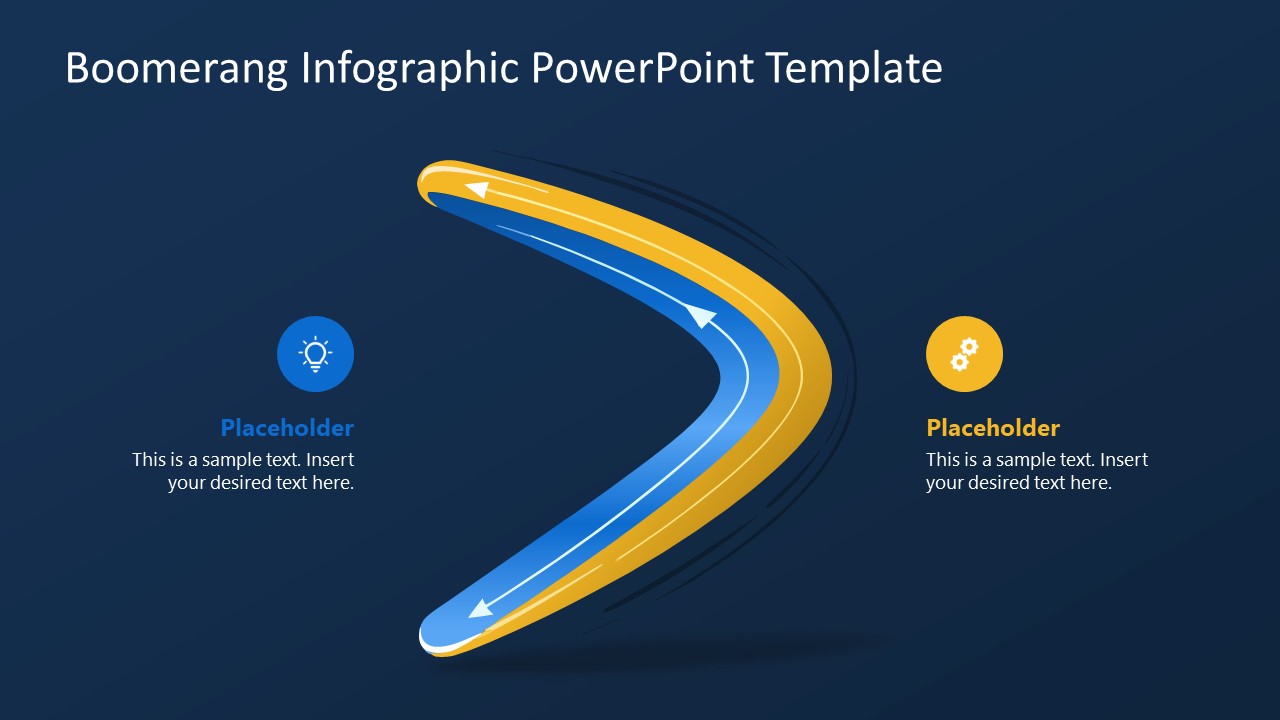
Growth strategists and product managers will find this layout useful to depict how customer feedback loops into the product improvement cycle. They can choose the boomerang slide with either a dark or a white background, depending on their use case. Download the boomerang infographic layout to communicate your ideas in executive presentations. Alternatively, download other slideshow PPT templates, ready for Microsoft PowerPoint & Google Slides.
What’s inside this template
Example presentation scenarios
- An HR director can explain why former employees return to the organization by placing departure drivers in one callout and rehire reasons in the second callout.
- A hiring manager can brief leadership on boomerang employee value by using the curved arrow path to show how prior experience reduces onboarding effort.
- A product manager can describe a customer feedback cycle by labeling one icon callout as user input and the opposite callout as product improvement.
- A finance manager can present an investment return concept by using the boomerang shape to connect initial spending with a later ROI outcome.
- A supply chain consultant can show a cause-and-effect response by mapping an action on one side of the diagram and the operational result on the other.
Features
- 100% editable presentation template
- Compatible with Microsoft PowerPoint and Google Slides
- 16:9 aspect ratio slides
- Scalable vector shapes, icons and illustrations
- AI-Ready for Microsoft Copilot and Claude
- Instant access and download
Frequently asked questions
Q: How should a presenter communicate a feedback loop with this template?
A: Start by naming the initiating action on the left callout, then guide the audience around the boomerang arrows to the returning effect on the right. Keep each callout to one concise idea so the metaphor stays clear. Use the title to state the business question, such as employee return, ROI response, or customer feedback.
Q: Who is this template best suited for?
A: This template fits presenters who need to explain a returning outcome rather than a long process. HR teams can use it for boomerang employee discussions, finance teams for ROI logic, and product or operations teams for feedback cycles. It works best in a short briefing where one action and one result must be linked quickly.
Q: Why does the boomerang metaphor help the message?
A: The boomerang shape makes the idea of return visible before the presenter explains it. Directional arrows create movement, while the two icon callouts separate the starting point from the outcome. This reduces the need for dense text and helps the audience remember the relationship between action, response, and return.

Boomerang Infographic PowerPoint Template
2-slide presentation template for boomerang loop diagrams, employee return stories, and feedback cycles
The Boomerang Infographic PowerPoint Template is a 2-slide diagram set for explaining return effects, feedback loops, or boomerang employee discussions. It includes a curved boomerang loop diagram, directional arrows, paired icon callouts, and light and dark background variants for HR, strategy, finance, and operations presenters in Microsoft PowerPoint and Google Slides.
- Category
- Diagrams
- Rating

 Loading...
- Aspect ratio
- 16:9
- Item ID
- 23651-01
- Colors
 Microsoft PowerPoint
  Microsoft Copilot
  Claude for PowerPoint
 Other formats supported
Subscribe today and get immediate
access to download our PowerPoint templates.