Slide 1 of 2 from Boomerang Infographic PowerPoint Template
Editable Boomerang Infographic PPT Template
Curved Boomerang Diagram for Presentations
- Diagram
- Other
- Concept Explanation Slide
- 16:9
- 100% Editable
The Curved Boomerang Diagram slide from the Boomerang Infographic PowerPoint Template visually represents cyclical processes and feedback loops, making it ideal for strategic discussions and employee onboarding. This slide layout features editable shapes and vector icons that highlight flow and interaction, suitable for business presentations and corporate slide decks requiring clear conceptual explanations.
What’s on This Slide
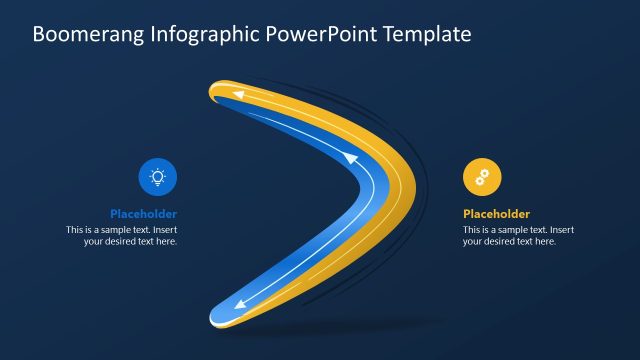
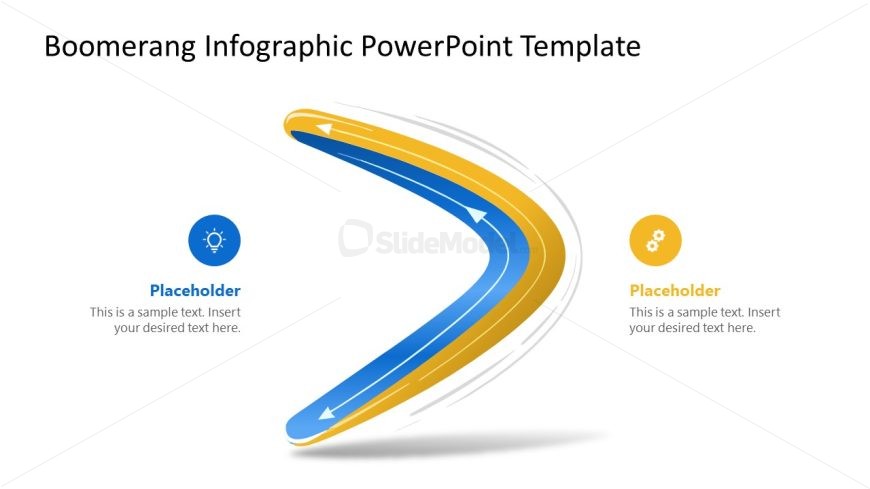
The layout features a prominent curved boomerang shape, oriented from left to right, with a gradient of blue and yellow colors. Two directional arrows are integrated along the curve, indicating flow. On the left side, there is a circular icon with a sun symbol, while the right side has a circular gear icon. Each icon is accompanied by a text placeholder positioned below it, aligned centrally. The background is white, providing contrast to the vibrant colors of the boomerang and icons. The overall composition emphasizes the boomerang shape as the central visual element.
How to Use It
This layout serves as a visual representation of feedback loops or cyclical processes. It is suitable for presentations discussing employee onboarding, return effects, or strategic discussions. Positioned at the beginning of a presentation, it can effectively introduce key concepts. This structure is applicable in HR, strategy, and operations contexts, allowing for clear communication of processes that involve cyclical interactions or continuous improvement.
Text Placeholders & Capacity
Keep your copy within these limits so it fits without resizing. Node body slots can hold roughly 15-20 words each.
| Placeholder | Count | Max characters (approx.) |
|---|---|---|
| Slide title | 1 | 35 |
| Item heading | 2 | 50 |
| Item body | 2 | 100 |
Slide Keywords
Download unlimited PowerPoint templates, charts and graphics for your presentations with our annual plan.
DOWNLOADReturn to Boomerang Infographic PowerPoint Template.