Slide 4 of 8 from Blackboard Innovation PowerPoint Shapes
Blackboard World Map Drawing Template
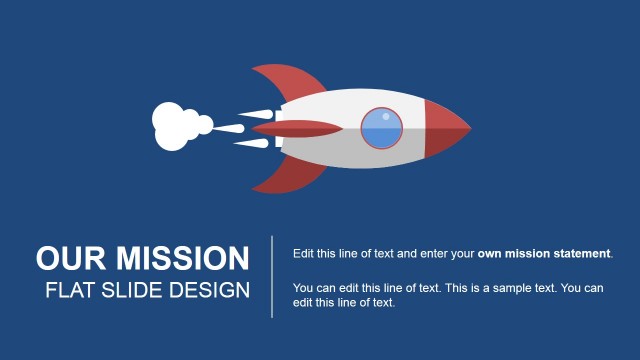
World Map and Rocket Icon Slide
- Media Layout
- Other
- Context Slide
- 16:9
- 100% Editable
What’s on This Slide
The layout features a chalkboard background with a large world map positioned centrally. The map is illustrated in blue with a sketch-like texture. To the left, there is a vertical text area containing two text placeholders, one for a title and another for body text, both aligned left. The title is prominent at the top, while the body text is below it. To the right, a rocket icon is displayed, designed in a simple, colorful style. The overall composition balances text and imagery, creating a clear visual hierarchy.
How to Use It
This layout serves as a visual summary slide, suitable for presenting achievements or global reach. It fits well after a problem statement and before a strategic roadmap in a presentation sequence. This structure is useful for business contexts where showcasing international efforts or innovative projects is necessary. It can also be employed to highlight key milestones or initiatives in a visually engaging manner.
Text Placeholders & Capacity
Keep your copy within these limits so it fits without resizing. Body slots can hold about 15-20 words each.
| Placeholder | Count | Max characters (approx.) |
|---|---|---|
| Slide title | 1 | 30 |
| Body paragraph | 1 | 100 |
| Body paragraph | 1 | 30 |
Slide Keywords
Download unlimited PowerPoint templates, charts and graphics for your presentations with our annual plan.
DOWNLOADReturn to Blackboard Innovation PowerPoint Shapes.