Slide 3 of 7 from Automated Marketing Funnel PowerPoint Template
Sales Funnel Marketing Automation Editable PowerPoint
Content Layout Slide for Marketing Funnel
- Text Layout
- Single Statement
- Context Slide
- 16:9
- 100% Editable
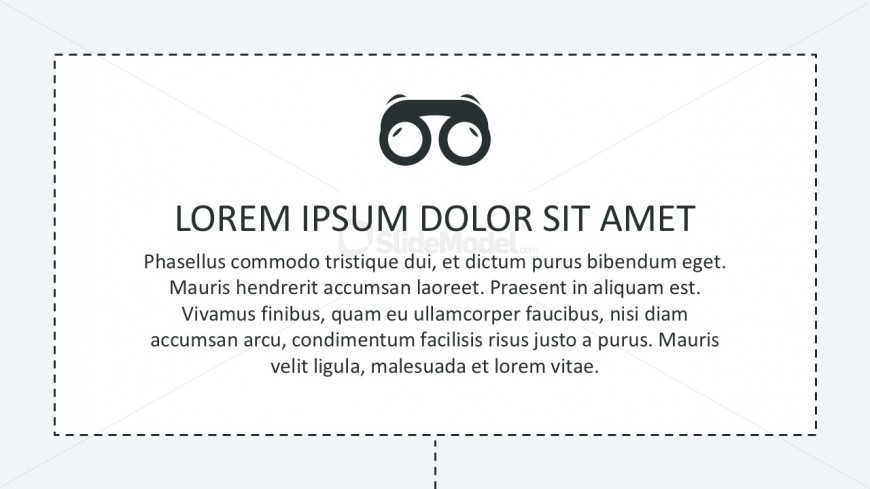
The Content Layout with Placeholder Text slide from the Automated Marketing Funnel PowerPoint Template offers a clear and balanced design ideal for introducing marketing strategies or summarizing project goals. This slide features editable shapes and a central text box with a binoculars icon, making it suitable for business presentations that require focused textual content within professional slide templates.
What’s on This Slide
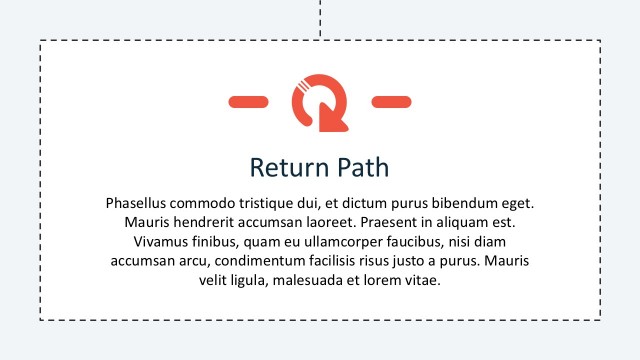
The layout features a central rectangular text box with rounded corners, positioned in the middle of the slide. Above the text box, there is a circular icon resembling binoculars, centered horizontally. The text box contains two distinct sections: a larger title placeholder at the top, aligned centrally, and a smaller body text placeholder below it. The background is a light blue color, and the overall composition is balanced, with ample white space around the text elements. The visual hierarchy emphasizes the title, followed by the body text.
How to Use It
This layout is suitable for presenting key content or messages in a marketing presentation. It can effectively introduce topics or summarize information in a clear, visually appealing manner. Positioned after a problem slide, it can transition into solutions or strategies. This structure is ideal for scenarios such as explaining marketing strategies, outlining project goals, or summarizing findings. It should not be used for detailed data presentations or complex diagrams, as it focuses on textual content.
Text Placeholders & Capacity
Keep your copy within these limits so it fits without resizing. Body slots can accommodate roughly 50-60 words each.
| Placeholder | Count | Max characters (approx.) |
|---|---|---|
| Slide title | 1 | 30 |
| Body paragraph | 1 | 300 |
Slide Keywords
Download unlimited PowerPoint templates, charts and graphics for your presentations with our annual plan.
DOWNLOAD