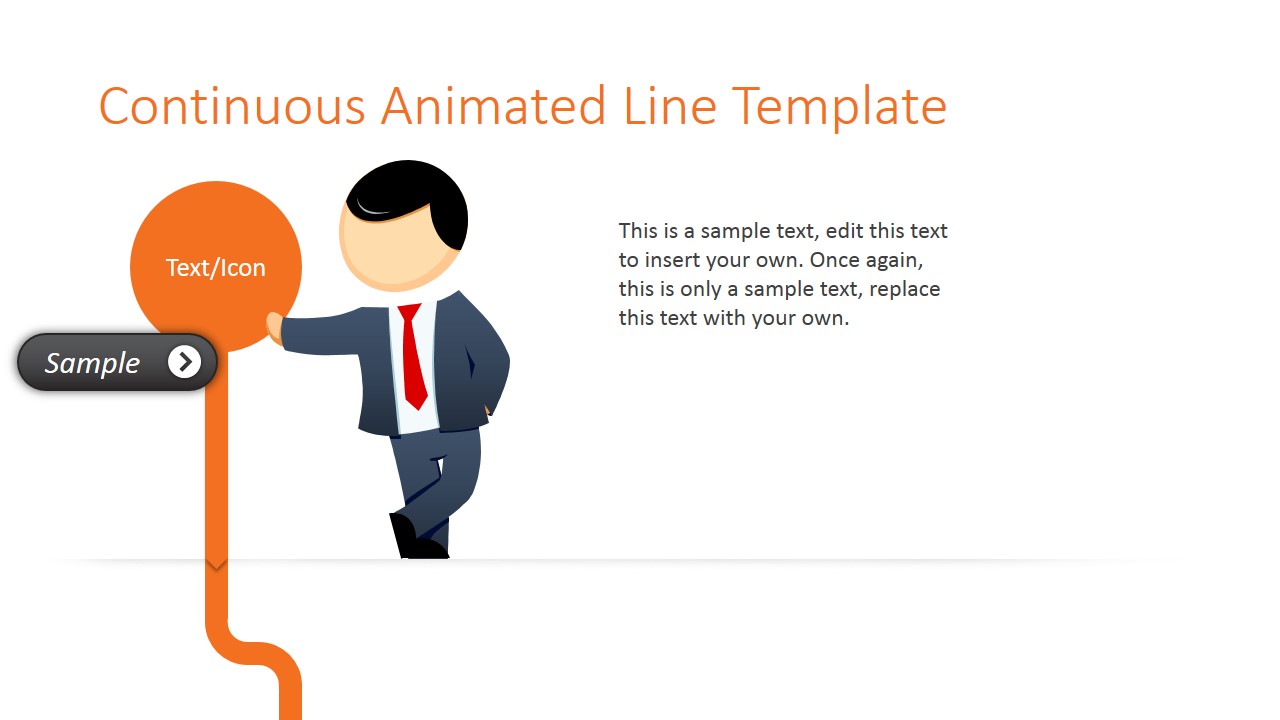
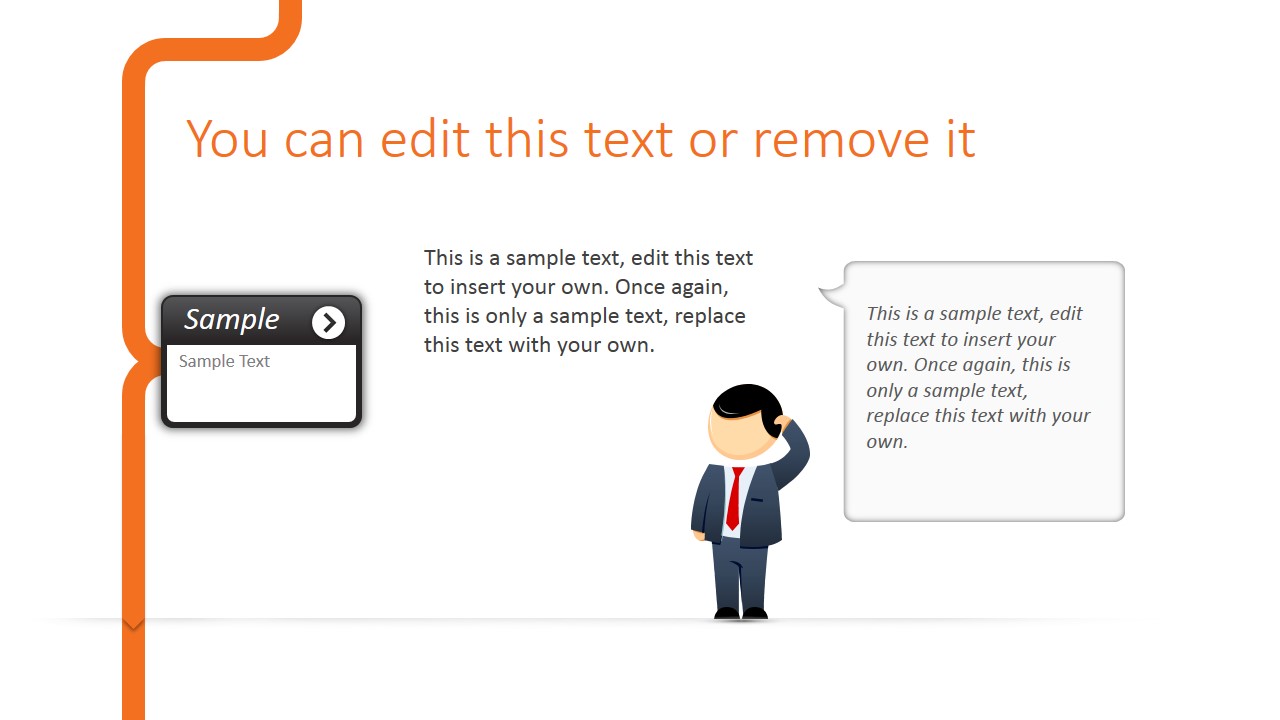
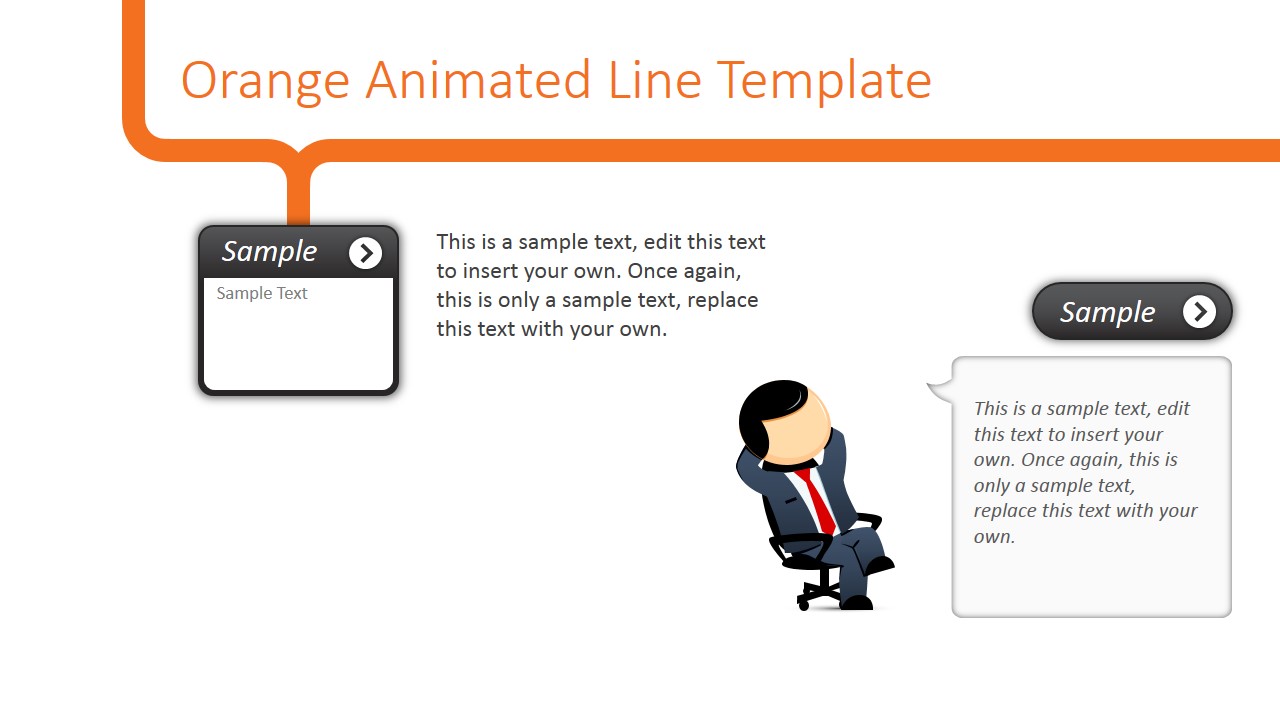
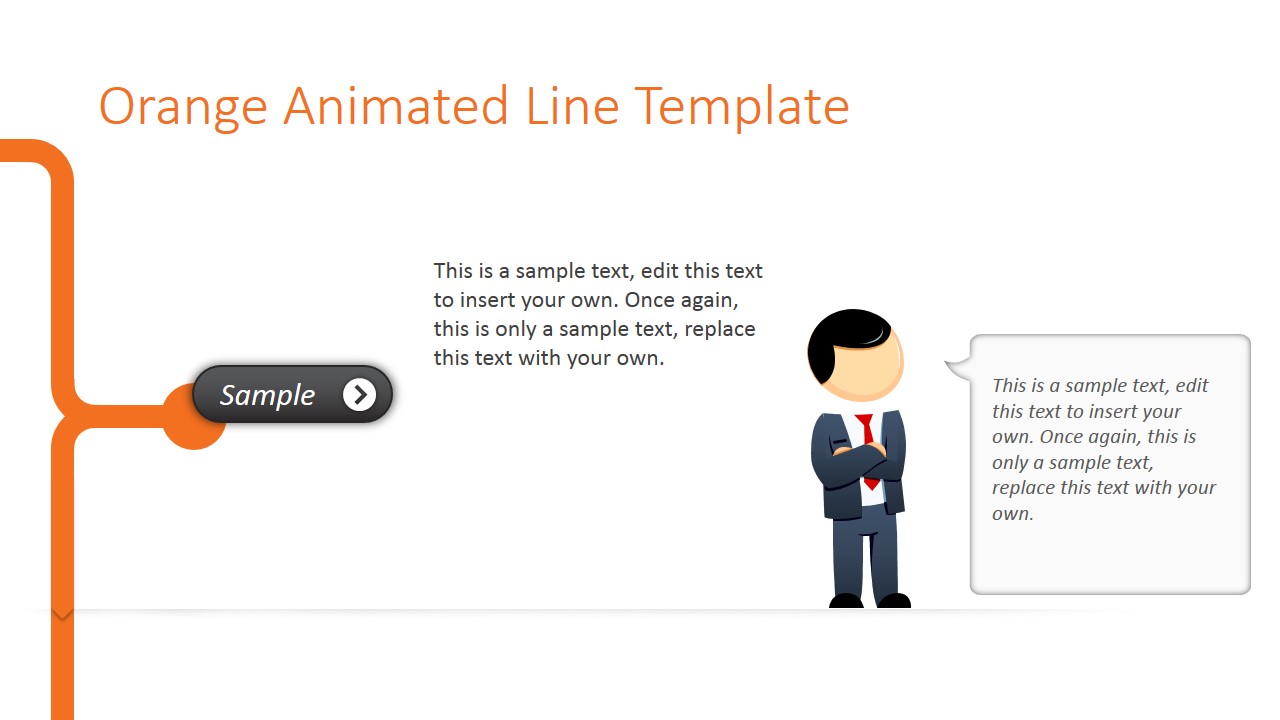
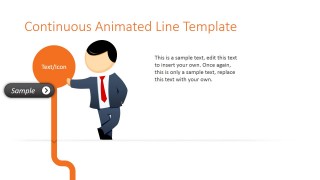
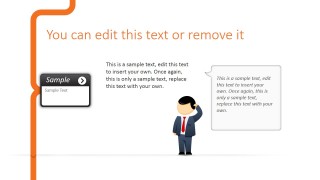
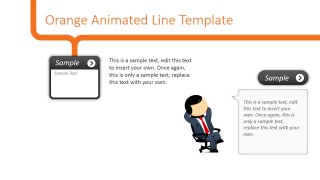
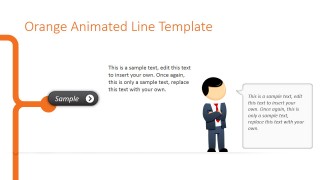
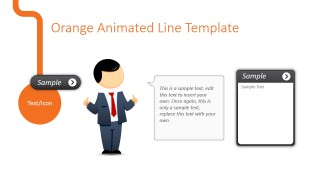
Animated Orange Line PowerPoint Template is a presentation template with an awesome transition effect of continuous orange line and male cartoon character (Mike) with different postures that can help you to make personalized presentations with animated & special effects.
Inside this animated line PowerPoint template you can find creative slide layouts containing an orange slide strategically located in order to achieve the special transition effect while advancing the slideshow. As you can see in the live preview below, as soon as the slideshow advances, the PowerPoint Push transition (which is available by default in Microsoft PowerPoint) makes the orange line look as it is a continuous line. Using templates like the animated orange line design for Microsoft PowerPoint makes it not necessary to use Prezi to make your presentation look great.
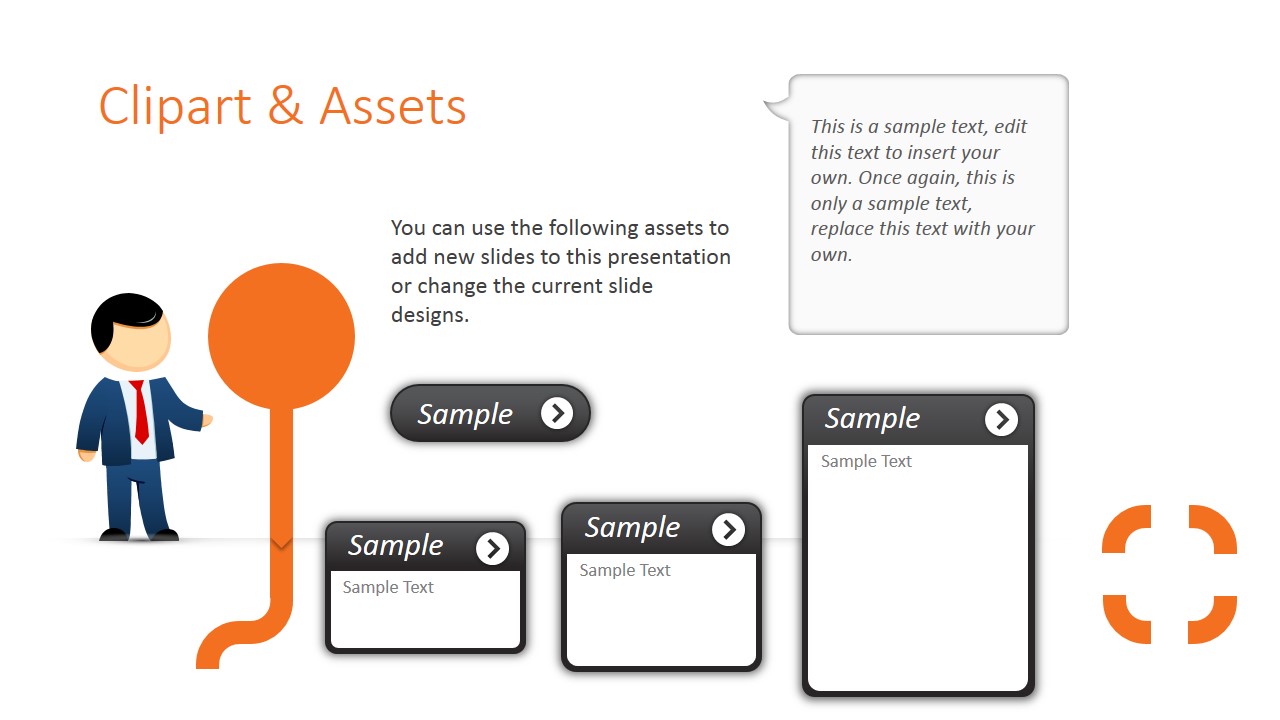
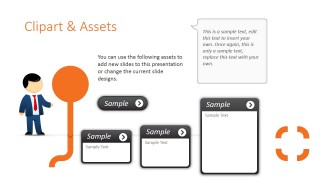
By downloading this PowerPoint template you don’t only get the animated orange line PowerPoint template but also the set of male cartoon clipart designs created as PowerPoint shapes. These male cartoon cliparts can be helpful to prepare other presentation designs as you can resize the cartoon character without losing quality or you can ungroup the cartoon character shapes to change the colors.
There is enough white space in this PowerPoint template so you can add your own graphics, data charts and populate the slides with rich content.
Alternatively you can download other awesome animated PowerPoint templates to make effective presentations with moving backgrounds and transition effects.
What’s inside this template
Example presentation scenarios
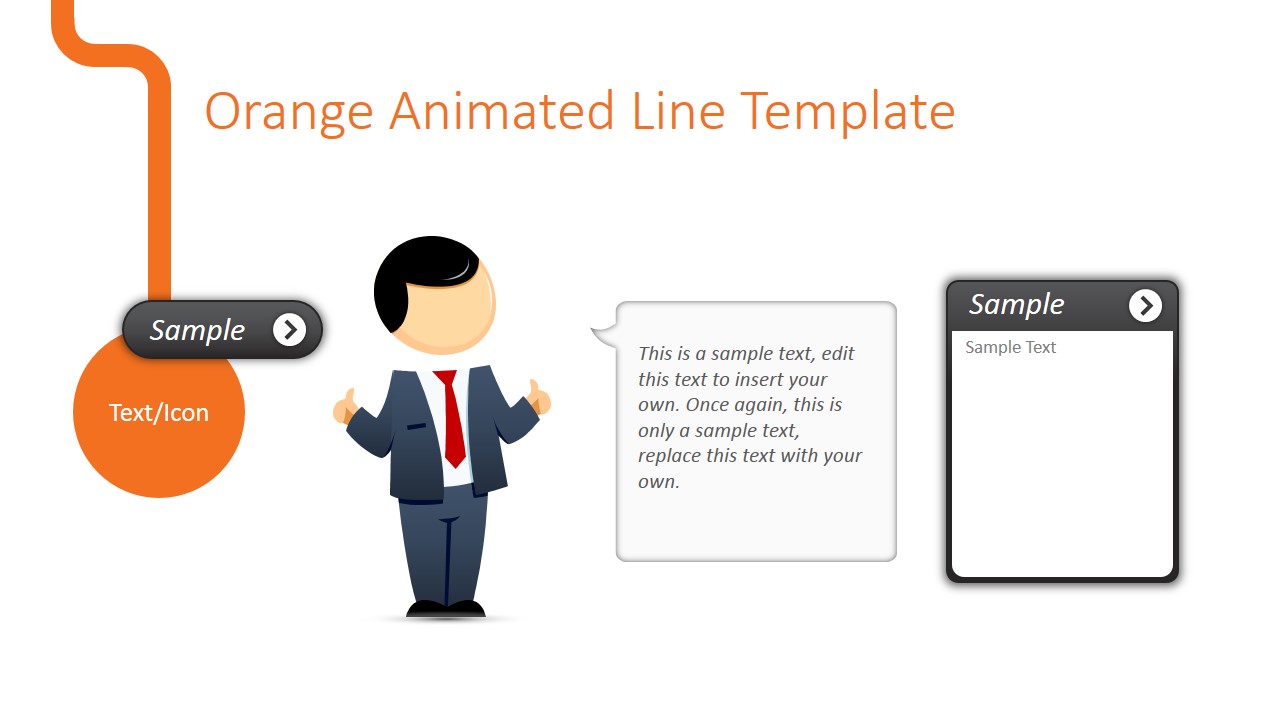
- A trainer can use the title and callout layouts to introduce a process or lesson while the continuous orange line gives the audience a clear visual path.
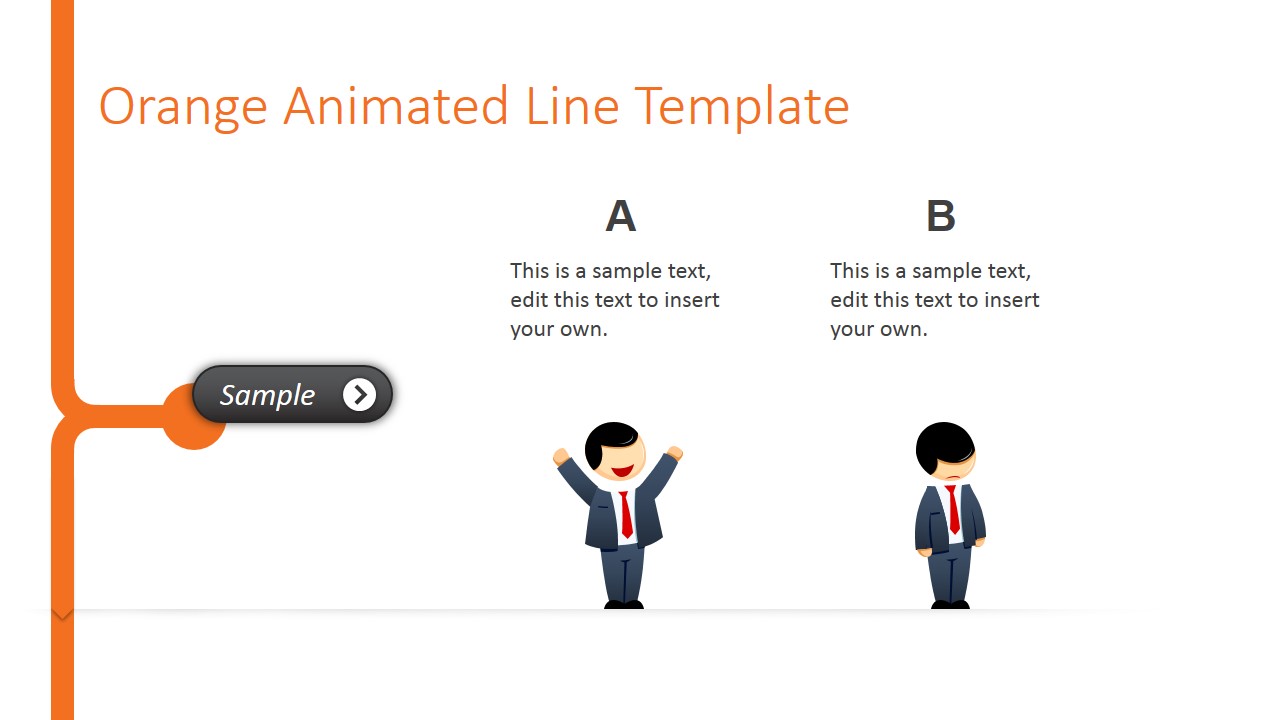
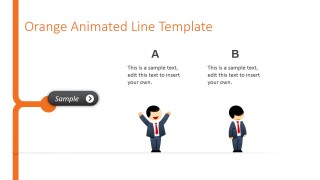
- A marketing presenter can use the two-column comparison slide to contrast two options and support the message with the cartoon character poses.
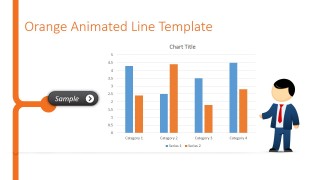
- A startup founder can use the bar chart layout to show simple performance results while keeping the deck informal and easy to follow.
- A consultant can use the clipart assets slide to build additional branded callouts, note cards, or icon markers for a custom client walkthrough.
Features
- 100% editable presentation template
- Compatible with Microsoft PowerPoint and Google Slides
- 16:9 aspect ratio slides
- Scalable vector shapes, icons and illustrations
- Ready with Animations & Transitions in PowerPoint
- AI-Ready for Microsoft Copilot and Claude
- Instant access and download
Frequently asked questions
Q: How should a presenter structure a message with the continuous orange line theme?
A: Treat the orange line as the visual path through the story. Start with the title slide, then use callout layouts for key messages, the two-column slide for a clear comparison, and the bar chart only when a simple data point supports the point. Keep text short so the motion and character elements do not compete with the message.
Q: Who is this template best suited for in a business setting?
A: This template fits presenters who need a friendly, visual tone rather than a formal boardroom style. Trainers, marketers, consultants, and startup teams can use it for introductions, lightweight updates, service walkthroughs, or concept explanations. The cartoon character and sample cards make it better for approachable communication than dense reporting.
Q: Why does the line-and-character design help the audience follow the slides?
A: The continuous orange line works like a route marker, linking separate slides into one visual journey. The cartoon character adds human scale and directs attention toward callouts, comparisons, or charts. This metaphor helps the audience feel progression from one point to the next instead of seeing isolated slide pages.


Animated Orange Line PowerPoint Template
11-slide animated presentation template with continuous orange line backgrounds and cartoon character layouts
The Animated Orange Line PowerPoint Template is an 11-slide presentation template for animated business or explainer decks. It includes continuous orange line title layouts, callout cards, two-column comparison slides, a bar chart layout, and clipart assets with a male cartoon character. It is built for Microsoft PowerPoint and Google Slides.
- Category
- Template Backgrounds
- Rating


 Loading...
- Aspect ratio
- 16:9
- Item ID
- 8116-01
- Colors
 Microsoft PowerPoint
  Microsoft Copilot
  Claude for PowerPoint
 Other formats supported
Subscribe today and get immediate
access to download our PowerPoint templates.