Slide 2 of 7 from Animated Ascending Block List Template for PowerPoint
Customizable Ascending Block List PPT Template
Step Introduction Slide with Metrics and Icons
- Diagram
- Other
- Process Slide
- 16:9
- 100% Editable
What’s on This Slide
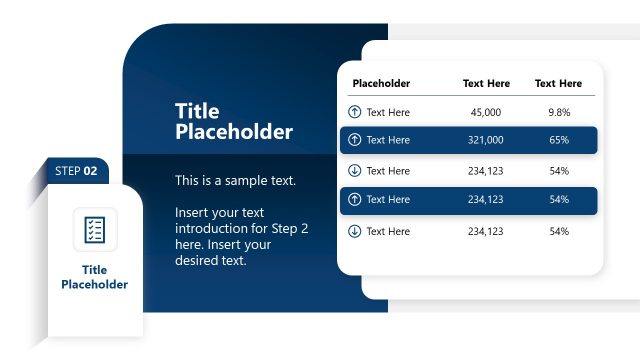
The layout features a large title placeholder at the top center, with a rounded corner design. Below, there are four sections aligned horizontally. The first section contains a step label on the left and a metric percentage with an icon on the right. The second section displays a numeric value with a connecting icon. The third and fourth sections include additional metrics with corresponding text placeholders. Each section is visually separated by background color variations, enhancing the hierarchy. Text placeholders are aligned left and center, allowing for clear content insertion.
How to Use It
This layout serves as an introduction to a specific step in a process, suitable for presentations outlining sequential tasks or phases. It fits well after a problem slide, guiding the audience through a solution framework. Real-world scenarios include project management updates, training sessions, or product feature explanations. The structured format supports clear communication of key metrics related to each step, making it effective for business presentations.
Text Placeholders & Capacity
Keep your copy within these limits so it fits without resizing. Node body slots can accommodate roughly 15-20 words each.
| Placeholder | Count | Max characters (approx.) |
|---|---|---|
| Slide title | 1 | 30 |
| Item heading | 4 | 15 |
| Item body | 4 | 100 |
Slide Keywords
Download unlimited PowerPoint templates, charts and graphics for your presentations with our annual plan.
DOWNLOADReturn to Animated Ascending Block List Template for PowerPoint.