Slide 3 of 7 from Animated Ascending Block List Template for PowerPoint
Ascending Block List Presentation Template
Step 2 Block List Slide for Presentations
- Diagram
- Other
- Process Slide
- 16:9
- 100% Editable
What’s on This Slide
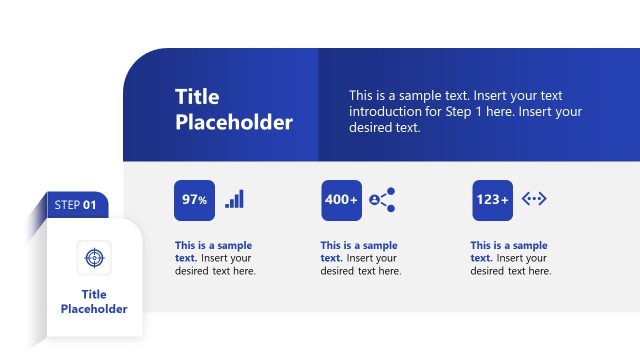
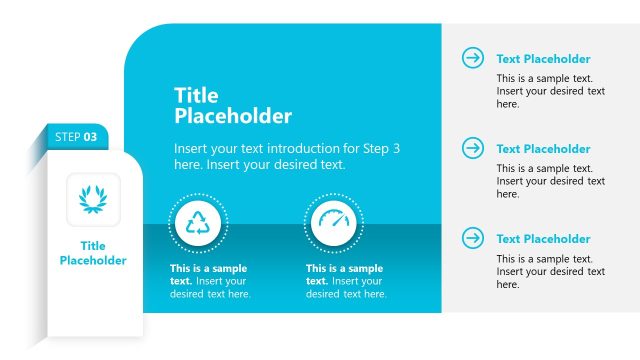
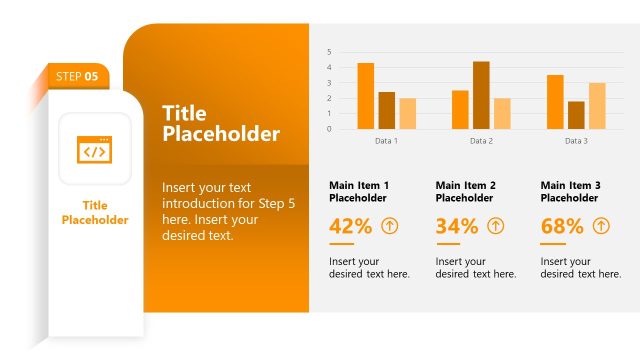
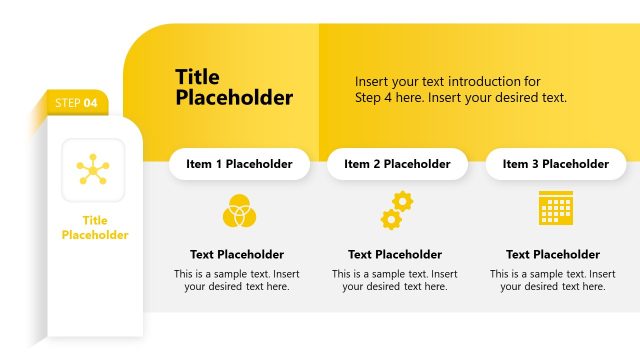
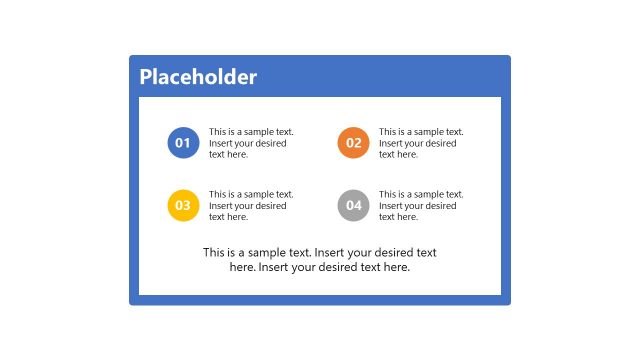
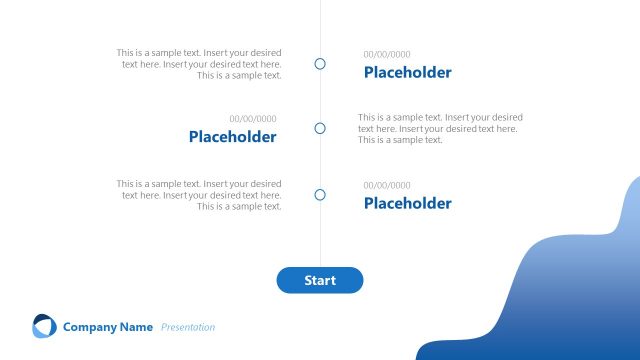
The layout features a large title placeholder at the top center, with a subtitle below it. On the left, a vertical block labeled 'STEP 02' contains a checklist icon. To the right, a table displays four rows of text placeholders, each with accompanying data placeholders for numerical values and percentages. The table is structured with three columns, and the background has a gradient from dark blue to light blue, enhancing visual hierarchy. The overall composition is balanced, with clear separation between the title, step label, and data table.
How to Use It
This layout serves as a step-by-step guide, ideal for outlining processes or tasks in a presentation. It fits well after an introductory slide and before detailed content, helping to maintain audience engagement. Scenarios include project updates, training sessions, or process explanations where sequential information is necessary. The structured format allows for easy comprehension and retention of key points.
Text Placeholders & Capacity
Keep your copy within these limits so it fits without resizing. Node body slots can hold about 10-15 words each.
| Placeholder | Count | Max characters (approx.) |
|---|---|---|
| Slide title | 1 | 30 |
| Subtitle | 1 | 80 |
| Item heading | 4 | 20 |
| Item body | 4 | 50 |
| Data label | 4 | 10 |
| Data label | 4 | 10 |
Slide Keywords
Download unlimited PowerPoint templates, charts and graphics for your presentations with our annual plan.
DOWNLOADReturn to Animated Ascending Block List Template for PowerPoint.