Slide 14 of 14 from Animated All Into One Circle PowerPoint Template
Editable All Into One Circle PowerPoint Template
Animated All Into One Circle Slide Template
- Shape Object
- Other
- Closing Slide
- 16:9
- 100% Editable
The Animated All Into One Circle Slide Template from the Animated All Into One Circle PowerPoint Template offers a clean, minimalistic closing slide ideal for summarizing key insights and highlighting innovative ideas. This slide layout features editable shapes and vector icons, making it suitable for business presentations and pitch deck templates that require a focused conclusion with clear visual emphasis.
What’s on This Slide
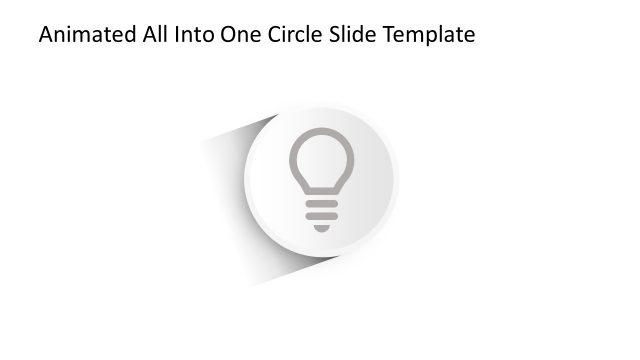
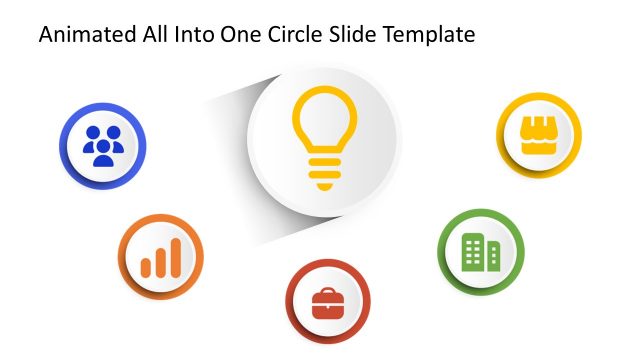
The layout features a centered circular shape with a light bulb icon inside. The icon is a simple outline style, positioned centrally within the circle. The background is predominantly white, enhancing the visibility of the icon. Above the circle, there is a title placeholder aligned to the center, which is likely intended for a main heading. The overall composition is minimalistic, with ample white space surrounding the elements, creating a clean and focused appearance. There are no additional images or media placeholders present.
How to Use It
This layout serves as a concluding slide or a summary point in a presentation sequence. It is suitable for emphasizing key ideas or insights, particularly in business contexts where highlighting innovation or solutions is essential. The minimalistic design allows for clear communication of a single concept. This slide can be effectively used in pitches, project summaries, or as a transition to a closing discussion, reinforcing the main message before concluding the presentation.
Text Placeholders & Capacity
Keep your copy within these limits so it fits without resizing. Title slot can hold around 8 words comfortably.
| Placeholder | Count | Max characters (approx.) |
|---|---|---|
| Slide title | 1 | 40 |
Slide Keywords
Download unlimited PowerPoint templates, charts and graphics for your presentations with our annual plan.
DOWNLOAD