Slide 2 of 14 from Animated All Into One Circle PowerPoint Template
Animated Animated All Into One Circle PPT Template
Lightbulb Icon Slide for Presentations
- Shape Object
- Other
- Concept Explanation Slide
- 16:9
- 100% Editable
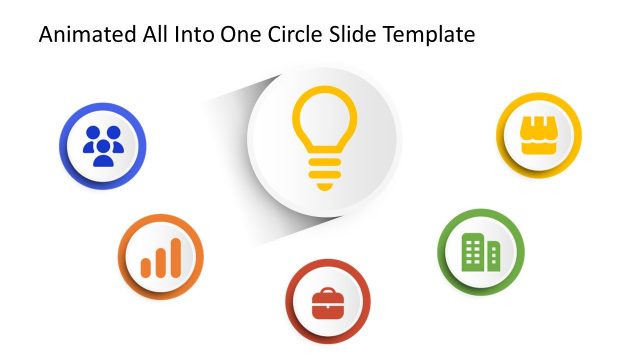
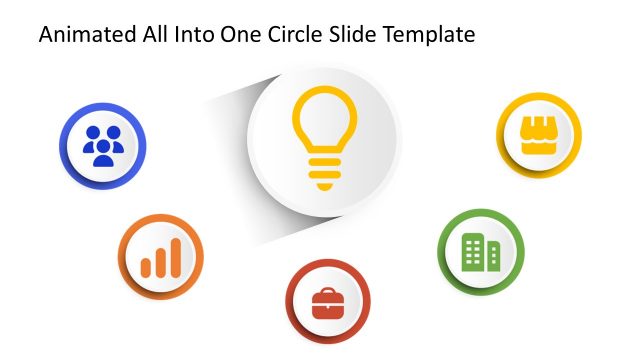
The Lightbulb Icon with Shadow slide from the Animated All Into One Circle PowerPoint Template offers a clean, minimalistic layout ideal for introducing concepts or highlighting ideas in a business presentation. Featuring a central lightbulb icon with subtle shadow effects, this slide supports brainstorming sessions by visually emphasizing innovation. It integrates well within slide decks that utilize editable shapes and vector icons to maintain a professional and focused narrative.
What’s on This Slide
The slide features a central circular shape with a lightbulb icon inside, positioned prominently in the middle. The icon is rendered in a light gray color, providing a subtle contrast against the white background. A shadow effect extends from the circle, adding depth. Above the icon, there is a text placeholder aligned centrally, allowing for a title or label. The overall layout emphasizes the icon, creating a clear focal point. The design is minimalistic, with no additional elements or colors that distract from the central theme.
How to Use It
This layout serves as an introductory slide or a conceptual highlight within a presentation. It can be effectively used to introduce key ideas or themes, especially in business or creative contexts. The central icon can symbolize innovation or inspiration, making it suitable for brainstorming sessions or project kick-offs. Positioned early in the presentation sequence, it sets the tone for subsequent content. This layout is ideal for emphasizing a single concept without overwhelming the audience with information.
Text Placeholders & Capacity
Keep your copy within these limits so it fits without resizing. The title slot can accommodate a short phrase or title, roughly 6-8 words long.
| Placeholder | Count | Max characters (approx.) |
|---|---|---|
| Slide title | 1 | 30 |
Slide Keywords
Download unlimited PowerPoint templates, charts and graphics for your presentations with our annual plan.
DOWNLOAD