Showcase the project roadmap sequence in your stakeholder presentations with our Animated 5 Numbered Steps Process Infographic. A digital marketing manager can edit the animated numbered steps diagram for their campaign planning presentations to highlight different execution phases. For instance, they can talk in detail about: research, planning, content creation, distribution, and performance. Program coordinators can use our step-by-step animated diagram to visualize the workflow stages in a clear, sequential format. This allows them to reveal each stage at a time, making it easier for cross-functional teams to communicate.
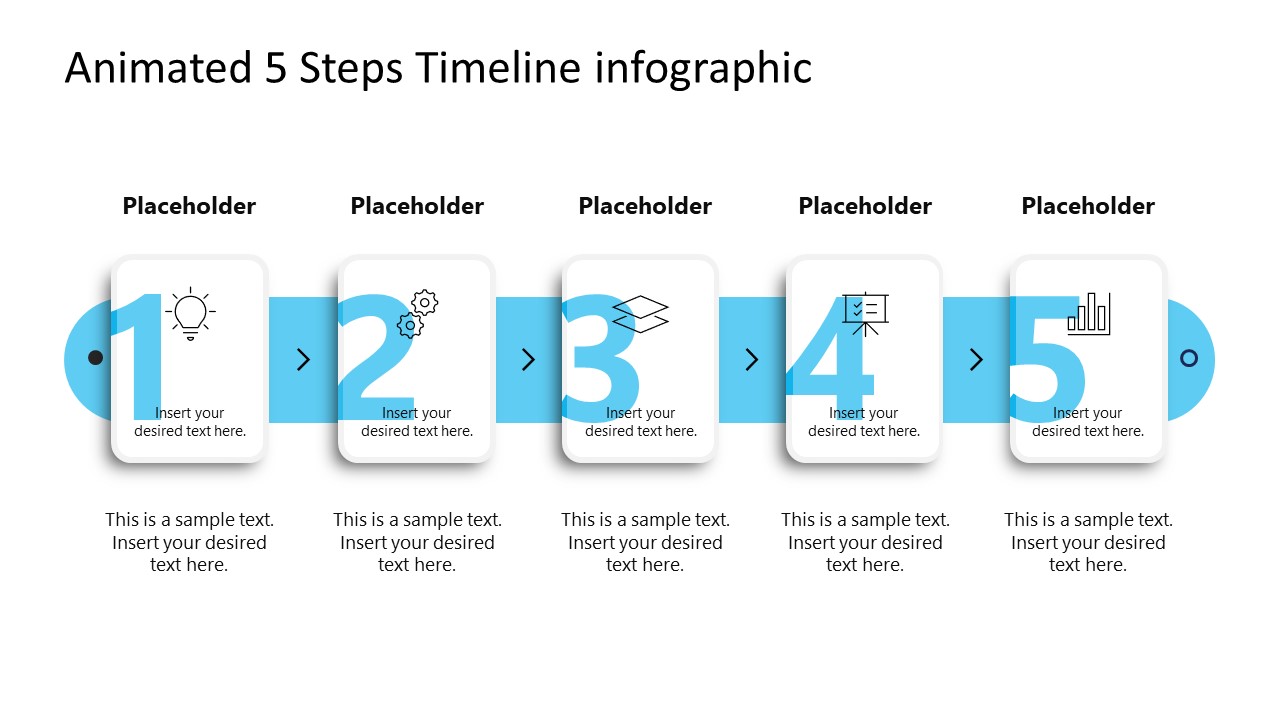
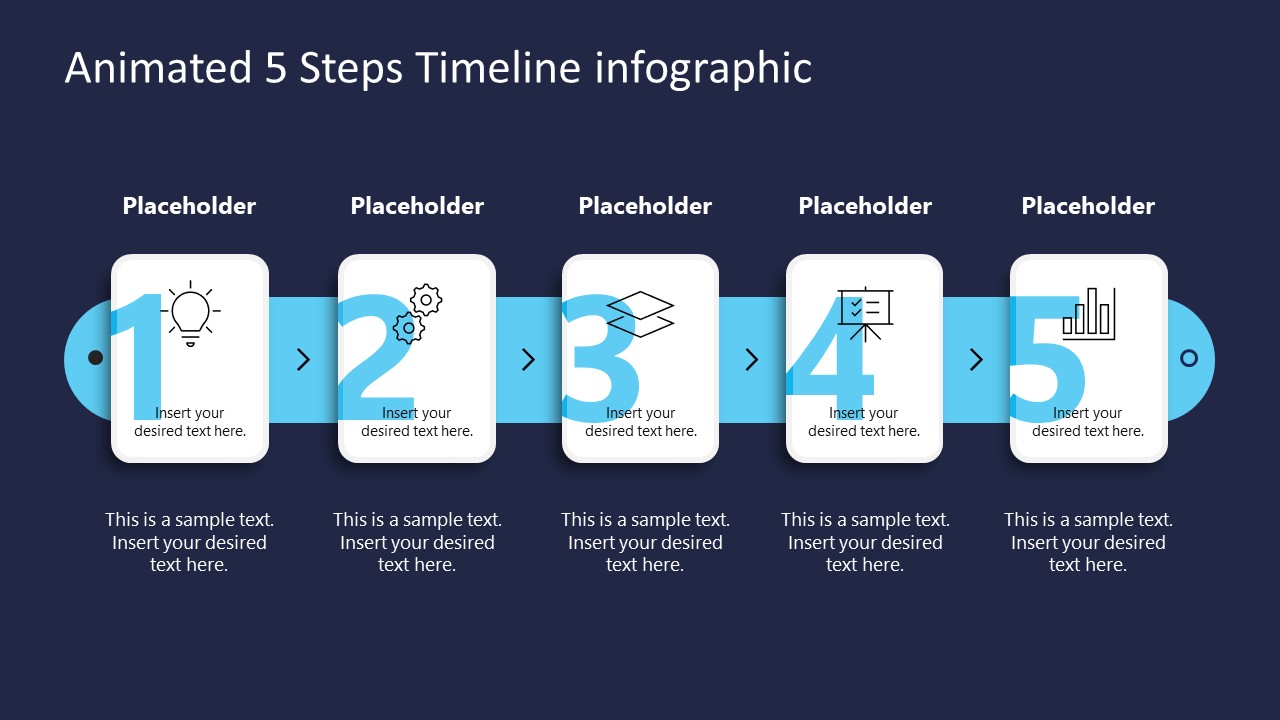
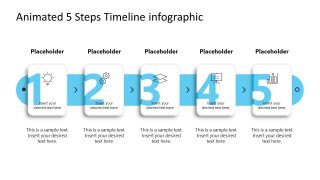
The Animated 5 Numbered Steps Process Infographic features a sleek, animated 5-step process diagram with 5 containers. The diagram shows five rectangular cards with rounded edges placed vertically over a blue line. The blue line in the background illustrates the connection between the steps. The arrows in the empty spaces help show the direction of the process. Users can also mark the start and end points of the business strategy using this layout. The animated PPT template enables presenters to showcase each stage progressively, communicating the information in a constant pattern. During the animation, the cards appear at once, then a blue line appears from left to right, with text and icons falling toward the center.
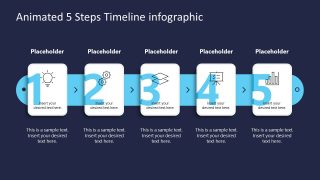
In process walk-throughs or project presentations, managers can highlight the key steps for effective project completion using this numbered PPT template. The first slide has a white background, while the second slide shows similar components and a numbered diagram on a dark background. Also, we have provided users with the option to modify the graphical layout, such as colors and shapes, to match their brand. Download the animated 5-step process infographic template to simplify complex ideas and engage your audience. Try our creative numbered diagram templates to clearly present a structured workflow in your business presentation.
What’s inside this template
Example presentation scenarios
- A project manager can use the five numbered cards to explain the sequence of work packages, milestones, or delivery phases during a stakeholder status meeting.
- A digital marketing manager can present a campaign process by replacing the placeholders with stages such as research, planning, creation, distribution, and performance review.
- A program coordinator can use the horizontal timeline and arrows to help cross-functional teams understand who enters the process at each step.
- A consultant can use the dark-background version in an executive briefing to summarize a recommended five-stage operating model or change process.
Features
- 100% editable presentation template
- Compatible with Microsoft PowerPoint
- 16:9 aspect ratio slides
- Scalable vector shapes, icons and illustrations
- Ready with Animations & Transitions in PowerPoint
- AI-Ready for Microsoft Copilot and Claude
- Instant access and download
Frequently asked questions
Q: How should a presenter explain the five steps without overloading the audience?
A: Treat each numbered card as one decision point or action stage. Use the top label for the step name, the icon for the main idea, and the short text below for the expected output. Keep each stage parallel in wording so the audience can follow the sequence across the timeline.
Q: Who is this template best suited for in a business presentation?
A: This template fits managers, coordinators, and consultants who need to explain a simple ordered process rather than detailed project data. It works well for campaign planning, onboarding flows, implementation phases, and operational routines where the main message is progression from step 1 to step 5.
Q: Why does the card-and-timeline design help communicate a process?
A: The design combines two clear metaphors: cards for individual tasks and a continuous line for movement through time or sequence. Large numerals set the reading order, arrows show direction, and repeated card shapes create visual consistency, helping the audience see the workflow as one connected path.
Animated 5 Numbered Steps Process Infographic
2-slide animated PowerPoint presentation template for five-step process timelines and numbered workflow cards
Animated 5 Numbered Steps Process Infographic is a 2-slide PowerPoint diagram template for presenting a five-step workflow. It includes a horizontal process timeline, numbered cards, icon placeholders, directional arrows, and light and dark background versions for project managers, coordinators, and marketing presenters.
- Category
- Diagrams
- Rating

 Loading...
- Aspect ratio
- 16:9
- Item ID
- 23624-02
- Colors
 Microsoft PowerPoint
  Microsoft Copilot
  Claude for PowerPoint
 Other formats supported
Subscribe today and get immediate
access to download our PowerPoint templates.