Present the checklist before the final project submission with our unique and modern 5-Step Numbered Infographic PowerPoint Template. The numbers template helps users clearly identify critical points. They can highlight the key stages in the business process or the number of deliverables to be made or submitted. We have created multiple numbered infographic designs, and this PPT layout is one of them. You can easily modify the shapes, icons, or PPT elements in the template to fit their needs perfectly. Moreover, project managers can discuss five key milestones in a structured order and visualize project-related ideas or thoughts using this template. This slide design allows professionals to highlight the strategic initiatives that help companies address challenges and generate additional revenue streams.
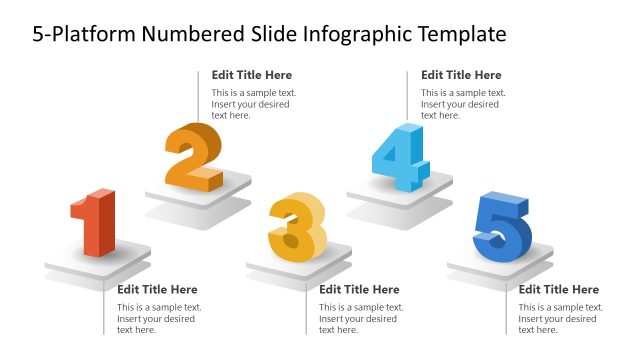
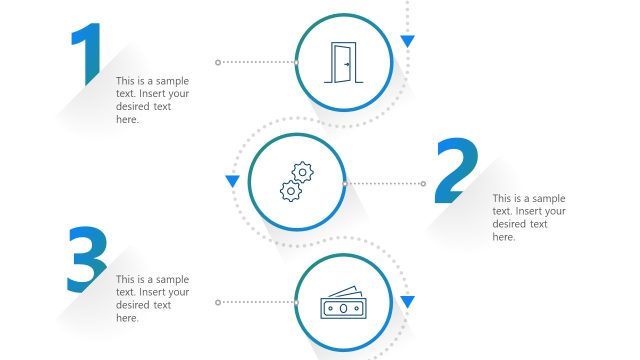
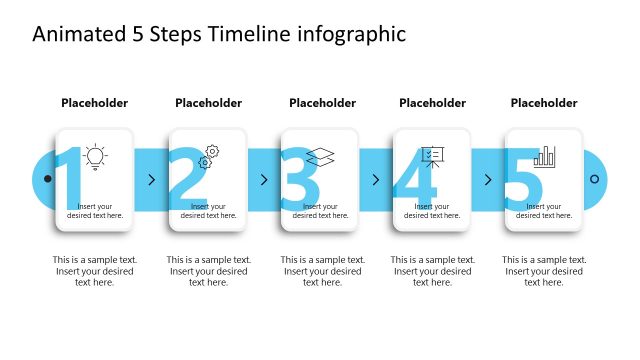
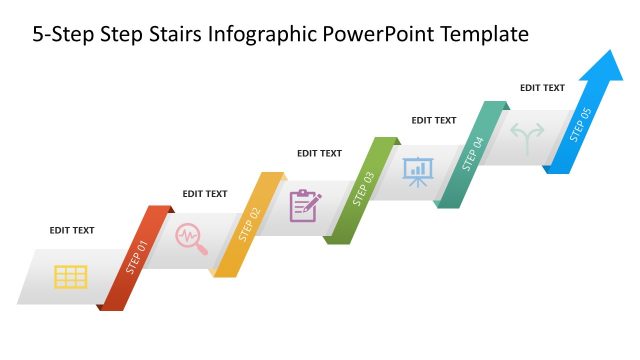
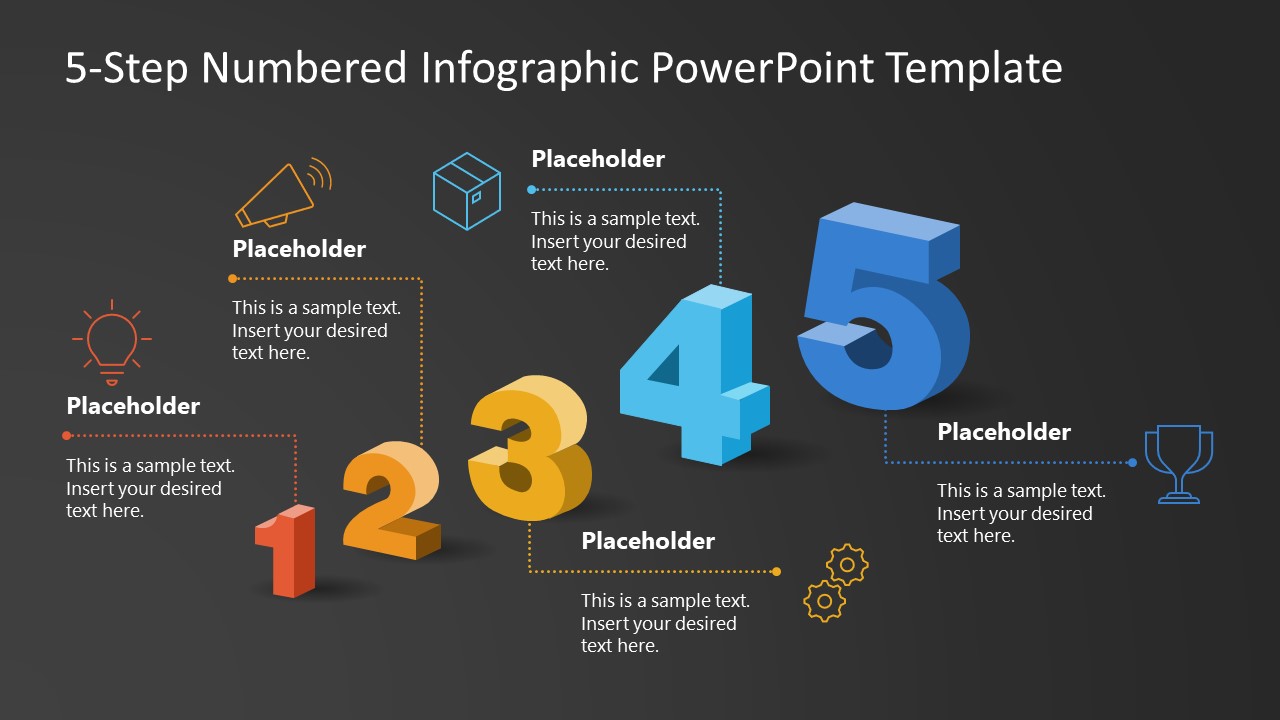
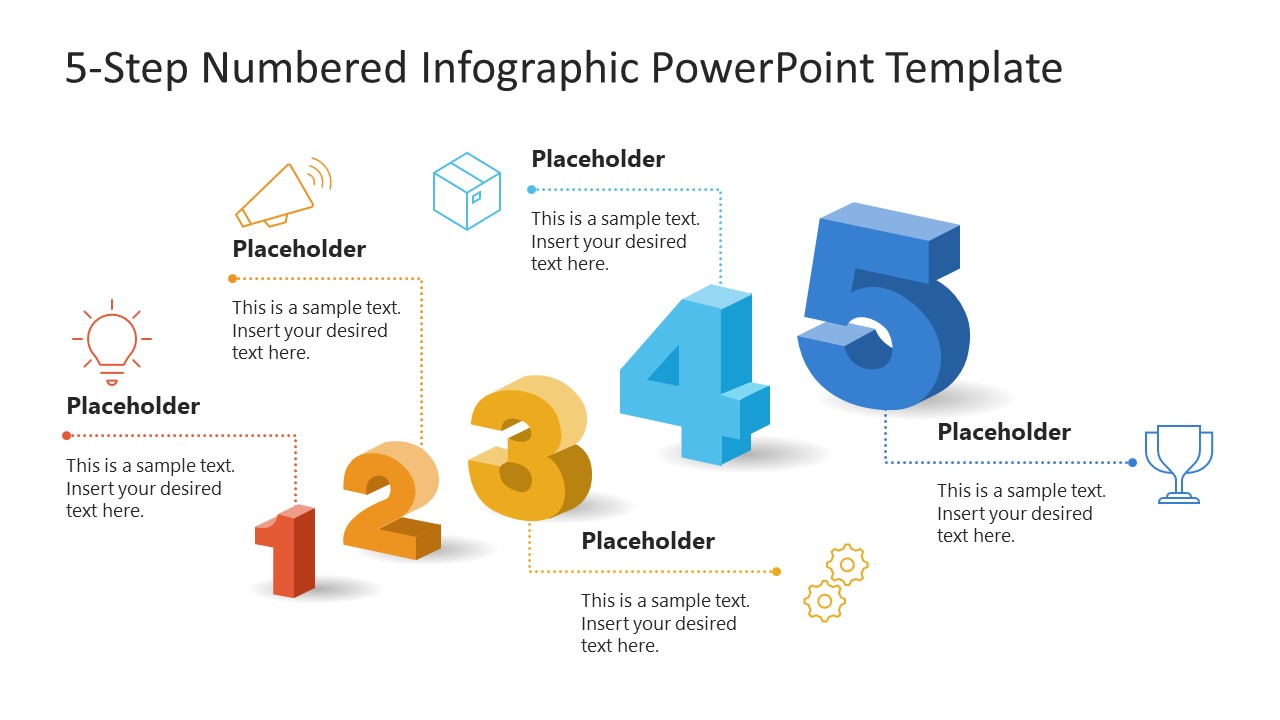
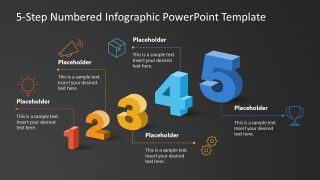
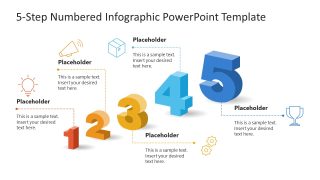
This customizable 5-Step Numbered Infographic PowerPoint Template includes two slides with a numbered diagram and is compatible with Google Slides and other versions of Microsoft PowerPoint. The layout shows a 3D isometric number from 1 to 5 arranged vertically along the diagonal axis of the slide. Number one is the smallest, and number five is the largest. Moreover, for each digit, we have provided a corresponding text segment and an infographic icon, linked by a dotted line, to give users the option to showcase the data effectively. You can also copy this slide into your pitch decks or project proposals to showcase the project’s stagewise execution plan.
Download the 5-step numbered template for a business presentation and customize it to showcase your product features at investor meetups. Try this template or check our other versions of numbered infographics templates!
What’s inside this template
Example presentation scenarios
- A project manager can use the diagonal 1-to-5 number sequence to walk stakeholders through five project milestones before a status review or final submission.
- A product manager can present five product features by replacing the sample headings and pairing each feature with the visible icon callout structure.
- A consultant can summarize five strategic initiatives for an executive audience, using the large numbered progression to make the recommendation order easy to follow.
- An operations lead can explain a five-step handoff process, using the dotted connector lines to link each step to a short action note.
Features
- 100% editable presentation template
- Compatible with Microsoft PowerPoint and Google Slides
- 16:9 aspect ratio slides
- Scalable vector shapes, icons and illustrations
- AI-Ready for Microsoft Copilot and Claude
- Instant access and download
Frequently asked questions
Q: How should a presenter structure the message around this five-step infographic?
A: Treat each number as one complete point: name the step in the heading, explain the action in one short sentence, and use the icon only as a quick visual cue. Move from 1 to 5 in order, because the diagonal growth of the numbers already signals progression and makes the audience expect a sequence.
Q: Who is this template best suited for in a business presentation?
A: It works best for project managers, consultants, product leads, and operations teams who need to summarize exactly five priorities, milestones, deliverables, or actions. The layout is strongest when the audience needs a quick overview before discussing details, not when every step requires a full analysis slide.
Q: Why use large isometric numbers instead of a standard bullet list?
A: The increasing number sizes create a visual metaphor for forward movement, making the five items feel like a staged path rather than unrelated bullets. The dotted callouts keep supporting text near each number, while the icons add recognition points that help the audience remember the sequence.
5-Step Numbered Infographic PowerPoint Template
2-slide presentation template for 5-step numbered infographics, process milestones, and icon callouts
This 2-slide 16:9 presentation template presents a five-step numbered infographic with large isometric numbers, dotted-line icon callouts, and short text blocks. It is designed for presenters explaining process stages, milestones, priorities, or deliverables in Microsoft PowerPoint and Google Slides, using editable theme-aware shapes and vector icons.
- Category
- Multi-purpose
- Rating

 Loading...
- Aspect ratio
- 16:9
- Item ID
- 23538-01
- Colors
 Microsoft PowerPoint
  Microsoft Copilot
  Claude for PowerPoint
 Other formats supported
Subscribe today and get immediate
access to download our PowerPoint templates.