Download our editable 5-Platform Numbered Slide Infographic PowerPoint Template to showcase the five steps of a business process in your project meetings. Modern diagrams and visual designs help presenters communicate their ideas or thoughts in business sessions. We have a collection of diagram templates to help professionals discuss key performance indicators, processes, or stages during executive meetups. For instance, analysts can mention the five pillars of a dataset that are perfect for analysis. Project managers can use our diagram template to visualize the KPIs that stakeholders can use to track the project’s success. The template layout also helps demonstrate the marketing channel attributes that can contribute to business growth and increased sales. Moreover, this design enables professionals to discuss five career or specialization options within a specific field.
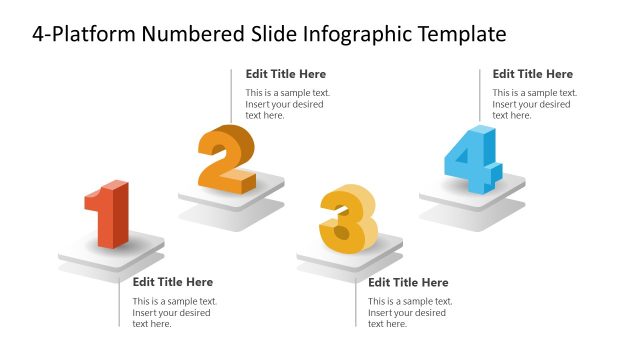
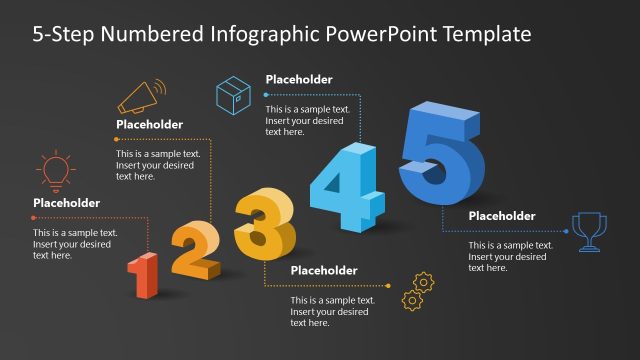
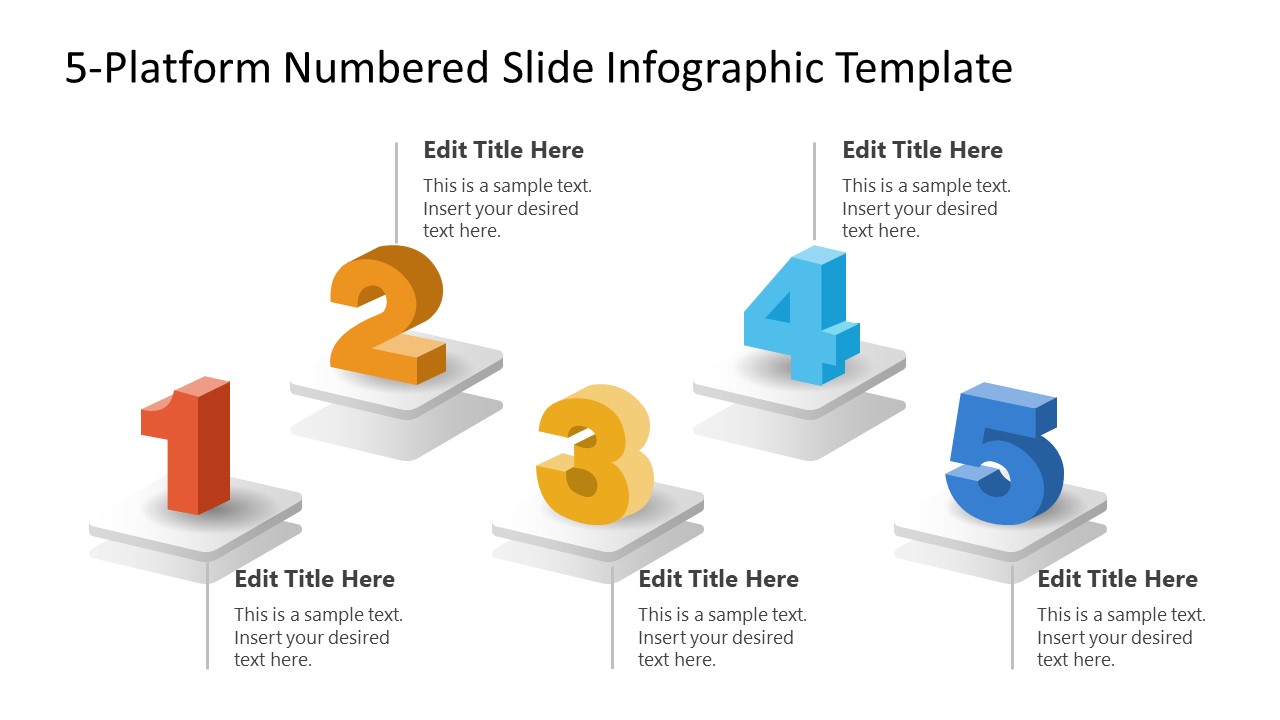
The 5-Platform Numbered Slide Infographic PowerPoint Template features a single slide with white platforms suspended in the air, each bearing a numerical digit. They are also creating shadows, giving a 3D scene appearance. With each number, we have provided placeholder text that users can customize to insert their relevant information. Our template is 100% editable, and users can customize it easily to fit their theme and preferences. You can also add infographics to make it more visually appealing. In addition, you can try our 4-Platform Numbered Slide Infographic PowerPoint Template to present four points instead of five. Users can easily change the colors and sizes of elements based on their needs. Download this modern 5-platform numbered slide infographic template layout and use it in your key business meetings or academic sessions. Grab it today and customize with Google Slides!
What’s inside this template
Example presentation scenarios
- A project manager can use the five numbered platforms to explain a project workflow, with each callout summarizing one phase and its expected output.
- A marketing presenter can map five campaign channels on the numbered platform infographic and use the text placeholders to explain the purpose of each channel.
- A business analyst can present five KPI categories to stakeholders, using the large numbers to keep the discussion organized and the callouts to define each metric group.
- An instructor can introduce five learning objectives at the start of a session, using the raised number platforms as a simple agenda structure.
Features
- 100% editable presentation template
- Compatible with Microsoft PowerPoint and Google Slides
- 16:9 aspect ratio slides
- Scalable vector shapes, icons and illustrations
- AI-Ready for Microsoft Copilot and Claude
- Instant access and download
Frequently asked questions
Q: How should a presenter structure the message on this five-platform infographic?
A: Treat each platform as one complete idea, not as a long paragraph. Start with a short action-oriented title for each number, then use the body text to explain the result, owner, or decision point. Present the numbers in order so the audience can follow the logic without reading every callout first.
Q: Who is this template best suited for?
A: This template fits presenters who need to summarize five related items on a single slide, such as project managers outlining phases, marketers describing channels, analysts grouping KPI areas, or educators introducing objectives. It works best when the five items are equal in importance or follow a simple numbered order.
Q: Why use raised number platforms instead of a plain numbered list?
A: The raised platforms give each item a clear visual anchor, which helps the audience separate one point from the next. The number shapes act like milestones, while the callouts keep explanation close to each object. This design is useful when a presenter wants structure and visual emphasis without building a full process diagram.
5-Platform Numbered Slide Infographic PowerPoint Template
1-slide presentation template for five numbered platforms, process steps, and concise text callouts
This is a 1-slide infographic template for presenting five ordered points on floating numbered platforms. The slide combines a title area, five 3D-style number markers, and five paired text callouts for explaining process steps, pillars, channels, or priorities in Microsoft PowerPoint and Google Slides.
- Category
- Diagrams
- Rating

 Loading...
- Aspect ratio
- 16:9
- Item ID
- 23586-02
- Colors
 Microsoft PowerPoint
  Microsoft Copilot
  Claude for PowerPoint
 Other formats supported
Subscribe today and get immediate
access to download our PowerPoint templates.