Slide 8 of 14 from Animated 3D Square Connected Block PowerPoint Templates
Animated 4 Blocks PowerPoint
3D Block Layout for Presentations
- Diagram
- Process Flow
- Process Slide
- 16:9
- 100% Editable
What’s on This Slide
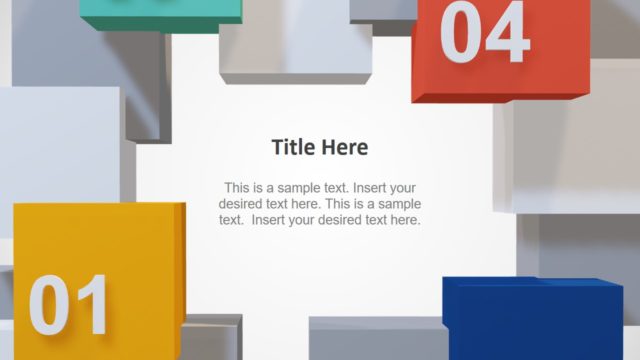
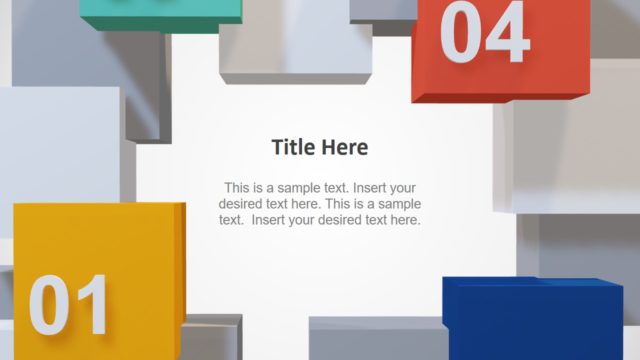
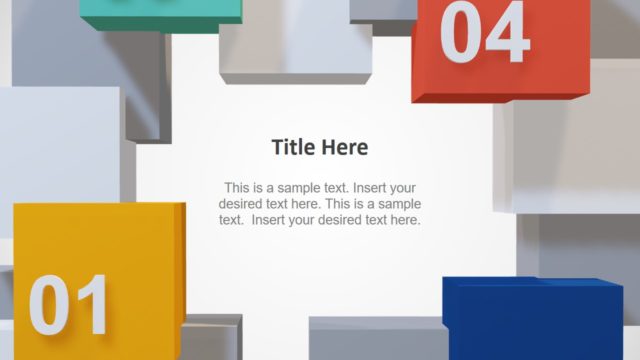
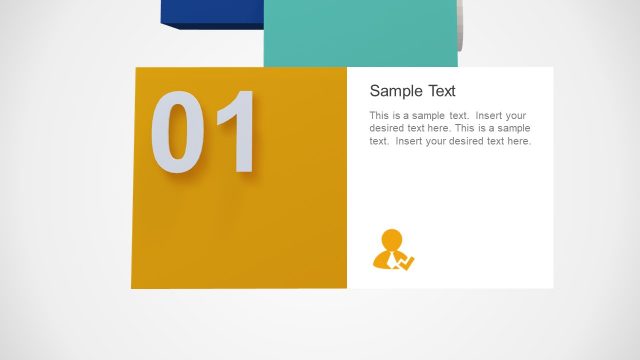
The layout features a central white space surrounded by colorful 3D blocks. The blocks are positioned at the top, bottom, left, and right edges, with the numbers 01, 02, 03, and 04 displayed prominently on them. The text placeholders are centered in the middle area, with a title placeholder above and body text below. The blocks vary in size, with the top block being larger than the side blocks. The overall composition is balanced, with a clear visual hierarchy emphasizing the title and body text.
How to Use It
This layout serves as a visual representation of a process or steps, ideal for presenting sequential information. It can be effectively used in business presentations to outline project phases, product features, or strategic initiatives. Positioned after an introductory slide, it can guide the audience through key points or milestones. This format is suitable for engaging audiences in discussions about progress or objectives, making it a versatile choice for various presentation contexts.
Text Placeholders & Capacity
Keep your copy within these limits so it fits without resizing. Body slots can accommodate roughly 25-30 words each.
| Placeholder | Count | Max characters (approx.) |
|---|---|---|
| Slide title | 1 | 25 |
| Body paragraph | 2 | 150 |
| Item heading | 4 | 2 |
Slide Keywords
Download unlimited PowerPoint templates, charts and graphics for your presentations with our annual plan.
DOWNLOADReturn to Animated 3D Square Connected Block PowerPoint Templates.