Slide 5 of 14 from Animated 3D Square Connected Block PowerPoint Templates
Animated 3D Squares PowerPoint
3D Block Diagram Slide for Presentations
- Diagram
- Process Flow
- Process Slide
- 16:9
- 100% Editable
What’s on This Slide
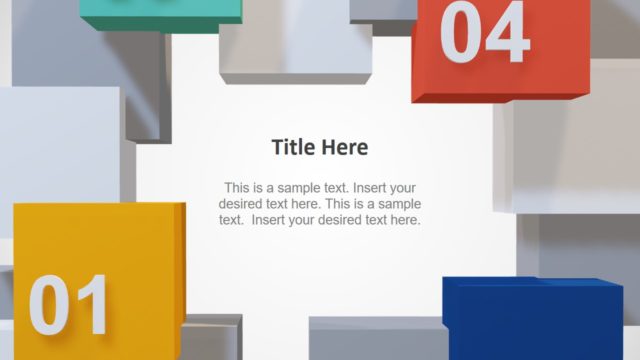
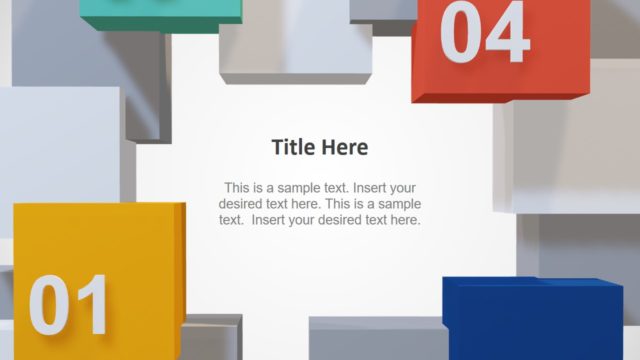
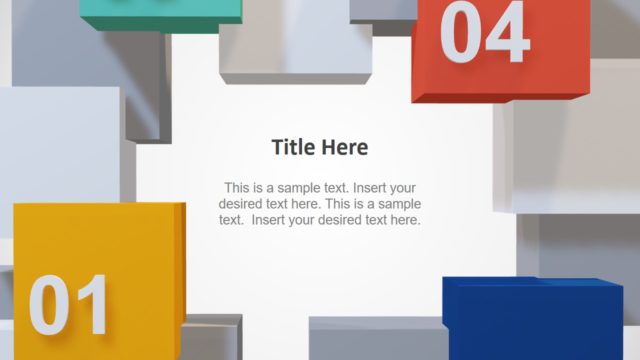
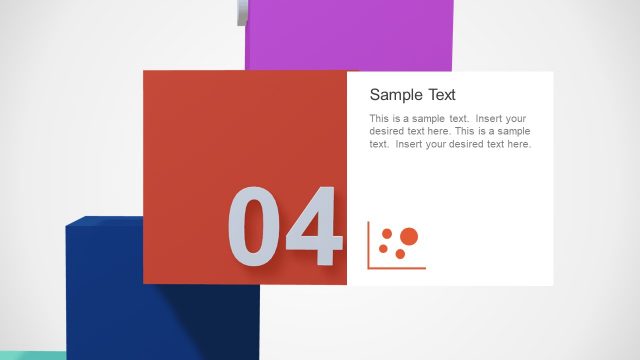
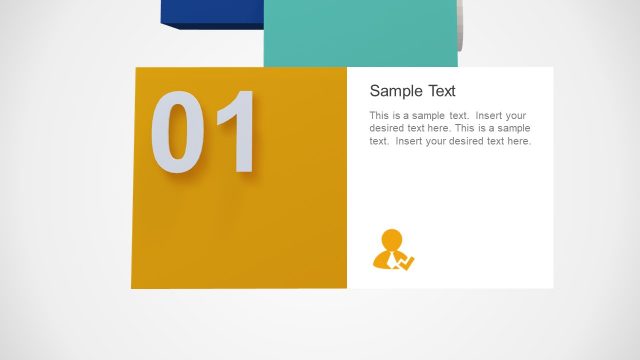
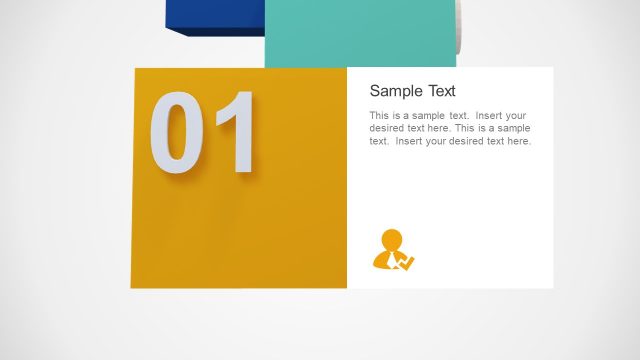
The layout features a central white area with a title placeholder at the top center and a body text placeholder below it. Surrounding this area are colorful 3D blocks positioned at the corners and sides, displaying numbers 01, 02, 03, and 04. The blocks are arranged in a way that creates depth, with some blocks appearing to overlap others. The color palette includes blue, orange, green, and red, contributing to a vibrant visual hierarchy. The overall composition emphasizes the central text area while showcasing the numbered blocks as key elements.
How to Use It
This layout serves as a visual representation of a process or sequence, ideal for presenting steps or phases in a project. It fits well after an introductory slide and can be used to outline key points or stages in a presentation. This structure is suitable for business scenarios such as project updates, training sessions, or strategic planning discussions, where clear numbering aids in audience understanding and engagement.
Text Placeholders & Capacity
Keep your copy within these limits so it fits without resizing. Body slots can accommodate roughly 30-40 words each.
| Placeholder | Count | Max characters (approx.) |
|---|---|---|
| Slide title | 1 | 30 |
| Body paragraph | 1 | 200 |
| Item heading | 4 | 2 |
Slide Keywords
Download unlimited PowerPoint templates, charts and graphics for your presentations with our annual plan.
DOWNLOADReturn to Animated 3D Square Connected Block PowerPoint Templates.