Slide 1 of 14 from Animated 3D Square Connected Block PowerPoint Templates
3D Blocks Diagram PowerPoint
3D Business Blocks Animated PowerPoint Template
- Diagram
- Circular Cycle
- Process Slide
- 16:9
- 100% Editable
What’s on This Slide
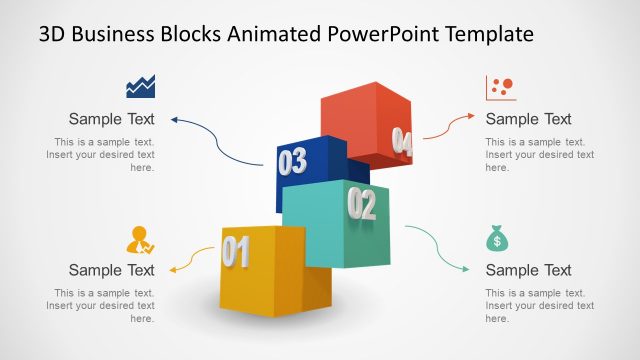
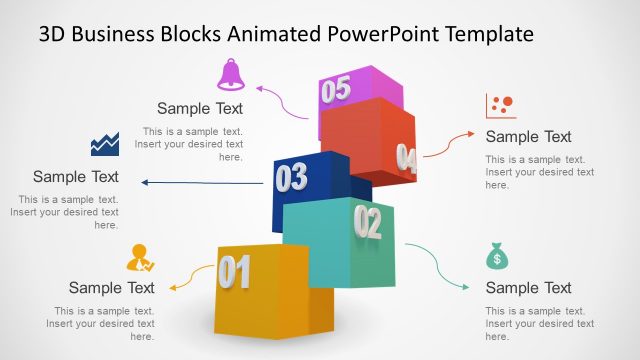
The layout features a central arrangement of 3D blocks in various colors, including blue, red, green, and yellow. Each block is numbered from 01 to 04, with two blocks positioned at the bottom and two at the top, creating a circular formation. Arrows connect the blocks to text placeholders, which are aligned to the left and right of the blocks. The text placeholders are labeled 'Sample Text' and are positioned below the arrows. The background is light and neutral, enhancing the visibility of the colorful blocks and text.
How to Use It
This layout serves as a process flow diagram, ideal for illustrating sequential steps or stages in a business context. It fits well at the beginning of a presentation to introduce key concepts or phases. The structure is useful for scenarios such as project overviews, strategic planning, or product development discussions. It can also be employed to highlight collaborative efforts or partnerships within a team or organization.
Text Placeholders & Capacity
Keep your copy within these limits so it fits without resizing. Node labels can hold about 20 characters each, while callouts can accommodate around 50 characters.
| Placeholder | Count | Max characters (approx.) |
|---|---|---|
| Item heading | 4 | 20 |
| Callout | 4 | 50 |
Slide Keywords
Download unlimited PowerPoint templates, charts and graphics for your presentations with our annual plan.
DOWNLOADReturn to Animated 3D Square Connected Block PowerPoint Templates.