Slide 3 of 6 from Animated 3D Pillars Diagram for PowerPoint
3D Template of Animated Pillar
3D Pillars Diagram for Presentations
- Diagram
- Other
- Concept Explanation Slide
- 16:9
- 100% Editable
What’s on This Slide
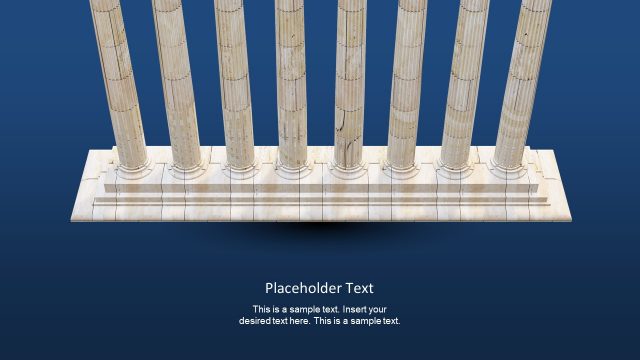
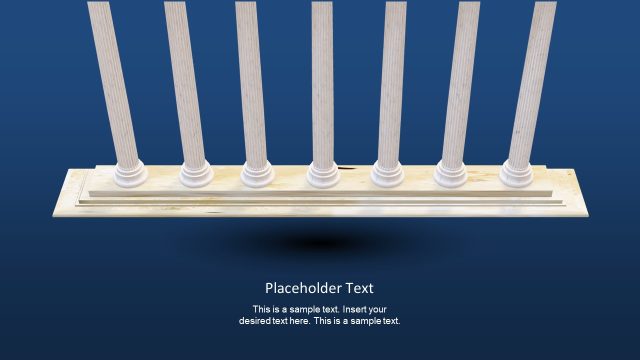
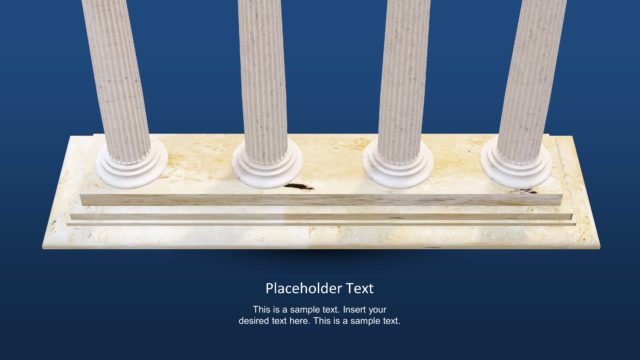
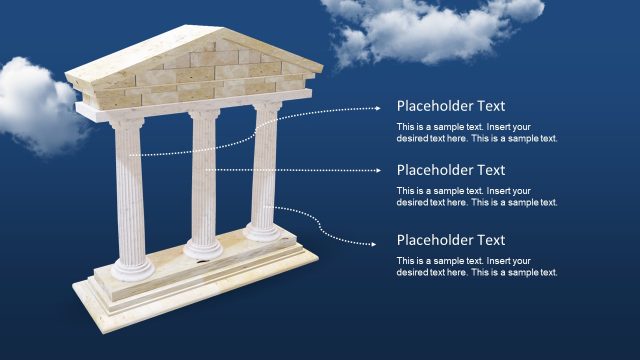
The slide features three vertical 3D pillars arranged in a row, positioned centrally on a textured base. The pillars are white with fluted designs, set against a dark blue background. Below the pillars, there is a rectangular base with a light-colored surface. Text placeholders are located at the bottom center, with the title placeholder above the body text area. The overall composition emphasizes the pillars, creating a strong visual hierarchy. The background is a solid dark blue, enhancing the 3D effect of the pillars.
How to Use It
This layout serves as a visual representation of foundational concepts or key points in a presentation. It is suitable for illustrating three main ideas or steps in a process. This slide fits well in a sequence after introducing a problem or concept, providing a clear transition to solutions or strategies. It can be used in business contexts such as project proposals, strategic planning, or educational materials to emphasize core principles or frameworks.
Text Placeholders & Capacity
Keep your copy within these limits so it fits without resizing. Body slots can accommodate roughly 25-30 words each.
| Placeholder | Count | Max characters (approx.) |
|---|---|---|
| Slide title | 1 | 30 |
| Body paragraph | 1 | 150 |
Slide Keywords
Download unlimited PowerPoint templates, charts and graphics for your presentations with our annual plan.
DOWNLOADReturn to Animated 3D Pillars Diagram for PowerPoint.