Slide 5 of 6 from Animated 3D Pillars Diagram for PowerPoint
Greek Architecture Diagram Design
3D Pillars Diagram for PowerPoint
- Diagram
- Other
- Concept Explanation Slide
- 16:9
- 100% Editable
What’s on This Slide
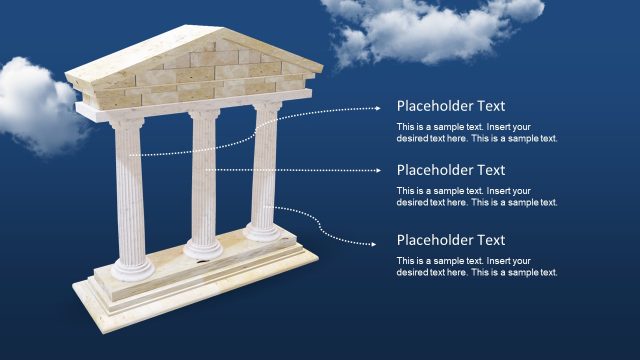
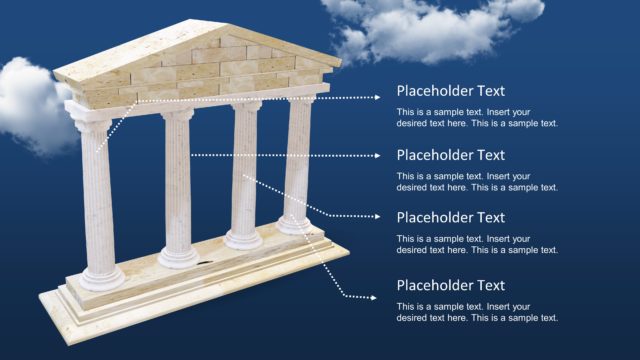
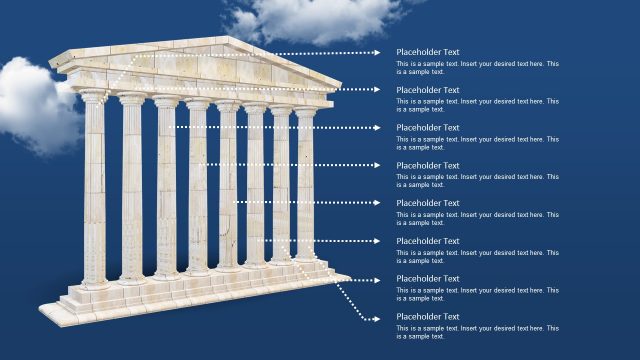
The slide features a 3D representation of a structure resembling ancient pillars. The background is a gradient blue with clouds. At the top, there is a triangular roof shape made of stone, with a central placeholder text box aligned horizontally. Below, two vertical pillars are positioned symmetrically, each with a placeholder text area on the sides. The visual hierarchy emphasizes the roof and pillars, creating a foundation-like appearance. The overall composition is balanced, with elements centered and clearly defined against the background.
How to Use It
This layout serves as a visual representation of foundational concepts or key points in a presentation. It is suitable for discussions on strategic initiatives, project frameworks, or business models. Positioned after introductory slides, it can effectively summarize essential elements or support a narrative on stability and support. This structure is useful in business contexts where illustrating core values or principles is necessary, especially in strategic planning or presentations focused on growth.
Text Placeholders & Capacity
Keep your copy within these limits so it fits without resizing. Body slots can hold about 25-30 words each.
| Placeholder | Count | Max characters (approx.) |
|---|---|---|
| Item heading | 2 | 40 |
| Item body | 1 | 150 |
| Slide title | 1 | 50 |
Slide Keywords
Download unlimited PowerPoint templates, charts and graphics for your presentations with our annual plan.
DOWNLOADReturn to Animated 3D Pillars Diagram for PowerPoint.