Slide 2 of 4 from Animated 3D Hourglass PowerPoint Template
Flat Shapes on 3D Hourglass PPT
3D Hourglass PowerPoint Slide Design
- Text Layout
- Single Statement
- Context Slide
- 16:9
- 100% Editable
What’s on This Slide
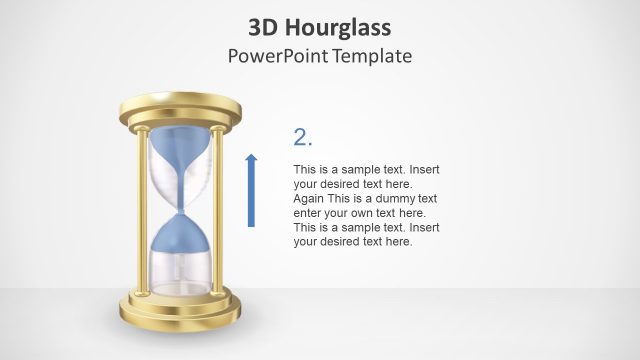
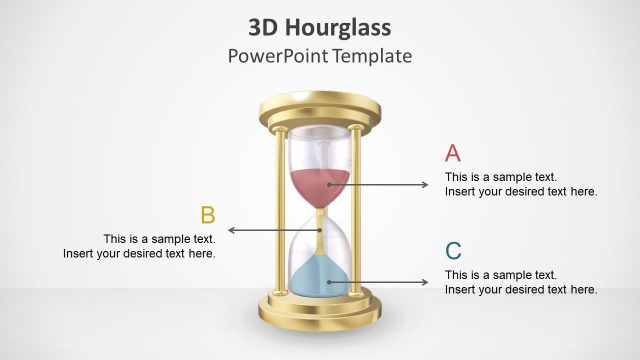
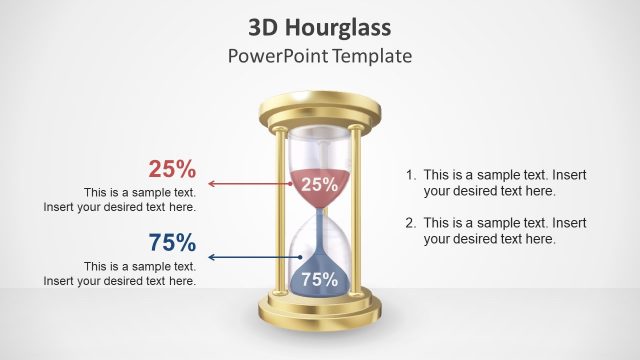
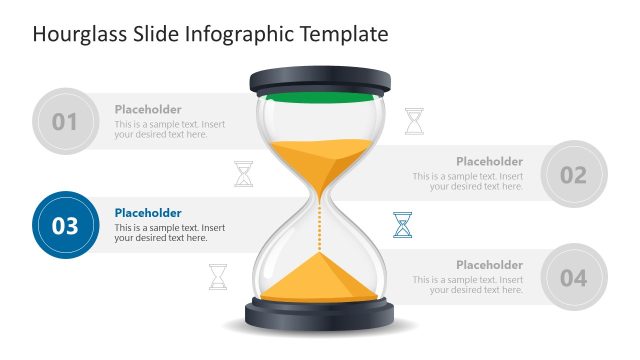
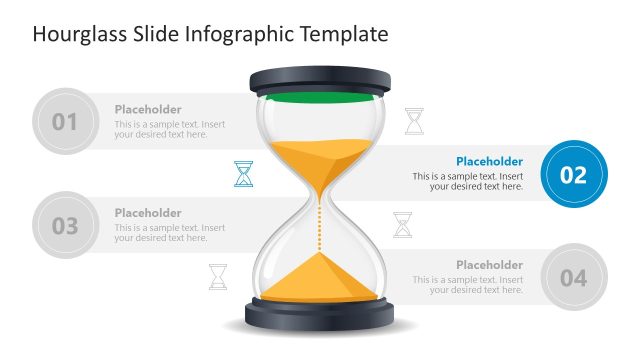
The layout features a 3D hourglass graphic centered on the slide. The hourglass has a gold frame with pink sand visible inside. To the right, there is a numbered placeholder labeled '1.' Below this, there are three text placeholders arranged vertically, aligned to the left. The first placeholder is for a title, while the subsequent two are for body text. The background is light and minimal, allowing the hourglass to stand out. The overall composition emphasizes the hourglass as the focal point.
How to Use It
This layout serves as an introductory slide for a presentation, suitable for outlining key points or steps. It fits well after a title slide and can be used to introduce a topic or framework. In business contexts, it is effective for project planning or time management discussions. The numbered format helps in sequentially presenting information, making it ideal for structured presentations.
Text Placeholders & Capacity
Keep your copy within these limits so it fits without resizing. Body slots can hold about 15-20 words each.
| Placeholder | Count | Max characters (approx.) |
|---|---|---|
| Slide title | 1 | 30 |
| Item body | 3 | 100 |
Slide Keywords
Download unlimited PowerPoint templates, charts and graphics for your presentations with our annual plan.
DOWNLOADReturn to Animated 3D Hourglass PowerPoint Template.