Slide 1 of 4 from Animated 3D Business Blocks with 2 Steps
3D Business PowerPoint Blocks
3D Business Blocks Animated PowerPoint Template
- Diagram
- Process Flow
- Process Slide
- 16:9
- 100% Editable
What’s on This Slide
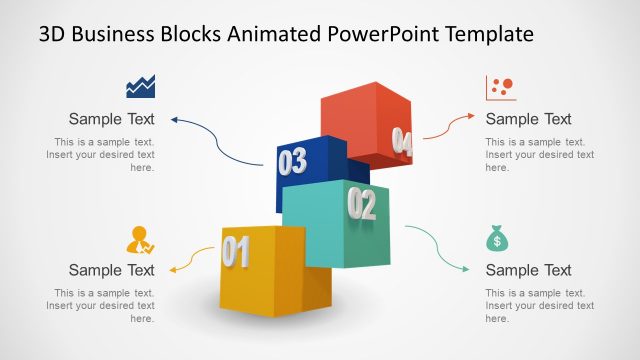
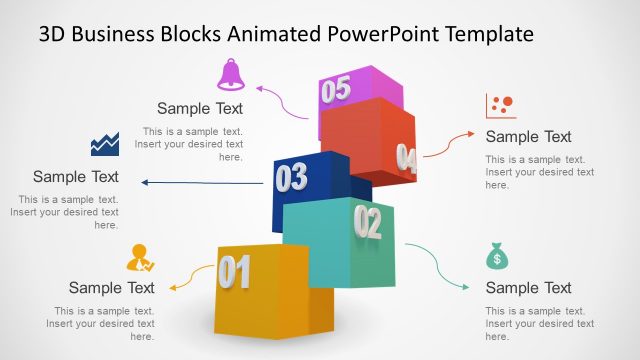
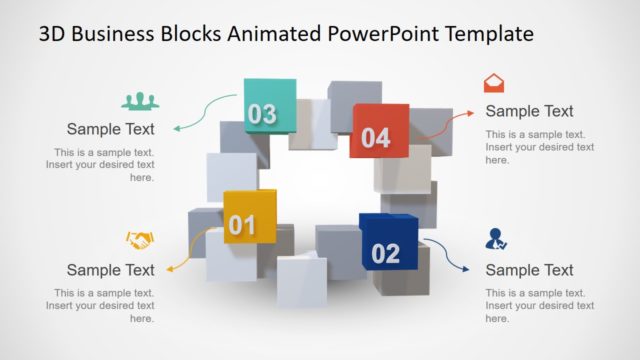
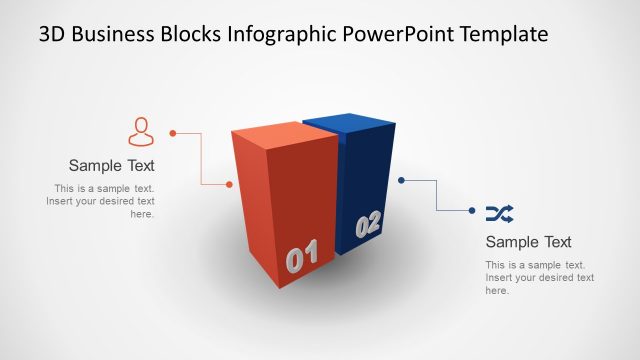
The layout features two 3D blocks positioned in the center, with one block in yellow labeled '01' and the other in blue labeled '02'. An icon of a person is placed above the yellow block, while a dollar sign icon is positioned to the right of the blue block. Curved arrows connect the icons to the respective blocks. Text placeholders are located below each icon and to the right of the blocks, allowing for additional information. The background is light and minimal, emphasizing the blocks and icons.
How to Use It
This layout serves as a two-step process diagram, ideal for illustrating sequential actions or phases in a business context. It fits well at the beginning of a presentation to outline key steps or concepts. Suitable scenarios include project planning, product launches, or process explanations where clarity in sequential steps is essential. This layout can effectively communicate the progression from one stage to another.
Text Placeholders & Capacity
Keep your copy within these limits so it fits without resizing. Callout slots can hold roughly 8-10 words each.
| Placeholder | Count | Max characters (approx.) |
|---|---|---|
| Item heading | 2 | 10 |
| Callout | 3 | 50 |
Slide Keywords
Download unlimited PowerPoint templates, charts and graphics for your presentations with our annual plan.
DOWNLOADReturn to Animated 3D Business Blocks with 2 Steps.