Slide 1 of 3 from Animated 3D Business 2 Blocks Diagram for PowerPoint
3D Business Diagram of Blocks
3D Business Blocks Infographic Template
- Diagram
- Comparison Split
- Comparison Slide
- 16:9
- 100% Editable
What’s on This Slide
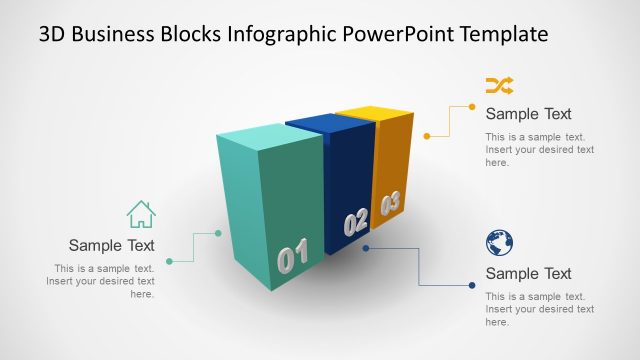
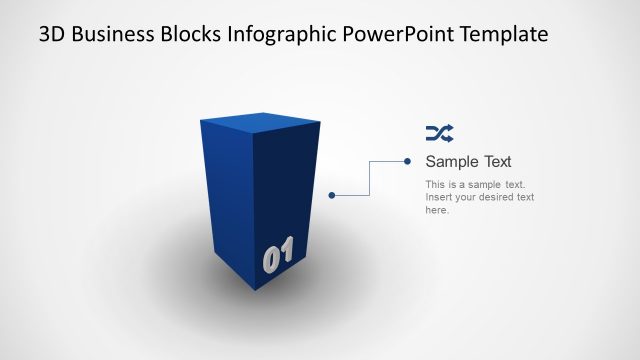
The slide features two 3D blocks positioned at the center, one in red and the other in blue. The red block is labeled '01' and the blue block is labeled '02'. Each block has a corresponding text placeholder positioned to the left and right, respectively. These placeholders are aligned with the blocks and contain sample text indicating where to insert desired text. The background is light, enhancing the visibility of the blocks. The overall layout is symmetrical, creating a balanced visual structure.
How to Use It
This layout serves as a comparative diagram, effectively presenting two distinct concepts or categories side by side. It is suitable for business presentations where comparisons or contrasts are necessary, such as product features, project phases, or strategic options. This slide fits well in a sequence that introduces key concepts or decisions, providing a clear visual distinction between two elements. It can be utilized in various business contexts, including marketing strategies or performance evaluations.
Text Placeholders & Capacity
Keep your copy within these limits so it fits without resizing. Node body slots can hold about 10 words each.
| Placeholder | Count | Max characters (approx.) |
|---|---|---|
| Item heading | 2 | 2 |
| Item body | 2 | 50 |
Slide Keywords
Download unlimited PowerPoint templates, charts and graphics for your presentations with our annual plan.
DOWNLOADReturn to Animated 3D Business 2 Blocks Diagram for PowerPoint.