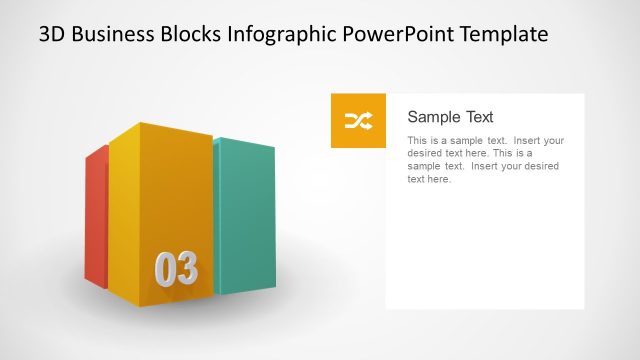
Slide 1 of 2 from Animated 3D Business 1 Block Diagram for PowerPoint
3D Business PowerPoint Block
3D Business Block Diagram for Presentations
- Diagram
- Other
- Context Slide
- 16:9
- 100% Editable
What’s on This Slide
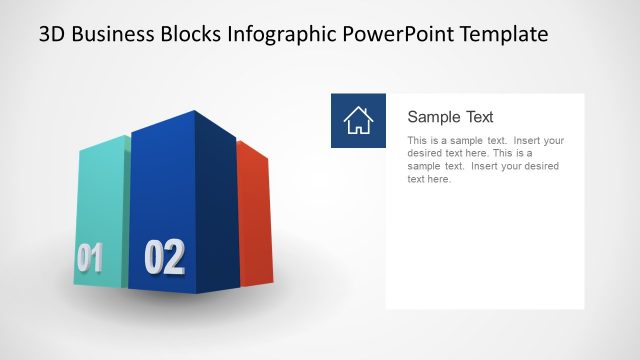
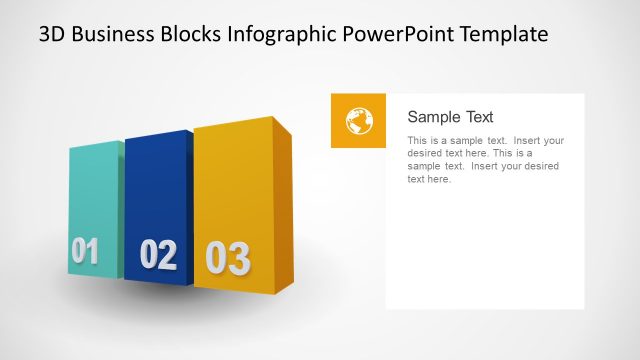
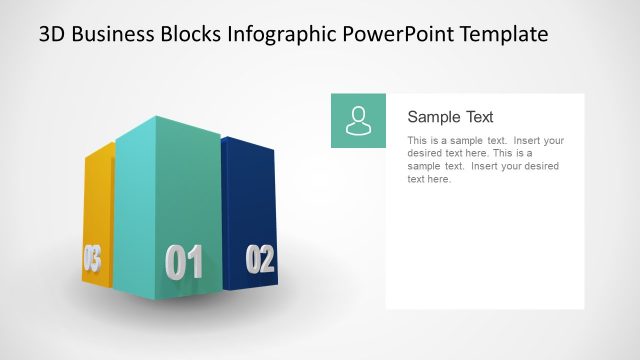
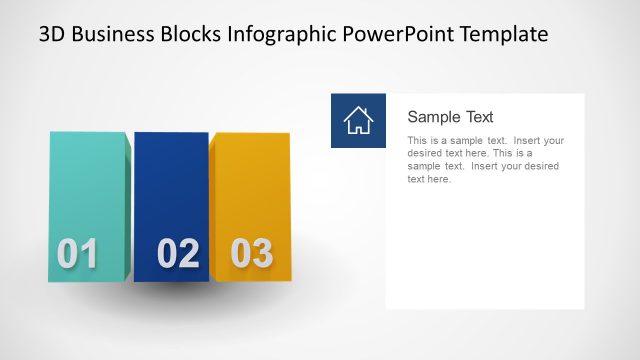
The slide features a prominent 3D blue block positioned slightly to the left of center. The block has a flat top and a number '01' displayed in white on its front face. To the right, there is a text area connected by a line, containing a placeholder for a title labeled 'Sample Text' and a body text placeholder below it. The background is a light gradient, enhancing the visibility of the block. The overall layout emphasizes the block as the focal point, with the text area supporting it.
How to Use It
This layout serves as an introductory slide, ideal for presenting key concepts or topics in a business context. It fits well at the beginning of a presentation to outline the first point or section. Use it to highlight important information or to introduce a new idea. This structure is effective for business meetings, project kick-offs, or educational settings where a clear visual hierarchy is needed to guide the audience's focus.
Text Placeholders & Capacity
Keep your copy within these limits so it fits without resizing. Text slots are limited, with tight space for titles and body text.
| Placeholder | Count | Max characters (approx.) |
|---|---|---|
| Slide title | 1 | 30 |
| Item heading | 1 | 2 |
| Item body | 1 | 50 |
Slide Keywords
Download unlimited PowerPoint templates, charts and graphics for your presentations with our annual plan.
DOWNLOADReturn to Animated 3D Business 1 Block Diagram for PowerPoint.