Slide 3 of 5 from Animated 3D Business 4 Blocks Diagram for PowerPoint
Presentation 3D Business Blocks 4 Steps
3D Business Blocks Infographic Template
- Diagram
- Other
- Process Slide
- 16:9
- 100% Editable
What’s on This Slide
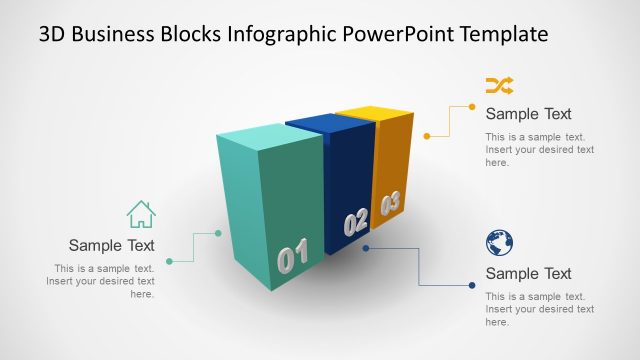
The layout features three 3D blocks positioned in a staggered arrangement on the left side. The blocks are colored teal, blue, and red, with the numbers 01 and 02 displayed prominently on the front faces. To the right, there is a rectangular text box containing a sample title and body text placeholder, aligned to the top and bottom respectively. The background is a light gradient, enhancing the 3D effect. The overall composition emphasizes the blocks while providing space for textual information.
How to Use It
This layout serves as a visual representation of a multi-step process or concept, ideal for presentations that require the breakdown of information into distinct parts. It fits well after an introductory slide, providing clarity on key points. This structure is suitable for business scenarios such as project phases, product features, or strategic initiatives, where visual emphasis on steps is necessary.
Text Placeholders & Capacity
Keep your copy within these limits so it fits without resizing. Text slots can accommodate short phrases and brief descriptions.
| Placeholder | Count | Max characters (approx.) |
|---|---|---|
| Slide title | 1 | 30 |
| Item heading | 2 | 2 |
| Item body | 1 | 150 |
Slide Keywords
Download unlimited PowerPoint templates, charts and graphics for your presentations with our annual plan.
DOWNLOADReturn to Animated 3D Business 4 Blocks Diagram for PowerPoint.