Slide 3 of 3 from Animated 3D Business 2 Blocks Diagram for PowerPoint
Infographic 3D Blocks PowerPoint
3D Business Blocks Infographic PowerPoint Slide
- Diagram
- Comparison Split
- Comparison Slide
- 16:9
- 100% Editable
What’s on This Slide
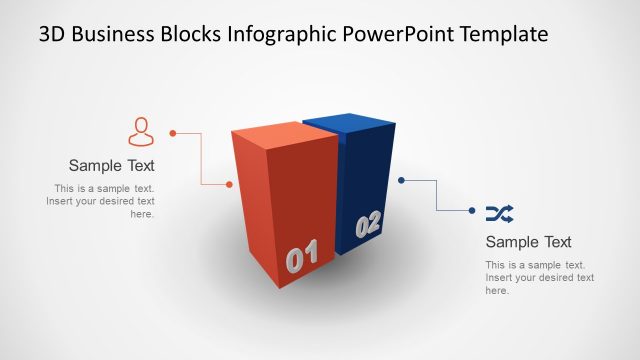
The layout features two 3D blocks positioned on the left side, colored red and blue, with the numbers 01 and 02 displayed prominently. To the right, there is a rectangular text placeholder aligned vertically, containing sample text with a title and body paragraph. The blocks are slightly angled to create depth, while the background is a light gradient, enhancing visibility. The overall composition is balanced, with the blocks serving as focal points and the text placeholder providing space for additional information. The visual hierarchy emphasizes the blocks over the text.
How to Use It
This layout serves as a comparison or highlight of two key concepts or elements in a presentation. It fits well in a sequence following an introduction or problem statement, leading into detailed explanations. Business scenarios such as product features, project phases, or strategic options can effectively utilize this structure. It allows for clear differentiation between two items while providing space for descriptive text, making it suitable for both informative and persuasive contexts.
Text Placeholders & Capacity
Keep your copy within these limits so it fits without resizing. Body slots can hold roughly 30-40 words each.
| Placeholder | Count | Max characters (approx.) |
|---|---|---|
| Slide title | 1 | 30 |
| Body paragraph | 1 | 200 |
| Item heading | 2 | 2 |
Slide Keywords
Download unlimited PowerPoint templates, charts and graphics for your presentations with our annual plan.
DOWNLOADReturn to Animated 3D Business 2 Blocks Diagram for PowerPoint.