Slide 7 of 7 from Action Evaluation Matrix PowerPoint Templates
Action Evaluation Matric 4 D’s PowerPoint
4D's Matrix for Action Evaluation
- Diagram
- Matrix Quadrant
- Strategic Analysis Slide
- 16:9
- 100% Editable
What’s on This Slide
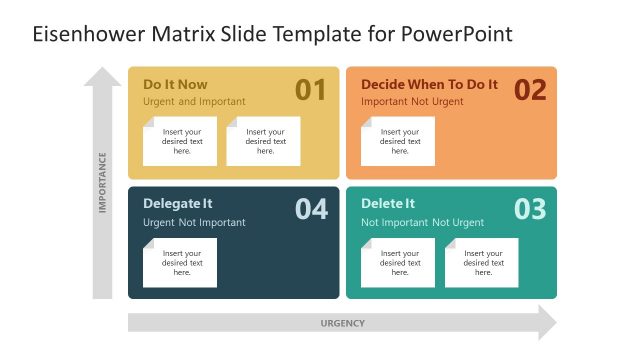
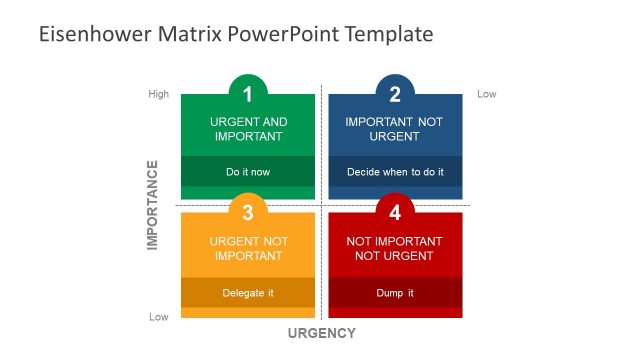
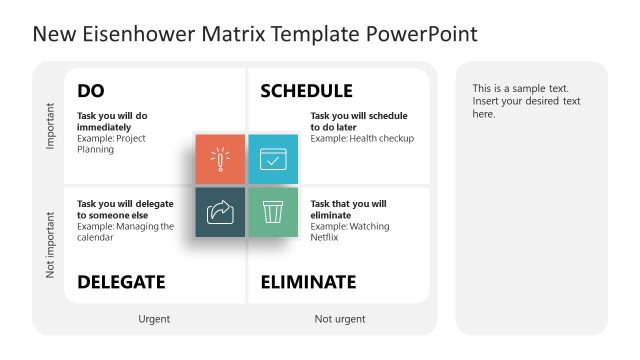
The layout features a 2x2 matrix divided into four quadrants. The top two quadrants are labeled 'Urgent' and 'Non-urgent,' while the left side is marked 'Important' and 'Non-important.' Each quadrant contains a colored box with a title and sample text placeholders. The 'DO' and 'DELEGATE' boxes are blue and purple, respectively, while 'DELAY' is red and 'DROP' is dark blue. The text placeholders are centered within their respective boxes. The overall design uses a clean, structured format with a clear visual hierarchy.
How to Use It
This layout serves as a decision-making matrix, categorizing tasks based on urgency and importance. It fits within a presentation that discusses prioritization strategies or time management techniques. This structure is useful in business scenarios for evaluating tasks, project management, or team assignments. It helps teams visualize which actions to prioritize and which to delegate or postpone, making it a practical tool for effective decision-making.
Text Placeholders & Capacity
Keep your copy within these limits so it fits without resizing. Node body slots can hold about 20-25 words each.
| Placeholder | Count | Max characters (approx.) |
|---|---|---|
| Slide title | 1 | 20 |
| Item heading | 4 | 10 |
| Item body | 4 | 120 |
Slide Keywords
Download unlimited PowerPoint templates, charts and graphics for your presentations with our annual plan.
DOWNLOAD