Slide 7 of 15 from A3 Thinking PowerPoint Template
Problem Statement Slide for A3 Thinking Presentation Template
Problem Statement Slide for Presentations
- Text Layout
- Other
- Problem Framing Slide
- 16:9
- 100% Editable
The Problem Statement Slide from the A3 Thinking PowerPoint Template is designed for clear problem identification within business presentations. This slide layout supports strategic planning and project proposals by organizing key issues with editable shapes and text placeholders. Its balanced design and use of vector icons help enhance communication in corporate presentations and pitch deck templates, making it a practical choice for professional slide decks.
What’s on This Slide
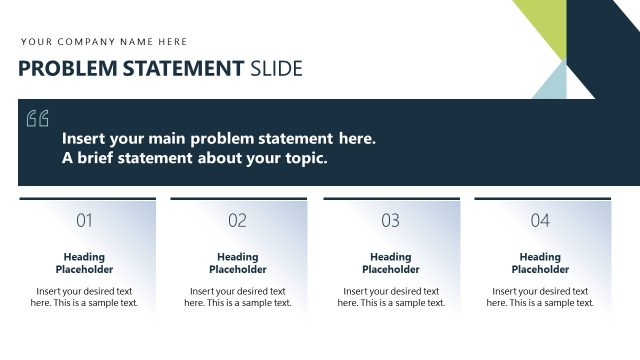
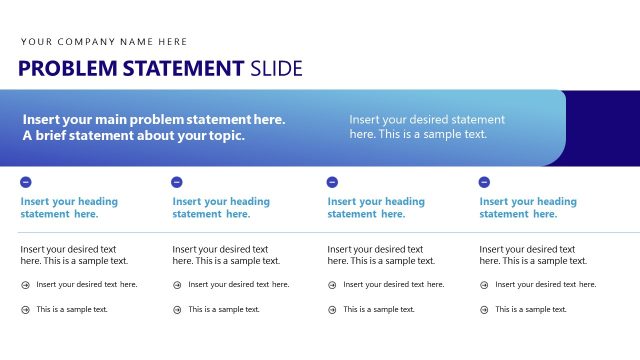
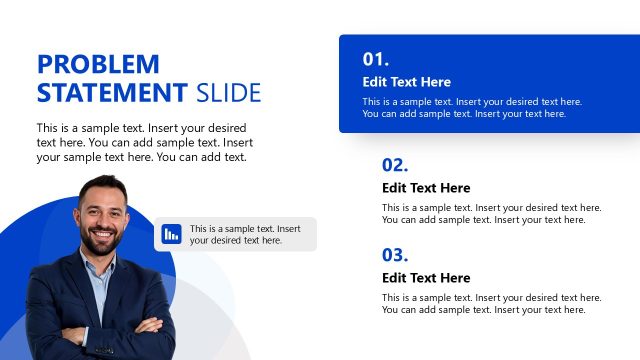
The slide features a blue background on the left, with a large title at the top reading 'Problem Statement Slide.' Below the title, there is a prominent text placeholder for a heading statement, aligned to the left. Below this, another text placeholder is present for a brief statement about the topic. On the right side, two sections are present, each with a heading placeholder and additional text placeholders for detailed content. The layout includes geometric shapes in green and blue, creating a visually distinct separation between sections. The overall composition is balanced with a clear visual hierarchy.
How to Use It
This layout serves as a problem statement slide, ideal for presenting key issues in a structured format. It fits well in a presentation sequence after introducing a problem and before discussing solutions. This slide is useful in business contexts where clarity in problem identification is crucial, such as project proposals, strategic planning sessions, or team meetings focused on problem-solving. It allows for concise communication of the problem's essence and related details.
Text Placeholders & Capacity
Keep your copy within these limits so it fits without resizing. Body slots can accommodate roughly 20-25 words each.
| Placeholder | Count | Max characters (approx.) |
|---|---|---|
| Slide title | 1 | 30 |
| Body paragraph | 2 | 150 |
| Item heading | 2 | 30 |
Slide Keywords
Download unlimited PowerPoint templates, charts and graphics for your presentations with our annual plan.
DOWNLOADReturn to A3 Thinking PowerPoint Template.