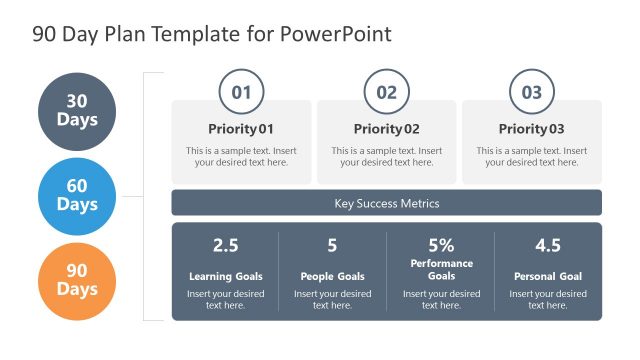
Slide 2 of 3 from 90 Day Plan Template Slides for PowerPoint
Presentation of 90 Day Plan Metrics
90 Day Plan Metrics Overview Slide
- Diagram
- Timeline Horizontal
- Process Slide
- 16:9
- 100% Editable
The 90 Day Plan Metrics Overview slide from the 90 Day Plan Template Slides for PowerPoint offers a clear horizontal timeline layout ideal for tracking key success metrics. This slide template supports business presentations focused on employee onboarding, project tracking, and performance evaluation by providing editable shapes and vector icons to visualize progress over a 90-day period effectively.
What’s on This Slide
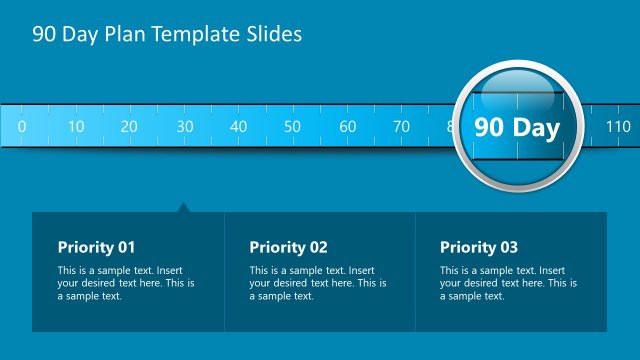
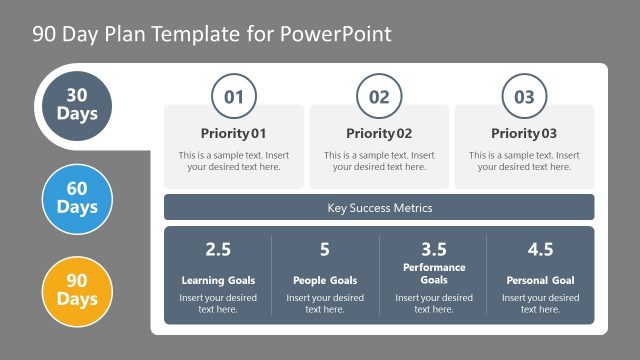
The layout features a horizontal timeline at the top, marked with numbers from 0 to 110. Below the timeline, there are three rectangular sections aligned horizontally. Each section contains a title placeholder labeled 'Success Metric' followed by a number. Each section also includes a triangular icon, with varying orientations, positioned below the titles. Text placeholders are present for descriptions and are aligned left within each section. The background is a solid blue color, providing a cohesive visual structure.
How to Use It
This layout serves as a metrics overview for a 90-day plan, suitable for tracking success metrics in a business context. It fits between introductory slides and detailed action plans in a presentation sequence. Ideal for employee onboarding or project management discussions, it allows for clear communication of key performance indicators over a specified timeline.
Text Placeholders & Capacity
Keep your copy within these limits so it fits without resizing. Node body slots can accommodate roughly 15-20 words each.
| Placeholder | Count | Max characters (approx.) |
|---|---|---|
| Item heading | 3 | 30 |
| Item body | 3 | 100 |
Slide Keywords
Download unlimited PowerPoint templates, charts and graphics for your presentations with our annual plan.
DOWNLOADReturn to 90 Day Plan Template Slides for PowerPoint.