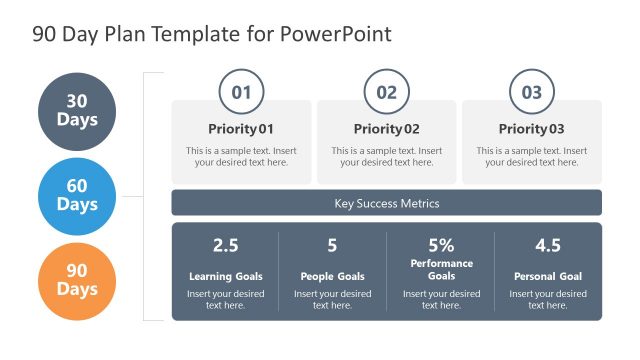
Slide 1 of 3 from 90 Day Plan Template Slides for PowerPoint
90 Day Plan Template Ruler Design
90 Day Plan Overview Slide
- Diagram
- Timeline Horizontal
- Process Slide
- 16:9
- 100% Editable
The 90 Day Plan Overview slide from the 90 Day Plan Template Slides for PowerPoint provides a clear horizontal timeline layout ideal for strategic planning and project timelines. This slide template features editable shapes and placeholders for outlining key priorities, making it suitable for business presentations and employee onboarding processes. Its structured design supports effective communication of objectives within a corporate presentation or pitch deck template.
What’s on This Slide
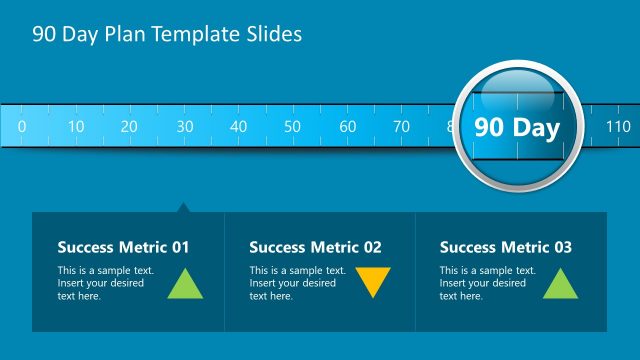
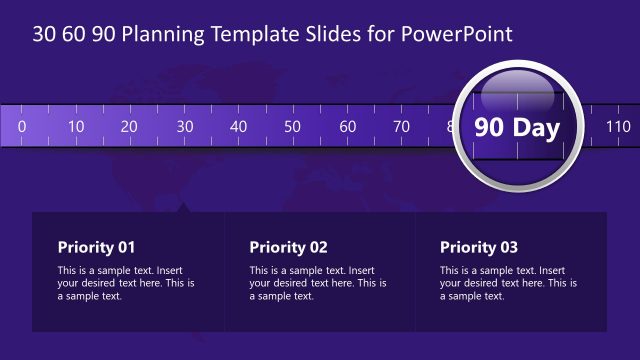
The layout features a horizontal timeline at the top, marked with numbers from 0 to 110. Centered above the timeline is a large circle containing the text '90 Day.' Below the timeline, three rectangular sections are aligned horizontally, each labeled 'Priority 01,' 'Priority 02,' and 'Priority 03.' Each section contains a text placeholder for descriptive content, aligned left. The background is a solid blue, providing a cohesive visual theme. The visual hierarchy emphasizes the timeline and priorities through size and placement.
How to Use It
This layout serves as an overview for a 90-day plan, effectively summarizing key priorities. It is suitable for presentations focused on project timelines, employee onboarding, or strategic planning. Positioned at the beginning of a presentation, it sets the stage for detailed discussions in subsequent slides. This format is useful for managers outlining objectives and milestones over a specified period.
Text Placeholders & Capacity
Keep your copy within these limits so it fits without resizing. Body slots can hold about 15-20 words each.
| Placeholder | Count | Max characters (approx.) |
|---|---|---|
| Slide title | 1 | 30 |
| Item heading | 3 | 20 |
| Item body | 3 | 100 |
Slide Keywords
Download unlimited PowerPoint templates, charts and graphics for your presentations with our annual plan.
DOWNLOADReturn to 90 Day Plan Template Slides for PowerPoint.