Slide 3 of 3 from 90 Day Plan Template Slides for PowerPoint
30-60-90 Day Plan PowerPoint Timeline
90 Day Plan Timeline Slide for Presentations
- Diagram
- Timeline Horizontal
- Process Slide
- 16:9
- 100% Editable
The 90 Day Plan Timeline slide from the 90 Day Plan Template Slides for PowerPoint offers a clear horizontal timeline layout ideal for business presentations involving employee onboarding, project planning, or strategic initiatives. This slide template features editable shapes and vector icons to visually represent milestones over a three-month period, enhancing corporate presentations and pitch decks with a structured process view.
What’s on This Slide
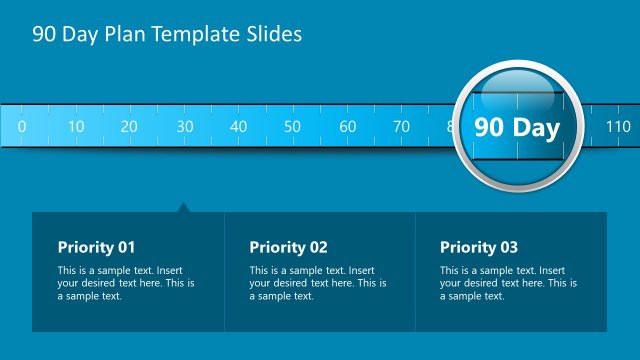
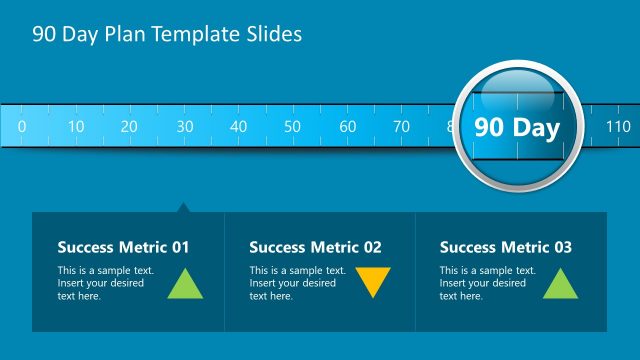
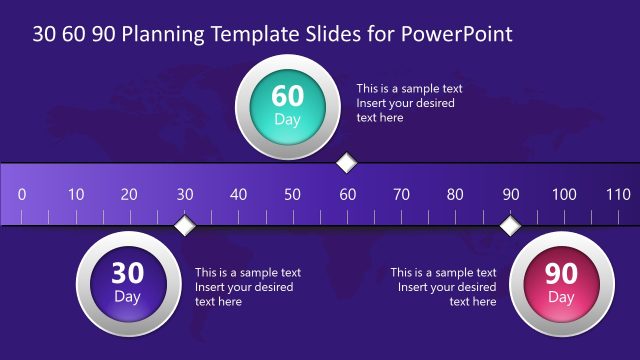
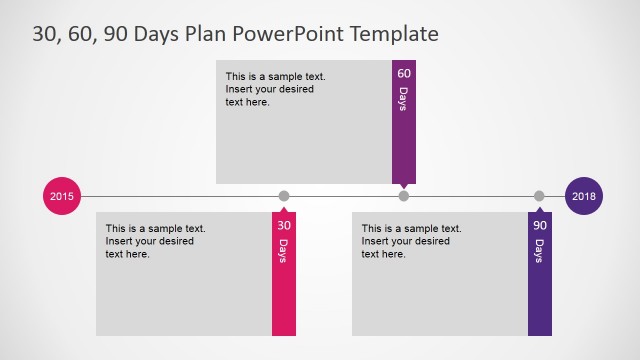
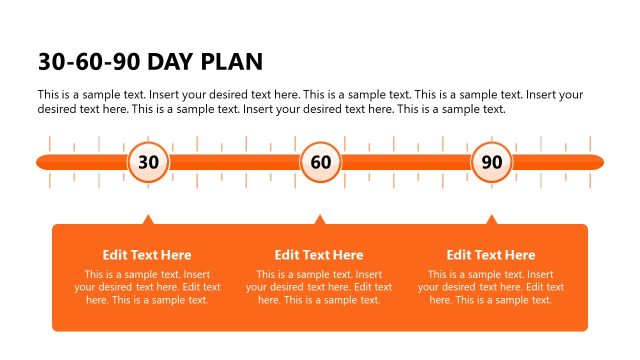
The slide features a horizontal timeline with three distinct circular nodes positioned at the top. The first node, labeled '30 Day', is on the left, followed by '60 Day' in the center, and '90 Day' on the right. Each node contains a placeholder for text, aligned to the right of the circles. A horizontal line connects the nodes, with markers indicating numerical values from 0 to 110 beneath. The background is a solid blue, and the overall layout emphasizes the progression of time across the 90-day plan.
How to Use It
This layout serves as a timeline to illustrate a 90-day plan, effectively displaying milestones or phases. It fits well in presentations focused on employee onboarding, project planning, or strategic initiatives. This structure can be used to convey progress over time, making it suitable for business scenarios where tracking objectives is essential. It is particularly useful for summarizing key actions or goals within specified timeframes.
Text Placeholders & Capacity
Keep your copy within these limits so it fits without resizing. Node body slots can hold about 10 words each, while the title slot is tighter.
| Placeholder | Count | Max characters (approx.) |
|---|---|---|
| Item heading | 3 | 30 |
| Item body | 3 | 50 |
| Slide title | 1 | 50 |
Slide Keywords
Download unlimited PowerPoint templates, charts and graphics for your presentations with our annual plan.
DOWNLOADReturn to 90 Day Plan Template Slides for PowerPoint.