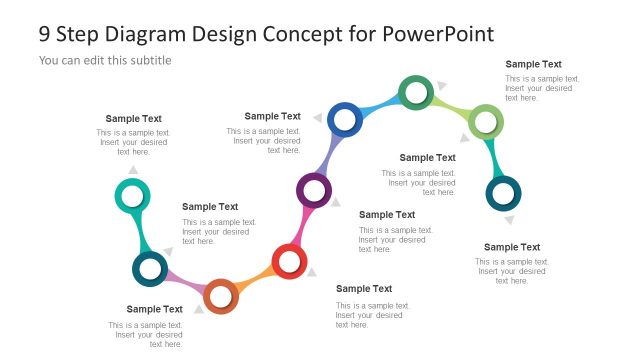
Slide 2 of 2 from 9 Step Colorful Snake Diagram for PowerPoint
Curvy Diagram Template of 9 Step Process
9 Step Process Flow Diagram for Presentations
- Diagram
- Process Flow
- Process Slide
- 16:9
- 100% Editable
What’s on This Slide
The slide features a curved, colorful snake diagram with nine circular nodes arranged in a wave pattern. Each node is connected by arrows indicating flow direction. The nodes vary in color, with placeholders for text positioned above and below each node. The background is dark, enhancing the visibility of the colorful elements. The title is centered at the top, with a subtitle placeholder directly beneath it. The overall layout emphasizes the sequential nature of the steps, creating a clear visual hierarchy.
How to Use It
This layout serves as a process flow diagram, ideal for illustrating sequential steps in a project or analysis. It fits well in presentations discussing project planning, process design, or strategic guidelines. The layout can be used to present workflows, methodologies, or stages in a business context. It is particularly effective for training sessions or reports where clarity in process steps is essential.
Text Placeholders & Capacity
Keep your copy within these limits so it fits without resizing. Node body slots can accommodate about 8-10 words each.
| Placeholder | Count | Max characters (approx.) |
|---|---|---|
| Slide title | 1 | 40 |
| Subtitle | 1 | 40 |
| Item body | 9 | 50 |
Slide Keywords
Download unlimited PowerPoint templates, charts and graphics for your presentations with our annual plan.
DOWNLOADReturn to 9 Step Colorful Snake Diagram for PowerPoint.