Snake PowerPoint Templates & Snake Timelines for Presentations
Sequential processes lose their logic when compressed into a straight horizontal line. Past five or six stages, the labels become too small to read and the spacing too tight to follow. A Snake PowerPoint template handles this by wrapping the flow into a winding S-shaped path, giving each stage its own defined space without pushing the content onto a second slide.
Present the full sequence on one slide, with room for labels and descriptions at every step. Our snake presentation templates cover processes from four to nine stages, ready to edit and adapt to whatever your process requires.
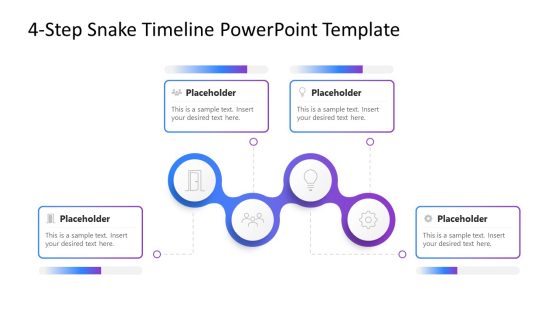
4-Step Snake Timeline PowerPoint Template
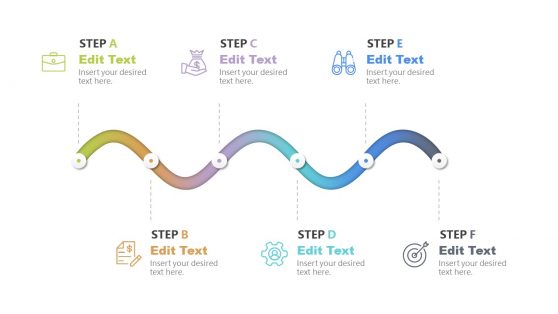
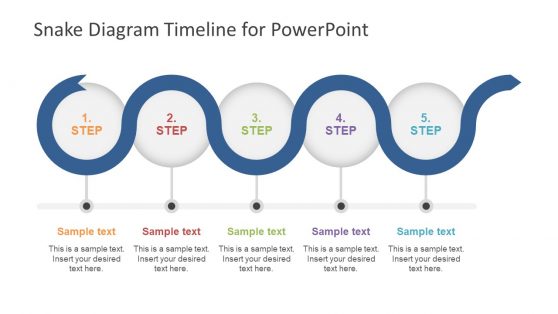
5 Step Snake Diagram Timeline Template
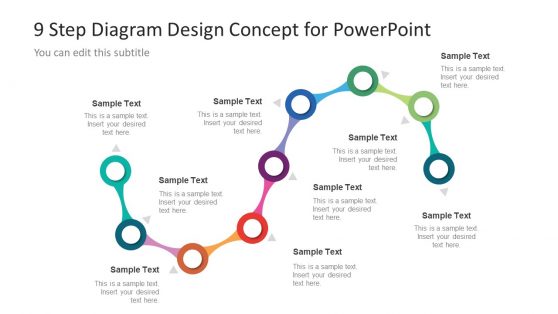
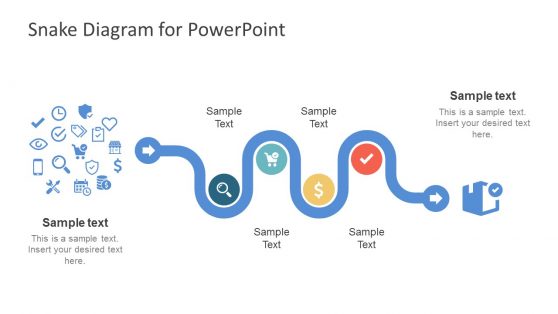
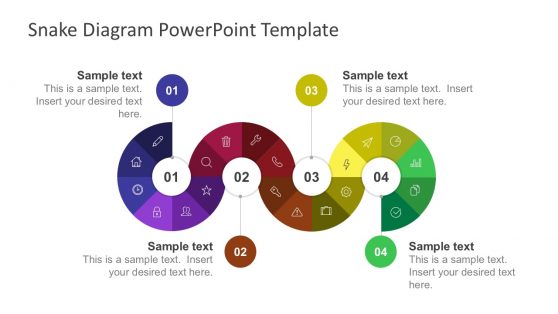
Snake Diagram for PowerPoint
Show Every Step in Sequence with a Snake PowerPoint Template
When your project has seven phases and a horizontal bar chart collapses them into an unreadable strip, a snake PowerPoint template gives each step its own space. The winding, S-shaped layout spreads stages across the slide, preventing your audience from having to track a single long row from left to right. You present each phase distinctly, with space for labels and short descriptions, while the continuous path between stages makes the sequence immediately clear.
Our snake PowerPoint templates are built for multi-stage content where order matters and each step carries enough detail to deserve its own visual anchor. Whether you are walking stakeholders through a product launch plan or briefing a team on a phased rollout, the snake diagram layout keeps the logic visible from the opening slide through to the final step.
A PowerPoint snake timeline wraps the flow to fit a standard widescreen slide, which means you can use larger text and add brief stage descriptions alongside icons without the layout breaking apart. The result is a presentation that looks organized and deliberate without requiring hours of custom design work.
What Is a Snake PowerPoint Template?
A snake PowerPoint template is a pre-built slide layout that arranges a sequential process along a winding, S-shaped path. Rather than forcing a multi-step workflow into a straight horizontal line, the snake format curves back and forth across the slide, giving each stage its own clearly defined area with space for text and visual elements.
These slides are designed for content where order matters, where one phase leads into the next, and the relationship between steps is part of the message. Common configurations range from 4-step through 9-step variants, with the path styled as a gradient ribbon or a series of connected circles. If your process is cyclical rather than linear, our circular process diagram templates offer an alternative format for stage-based content.
Key features across our snake PPT template collection:
- Sequential stage layouts from 4 to 9 numbered steps
- Editable icon placeholders and text fields for each phase
- Color-coded segments to differentiate stages at a glance
- Full compatibility with Google Slides and PowerPoint
Each PPT template is fully editable, so you can adjust colors to match your brand and replace placeholder text with your own content. Stages can also be resized or reordered to fit the specific number of steps in your process.
Why Project Teams Choose Snake Timeline PowerPoint Slides
Most multi-step diagrams fall apart at six or more stages. A standard horizontal arrow pushes later stages into cramped margins, and a vertical stack loses the sense of forward movement. A snake timeline PowerPoint layout handles both of these challenges by design. The S-shape accommodates more stages while keeping the directional flow legible at a glance.
There is also a practical advantage in clarity. When you use a snake diagram slide for process communication, numbered stages follow a visible path, each one anchored in its own section of the slide. Your audience can track their place in the sequence without losing context. For presentations in which you ask stakeholders to understand a process and act on it, structural clarity matters.
Compared to building a custom diagram from scratch, using a prebuilt snake timeline template saves real preparation time. The layout and spacing are already calibrated for a standard widescreen slide. You fill in your content, and the structure holds. For guidance on pairing your snake diagram with supporting timeline slides, see our essential guide to building presentation timelines.
Where and How to Use Snake Presentation Templates
A snake presentation template fits any context where a presenter needs to communicate a process with four or more distinct, sequential stages. Project managers use a snake timeline template PowerPoint slides to present project roadmaps in kickoff meetings, showing each phase from initial scoping through final delivery. For additional formats that work alongside this view, our project timeline templates cover milestone tracking and phased planning in complementary layouts.
Business analysts apply snake diagram slides in stakeholder reviews when a workflow has clear stage boundaries and defined deliverables at each transition. Sales professionals present lead qualification stages or customer journey phases using the same format, since the numbered path keeps audiences oriented through each step.
HR professionals apply snake PPT templates to onboarding programs and performance cycles. A six-step onboarding process becomes easier to follow when each stage is visually anchored on the slide. Consultants use snake PowerPoint presentation slides for client deliverables when a phased recommendation needs to convey both sequence and scope. All of these use cases transfer directly to Google Slides, where our templates load without layout changes. For ideas on building a complete process deck based on your snake diagram, see our guide on how to create a roadmap in PowerPoint.
What is a snake PowerPoint template used for?
A snake PowerPoint template is used to present sequential processes where each stage leads into the next. Project managers use them for phased roadmaps and HR teams apply them to onboarding workflows, but any multi-step process where the audience needs to follow a defined sequence benefits from the format.
Can I use snake presentation templates in Google Slides?
Yes. All our snake presentation template files are compatible with Google Slides. Upload the file to Google Drive and open it with Google Slides, and the layout and formatting carry over without any changes.
How many steps can a snake PPT template display?
Our collection includes designs for processes with 4 to 9 steps. If your process has more stages, you can duplicate segments within the template to extend the path, or break the sequence across multiple slides.
How is a snake timeline different from a standard linear timeline?
A standard linear timeline runs left to right in a straight line, which limits how many stages you can label clearly before text becomes too small. A snake timeline wraps the path into an S-shape, giving each stage more space and allowing you to display more steps on a single slide without sacrificing readability.
Are the colors and icons in a snake template editable?
Yes. Every element is fully editable. You can change the color of each stage segment and swap out the default icons, and any stage label can be rewritten to match your specific process.
Can I use a snake PowerPoint template in a client proposal?
Yes. The format works well in client-facing presentations where you need to explain a phased approach. Project managers and consultants often use a snake diagram to walk clients through a recommended process, making it easier to discuss phase transitions and deliverables in a single view.