Slide 1 of 9 from Free 8 Step Zig Zag PowerPoint Diagram
8 Step Zig Zag Diagram Template
8 Step Zig Zag Diagram for PowerPoint
- Diagram
- Zigzag Sequence
- Process Slide
- 16:9
- 100% Editable
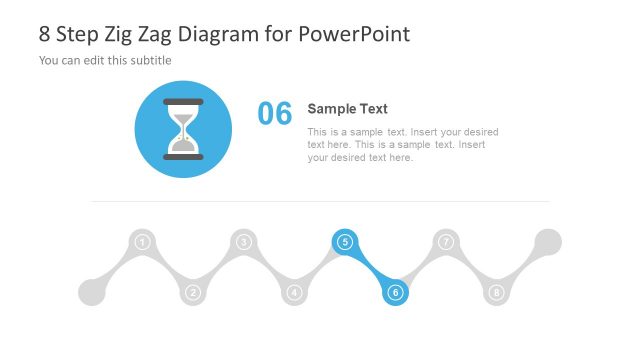
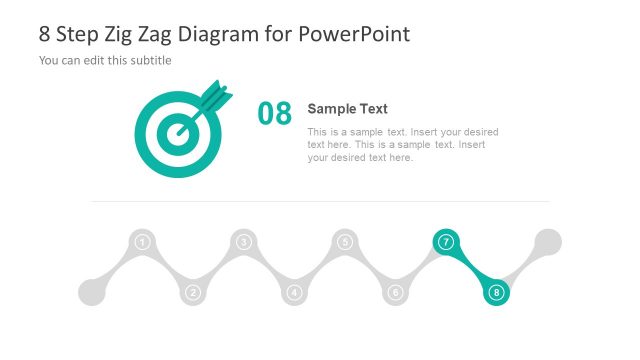
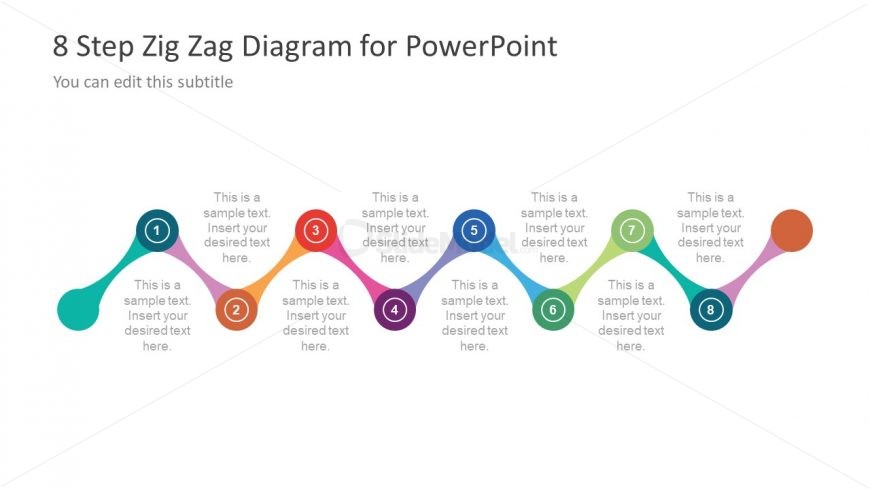
The 8 Step Zig Zag Diagram slide from the Free 8 Step Zig Zag PowerPoint Diagram template offers a clear process flow layout ideal for project management and workflow illustration. This slide uses a zigzag sequence with numbered nodes and editable shapes to visually represent sequential steps, making it suitable for business presentations and pitch deck templates that require structured process visualization.
What’s on This Slide
The layout features a zigzag diagram with eight nodes arranged horizontally. Each node is a circle with a number inside, alternating colors, and connected by curved lines. The nodes are evenly spaced, with text placeholders below each for descriptions. The title is centered at the top, and a subtitle placeholder is positioned directly beneath it. The overall composition is balanced, with a clear visual hierarchy emphasizing the numbered steps. The background is light, enhancing the visibility of the colorful nodes and text.
How to Use It
This layout serves as a process flow diagram, ideal for outlining steps in a business process or project management scenario. It fits well in presentations that require a clear, sequential representation of tasks or phases. Use it to illustrate workflows, project timelines, or strategic plans. The zigzag design adds visual interest while maintaining clarity, making it suitable for both internal and client-facing presentations.
Text Placeholders & Capacity
Keep your copy within these limits so it fits without resizing. Node labels can hold about 30 characters each, while body text can accommodate 50 characters.
| Placeholder | Count | Max characters (approx.) |
|---|---|---|
| Slide title | 1 | 40 |
| Subtitle | 1 | 60 |
| Item heading | 8 | 30 |
| Item body | 8 | 50 |
Slide Keywords
Download unlimited PowerPoint templates, charts and graphics for your presentations with our annual plan.
DOWNLOADReturn to Free 8 Step Zig Zag PowerPoint Diagram.