Slide 9 of 9 from 8 Steps Material Design Spoke Diagram PowerPoint Template
Circular 8 Steps of Material Design PPT
8 Steps Material Design Spoke Diagram Overview
- Diagram
- Circular Cycle
- Process Slide
- 16:9
- 100% Editable
The 8 Steps Material Design Spoke Diagram slide from the 8 Steps Material Design Spoke Diagram PowerPoint Template offers a clear circular process flow layout ideal for project management and educational content. This slide features editable shapes and vector icons arranged around a central clock-like diagram, supporting business presentations that require a structured outline of sequential steps. It integrates well within slide decks focused on process explanation and can be customized using PowerPoint templates or Google Slides templates.
What’s on This Slide
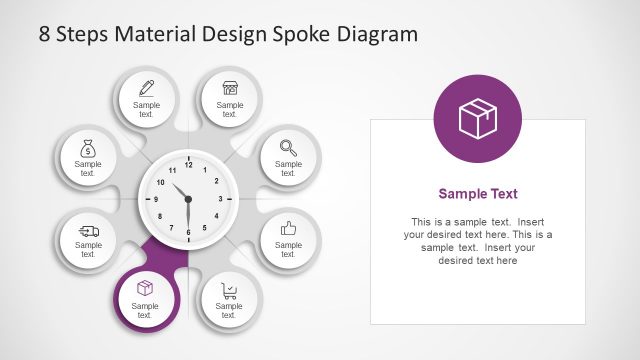
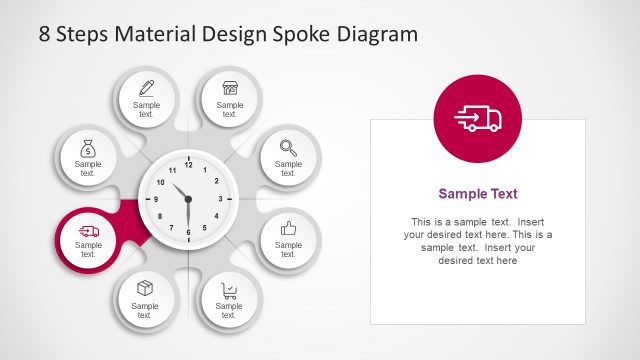
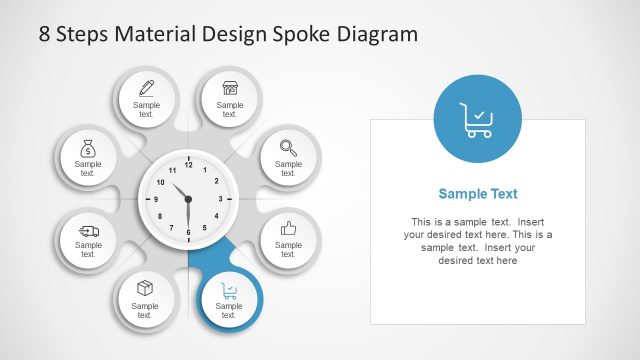
The layout features a central clock-like diagram with eight circular nodes arranged around it. Each node contains an icon and a text placeholder, with the active node highlighted in red. The nodes are evenly spaced and connected to the center, which displays clock hands indicating the time. To the right, there is a rectangular text box with a title placeholder and a body text placeholder below it. The overall color scheme includes shades of gray, red, and white, creating a clear visual hierarchy with the highlighted node drawing attention.
How to Use It
This layout serves as a process flow diagram, illustrating eight steps in a circular format. It is suitable for presentations that require a visual representation of sequential actions or stages. This structure can be effectively used in business contexts, such as project management, product development, or educational settings to outline processes. It fits well after a problem-framing slide and before a conclusion or summary slide, providing clarity on the steps involved in a particular process.
Text Placeholders & Capacity
Keep your copy within these limits so it fits without resizing. Node labels can hold about 15 characters each, while body text can accommodate roughly 150 characters.
| Placeholder | Count | Max characters (approx.) |
|---|---|---|
| Slide title | 1 | 30 |
| Item heading | 8 | 15 |
| Item body | 8 | 50 |
| Body paragraph | 1 | 150 |
Slide Keywords
Download unlimited PowerPoint templates, charts and graphics for your presentations with our annual plan.
DOWNLOADReturn to 8 Steps Material Design Spoke Diagram PowerPoint Template.