Slide 6 of 9 from 8 Steps Gradient Arrows PowerPoint Diagram
Step 5 Arrow PowerPoint Shapes
8 Steps Gradient Arrows PowerPoint Diagram
- Diagram
- Arrow Sequence
- Process Slide
- 16:9
- 100% Editable
What’s on This Slide
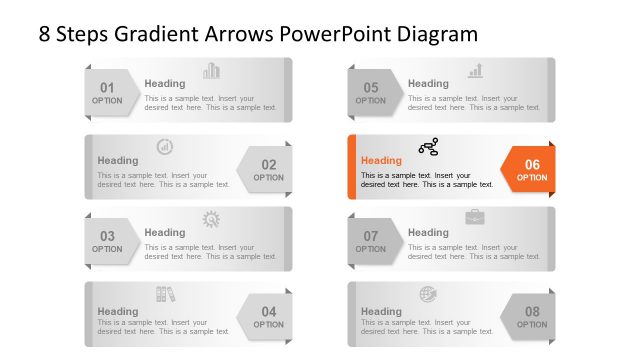
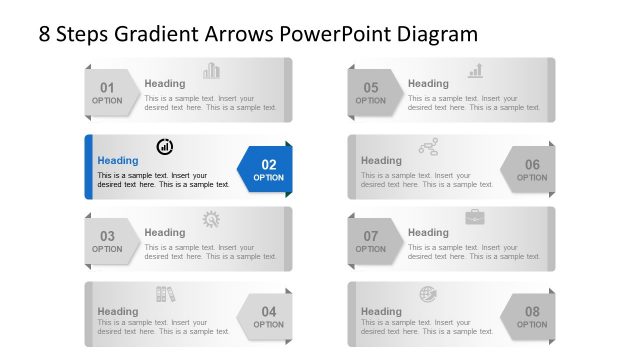
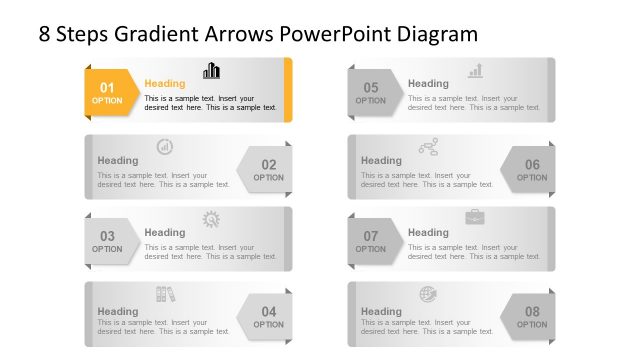
The layout features eight gradient arrows arranged horizontally across the slide. Each arrow points right and contains a hexagonal shape for text, positioned centrally within the arrow. The first four arrows are on the left side, while the last four are on the right. Each arrow has a number and a heading placeholder at the top. Below each heading, there is a body text placeholder for additional information. The background is light with a subtle gradient, enhancing the visual hierarchy of the arrows and text elements.
How to Use It
This layout serves as a sequential process diagram, ideal for illustrating steps in a project or strategy. It fits well in presentations that outline processes, workflows, or stages of development. This structure is useful in business contexts such as project management, product development, or training sessions where clear step-by-step guidance is needed. It can be used individually or as part of a larger presentation to maintain visual consistency.
Text Placeholders & Capacity
Keep your copy within these limits so it fits without resizing. Node body slots can hold about 15-20 words each.
| Placeholder | Count | Max characters (approx.) |
|---|---|---|
| Item heading | 8 | 20 |
| Item body | 8 | 100 |
Slide Keywords
Download unlimited PowerPoint templates, charts and graphics for your presentations with our annual plan.
DOWNLOADReturn to 8 Steps Gradient Arrows PowerPoint Diagram.