Slide 9 of 9 from 8 Steps Gradient Arrows PowerPoint Diagram
Step 8 Arrow PowerPoint Shapes
8 Steps Gradient Arrows PowerPoint Diagram
- Diagram
- Arrow Sequence
- Process Slide
- 16:9
- 100% Editable
What’s on This Slide
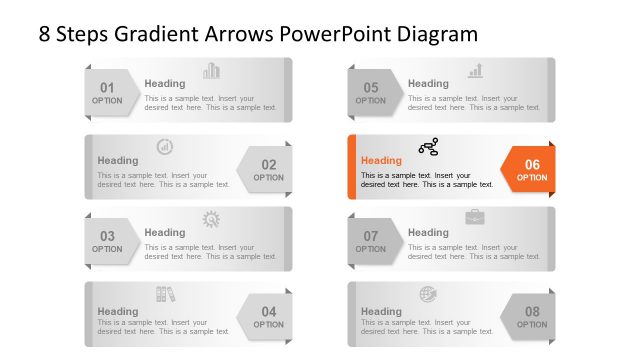
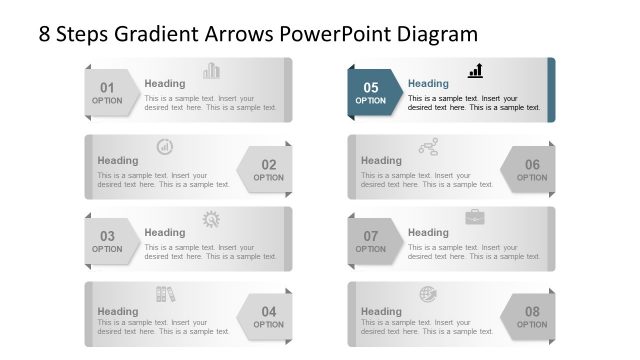
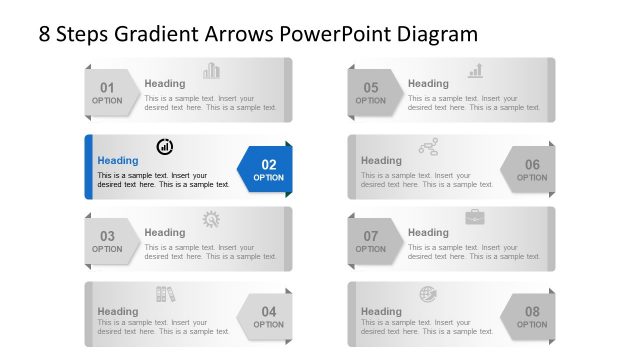
The layout features eight rectangular sections arranged vertically, each containing a number, heading, and text placeholder. The sections are divided by gradient arrows pointing to the right, indicating progression. The first section is at the top, labeled '01 OPTION,' and the last section is at the bottom, labeled '08 OPTION.' Each section has a consistent design with a light background and a darker border. Text placeholders are centered within each section, with headings above the body text. Icons accompany some sections, enhancing visual engagement.
How to Use It
This layout serves as a step-by-step progression diagram, ideal for outlining processes or workflows. It fits well in presentations that require a clear sequence of actions or phases. Common scenarios include project management, product development, or training sessions where a structured approach is necessary. This slide effectively communicates each step's importance while maintaining visual clarity, making it suitable for both detailed explanations and high-level overviews.
Text Placeholders & Capacity
Keep your copy within these limits so it fits without resizing. Body slots can accommodate roughly 15-20 words each.
| Placeholder | Count | Max characters (approx.) |
|---|---|---|
| Item heading | 8 | 20 |
| Item body | 8 | 100 |
| Slide title | 1 | 50 |
Slide Keywords
Download unlimited PowerPoint templates, charts and graphics for your presentations with our annual plan.
DOWNLOADReturn to 8 Steps Gradient Arrows PowerPoint Diagram.