Slide 5 of 9 from 8 Steps Gradient Arrows PowerPoint Diagram
Step 4 Arrow PowerPoint Shapes
8 Steps Gradient Arrows PowerPoint Diagram
- Diagram
- Arrow Sequence
- Process Slide
- 16:9
- 100% Editable
What’s on This Slide
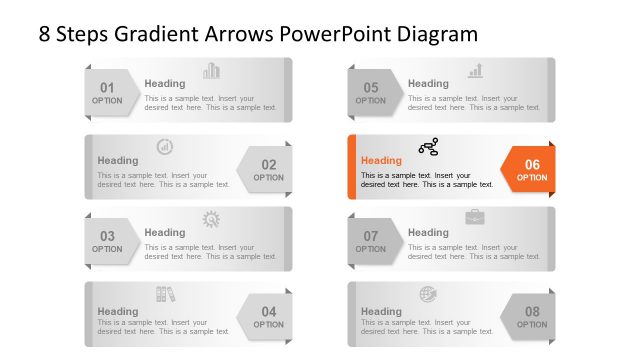
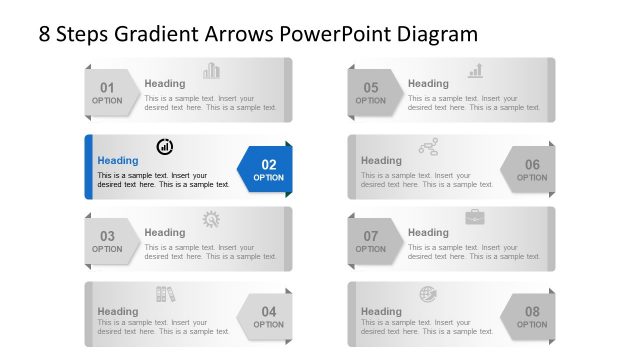
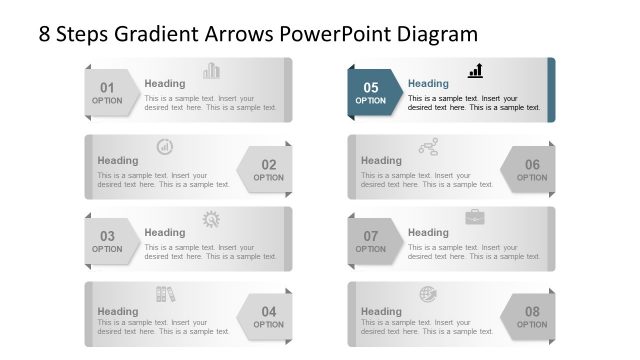
The layout features eight horizontal sections arranged in two columns. Each section includes a gradient arrow pointing to the right, with a number and the word 'OPTION' inside. The fourth section is highlighted in red, distinguishing it from the others. Each section contains a heading placeholder at the top and a body text placeholder below, aligned left. The overall color scheme is a mix of gray and red, with subtle gradients. Icons accompany some sections, enhancing visual context. The composition is structured and clear.
How to Use It
This layout serves as a sequential process diagram, ideal for presenting steps in a project or methodology. It fits well in a presentation sequence where a detailed breakdown of a process is required, particularly after an introductory overview. Suitable scenarios include project planning, strategic initiatives, or training sessions. Each section can be customized to represent different stages or options, making it versatile for various business contexts.
Text Placeholders & Capacity
Keep your copy within these limits so it fits without resizing. Body slots can hold about 25-30 words each.
| Placeholder | Count | Max characters (approx.) |
|---|---|---|
| Item heading | 8 | 20 |
| Item body | 8 | 150 |
| Slide title | 1 | 40 |
Slide Keywords
Download unlimited PowerPoint templates, charts and graphics for your presentations with our annual plan.
DOWNLOADReturn to 8 Steps Gradient Arrows PowerPoint Diagram.