Slide 2 of 9 from 8 Steps Gradient Arrows PowerPoint Diagram
Step 1 Arrow PowerPoint Shapes
8 Steps Gradient Arrows PowerPoint Diagram
- Diagram
- Arrow Sequence
- Process Slide
- 16:9
- 100% Editable
What’s on This Slide
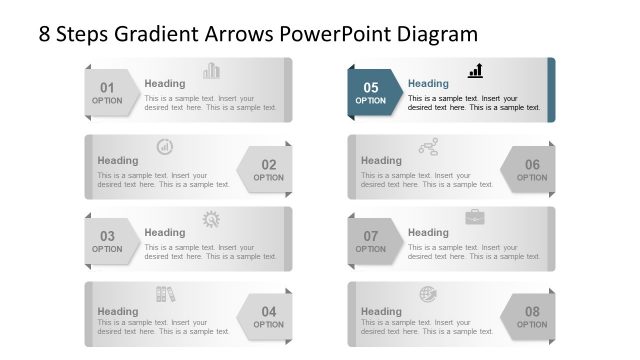
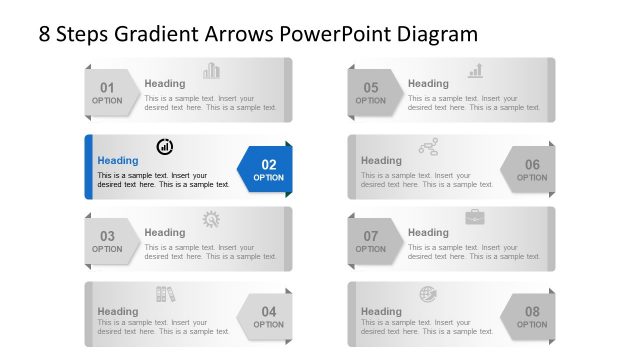
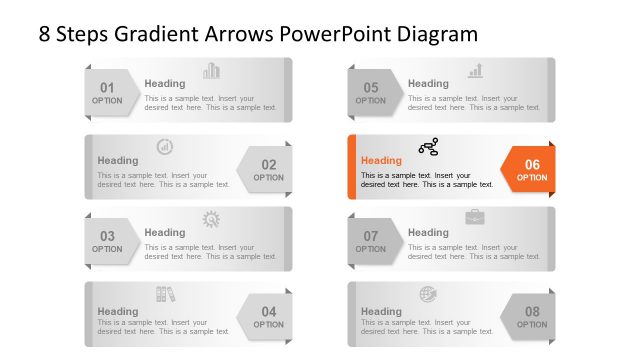
The layout features eight horizontal segments arranged in a linear flow from left to right. Each segment contains a gradient arrow pointing right, with a corresponding icon and text placeholder. The first segment is visually distinct with a bold color, while the others are in shades of gray. Text placeholders are aligned centrally within each segment, with titles above and descriptive text below. The overall composition emphasizes a stepwise progression, with clear visual hierarchy and spacing between segments. Background is light, enhancing readability.
How to Use It
This layout serves as a stepwise process diagram, ideal for illustrating sequential actions or phases in a project. It fits well after a problem-framing slide, leading into solutions or strategies. Common scenarios include project planning, product development stages, or outlining a marketing strategy. Each segment can represent a specific step, making it useful for presentations that require clarity in progression and structure.
Text Placeholders & Capacity
Keep your copy within these limits so it fits without resizing. Node body slots can accommodate roughly 25-30 words each.
| Placeholder | Count | Max characters (approx.) |
|---|---|---|
| Item heading | 8 | 20 |
| Item body | 8 | 150 |
Slide Keywords
Download unlimited PowerPoint templates, charts and graphics for your presentations with our annual plan.
DOWNLOADReturn to 8 Steps Gradient Arrows PowerPoint Diagram.