Slide 1 of 9 from 8 Steps Gradient Arrows PowerPoint Diagram
8 Steps Arrow PowerPoint Diagram
8 Steps Gradient Arrows PowerPoint Diagram
- Diagram
- Arrow Sequence
- Process Slide
- 16:9
- 100% Editable
What’s on This Slide
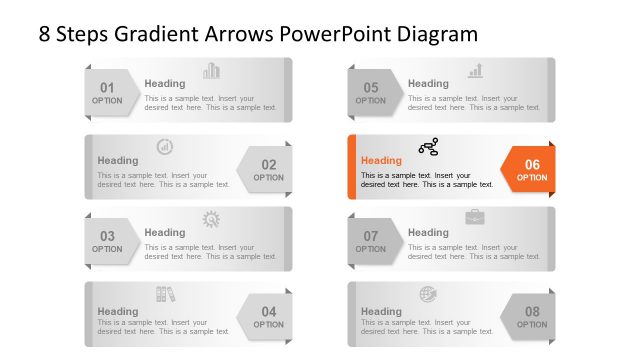
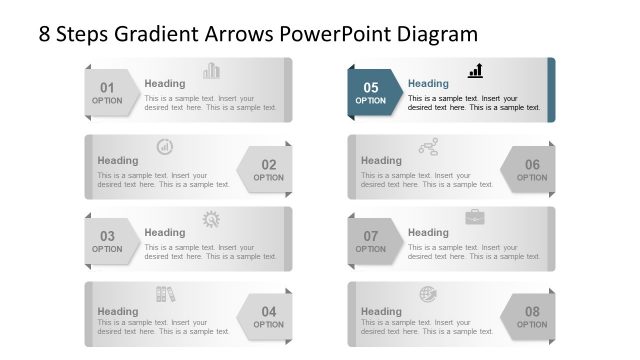
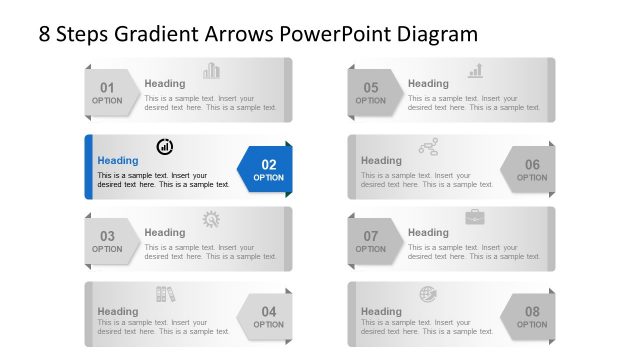
The layout consists of eight horizontal sections arranged in two rows of four. Each section features a gradient arrow pointing right, with a number and label on the left side. The sections contain placeholders for headings and body text, aligned centrally within each arrow. Icons are positioned above the headings, varying in design. The background is white, while the arrows are colored in shades of orange, blue, green, and gray. Text placeholders are present for headings and descriptions, creating a clear visual hierarchy.
How to Use It
This layout serves as a step-by-step process diagram, ideal for outlining procedures or strategies. It fits well in presentations that require a sequential explanation of concepts or actions. Suitable scenarios include project management updates, training sessions, or product development overviews. The clear visual flow aids in guiding the audience through each step effectively, making it a valuable tool for structured communication.
Text Placeholders & Capacity
Keep your copy within these limits so it fits without resizing. Body slots can hold approximately 20-25 words each.
| Placeholder | Count | Max characters (approx.) |
|---|---|---|
| Item heading | 8 | 20 |
| Item body | 8 | 120 |
Slide Keywords
Download unlimited PowerPoint templates, charts and graphics for your presentations with our annual plan.
DOWNLOADReturn to 8 Steps Gradient Arrows PowerPoint Diagram.