Slide 2 of 9 from 8-Step Implementation Process Plan Template for PowerPoint
Setting Business Goals
8-Step Implementation Process Plan Overview
- Diagram
- Process Flow
- Process Slide
- 16:9
- 100% Editable
What’s on This Slide
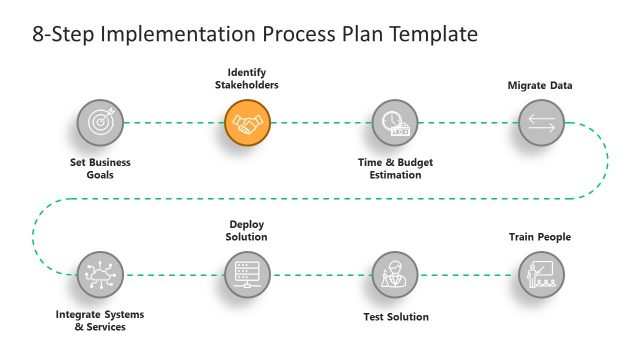
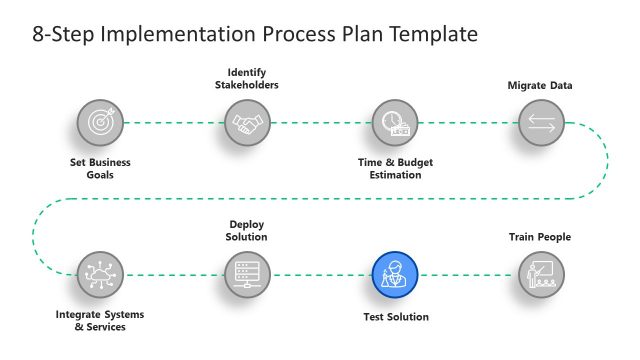
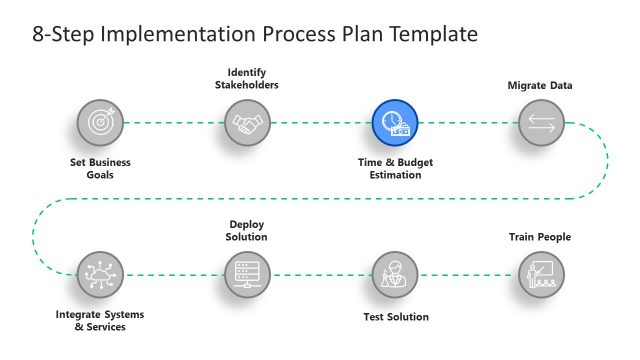
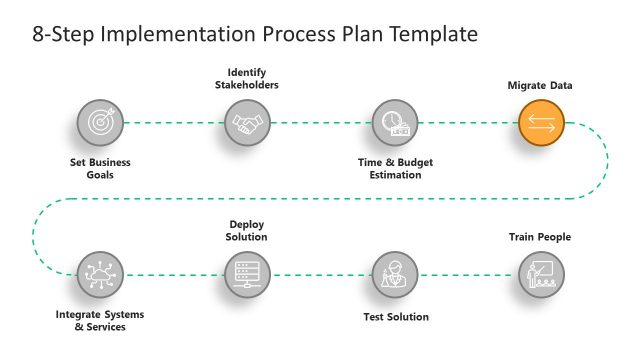
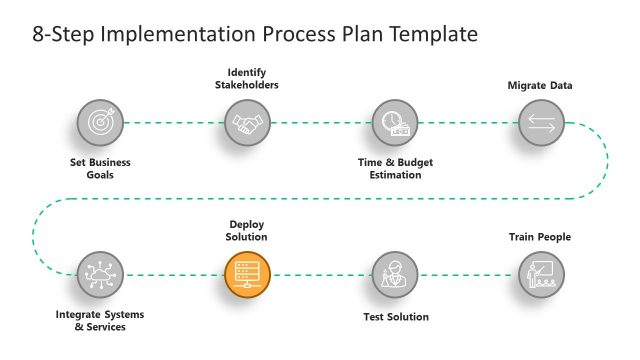
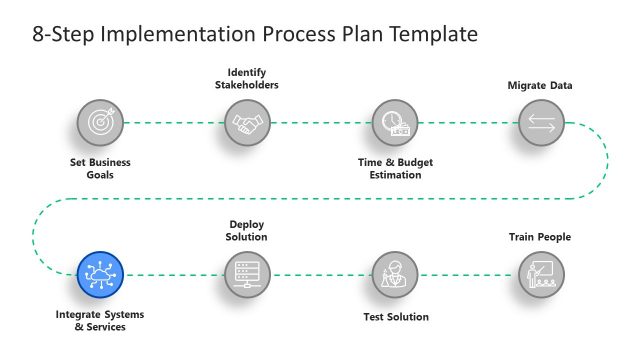
The layout features a horizontal flow diagram with eight circular nodes connected by dashed lines. The first node, 'Set Business Goals,' is positioned on the left, followed by 'Identify Stakeholders,' 'Time & Budget Estimation,' 'Migrate Data,' 'Deploy Solution,' 'Test Solution,' and 'Train People' on the right. Each node contains an icon representing the step and is evenly spaced. The background is white, enhancing the visibility of the elements. Text placeholders are present for each node label, aligned centrally within the circles, maintaining a consistent visual hierarchy throughout.
How to Use It
This layout serves as a sequential process diagram, illustrating steps in an implementation plan. It is suitable for presentations that detail project phases or workflows, particularly in business contexts like software development or migration planning. This slide fits well after problem identification slides, guiding viewers through structured action steps. It can be used to clarify the implementation process in team meetings or project updates, ensuring all stakeholders understand their roles and responsibilities.
Text Placeholders & Capacity
Keep your copy within these limits so it fits without resizing. Node labels can accommodate up to 25 characters each.
| Placeholder | Count | Max characters (approx.) |
|---|---|---|
| Item heading | 8 | 25 |
Slide Keywords
Download unlimited PowerPoint templates, charts and graphics for your presentations with our annual plan.
DOWNLOADReturn to 8-Step Implementation Process Plan Template for PowerPoint.