Slide 7 of 8 from 8-Item Creative Agenda Slide Revealing PowerPoint Template
Animated Agenda Presentation Slide Template
8-Item Creative Agenda Slide Template
- Diagram
- Matrix Grid
- Agenda Slide
- 16:9
- 100% Editable
What’s on This Slide
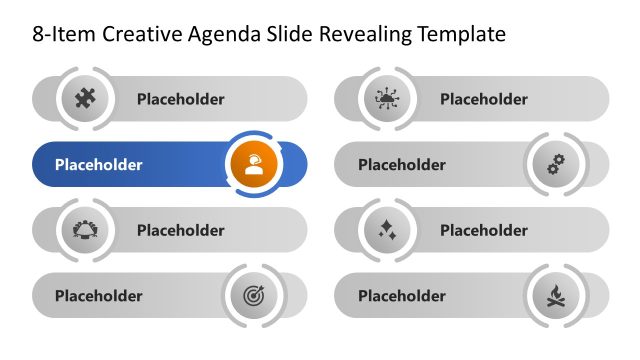
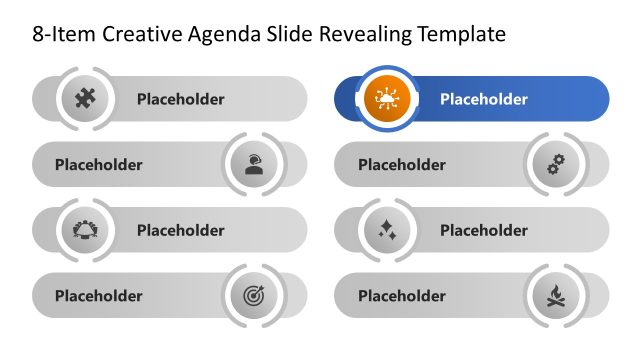
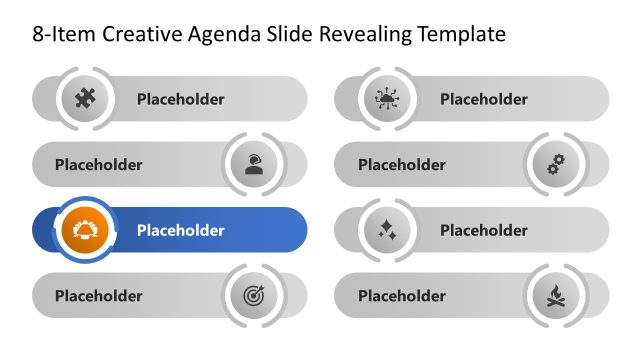
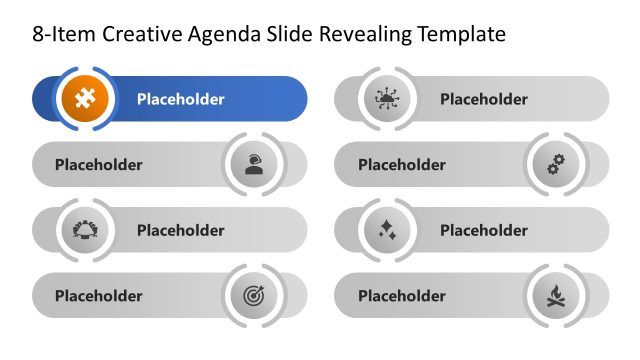
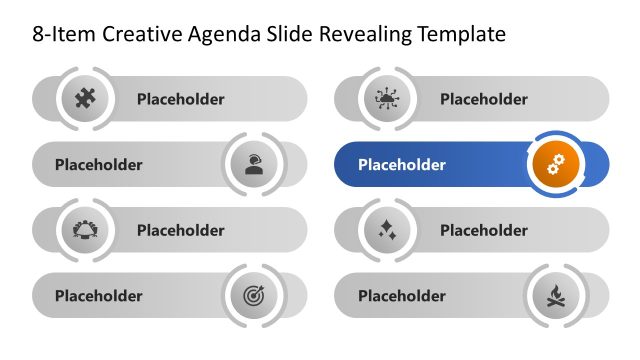
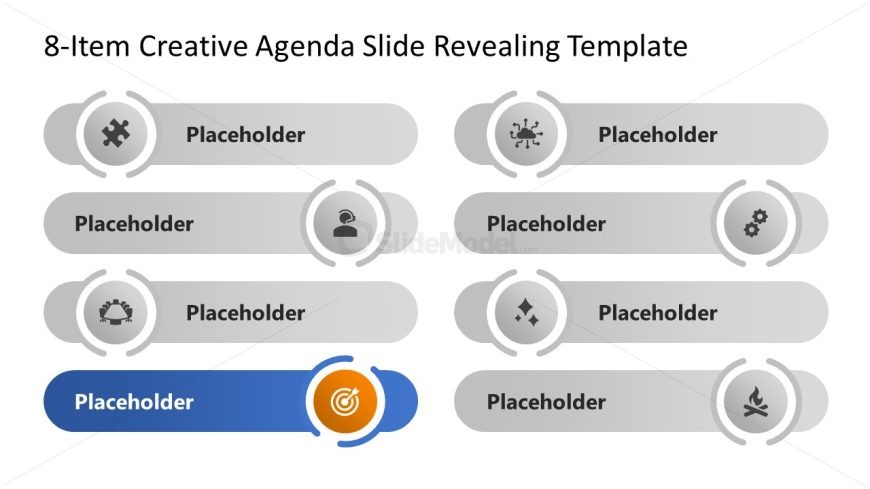
The layout features eight circular nodes arranged in two rows. Each node contains a placeholder for text and an icon, with the last node highlighted in blue. The first row has four nodes, while the second row also contains four nodes. The nodes are evenly spaced, with a consistent circular shape and a light gray background. The highlighted node stands out due to its blue background and a central target icon. Text placeholders are centered within each node, maintaining a uniform visual hierarchy across the slide.
How to Use It
This layout serves as a creative agenda slide, ideal for presenting key points or topics in a structured manner. It fits well in a presentation sequence after introducing a problem or context, guiding the audience through the main agenda items. This format is suitable for business meetings, project updates, or any scenario requiring a clear outline of discussion points. It effectively organizes content while maintaining visual interest, making it easy for the audience to follow along.
Text Placeholders & Capacity
Keep your copy within these limits so it fits without resizing. Node slots can hold approximately 30 characters each.
| Placeholder | Count | Max characters (approx.) |
|---|---|---|
| Item body | 8 | 30 |
Slide Keywords
Download unlimited PowerPoint templates, charts and graphics for your presentations with our annual plan.
DOWNLOADReturn to 8-Item Creative Agenda Slide Revealing PowerPoint Template.