Slide 2 of 8 from 7 Steps Waterdrop PowerPoint Infographic
Step 1 Spotlight Slide with Icons – Editable Diagram
7 Steps Waterdrop PowerPoint Infographic
- Diagram
- Circular Cycle
- Process Slide
- 16:9
- 100% Editable
What’s on This Slide
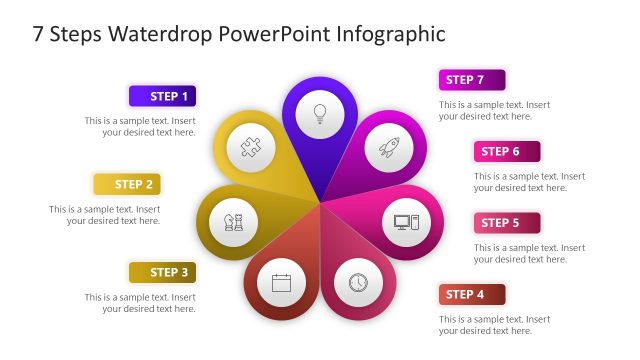
The layout features a central waterdrop shape in purple, surrounded by six circular nodes in light gray. Each node contains an icon representing different steps. The central node includes a light bulb icon, indicating the current step. A text placeholder is positioned below the central node, aligned to the left, indicating where to insert descriptive text. The overall composition is circular, with a clear visual hierarchy emphasizing the central step. The background is white, enhancing the contrast of the elements.
How to Use It
This layout serves as a circular process diagram, ideal for illustrating multi-step processes. It fits well in presentations that outline sequential actions or stages. Common use cases include project management, strategic planning, or training sessions. The design allows for clear communication of each step's significance while maintaining a cohesive visual theme throughout the presentation.
Text Placeholders & Capacity
Keep your copy within these limits so it fits without resizing. Body slot can accommodate about 15-20 words comfortably.
| Placeholder | Count | Max characters (approx.) |
|---|---|---|
| Slide title | 1 | 30 |
| Item heading | 1 | 10 |
| Body paragraph | 1 | 100 |
Slide Keywords
Download unlimited PowerPoint templates, charts and graphics for your presentations with our annual plan.
DOWNLOADReturn to 7 Steps Waterdrop PowerPoint Infographic.