Slide 1 of 8 from 7 Steps Waterdrop PowerPoint Infographic
7-Step Waterdrop Infographic Slide Template
7 Steps Waterdrop Infographic Overview
- Diagram
- Circular Cycle
- Process Slide
- 16:9
- 100% Editable
What’s on This Slide
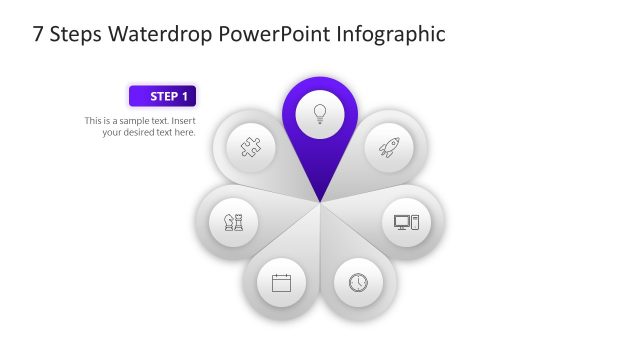
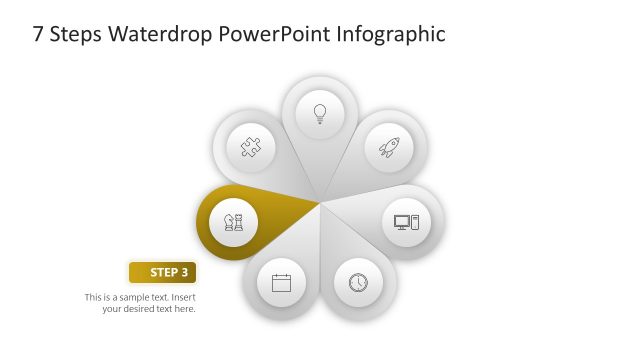
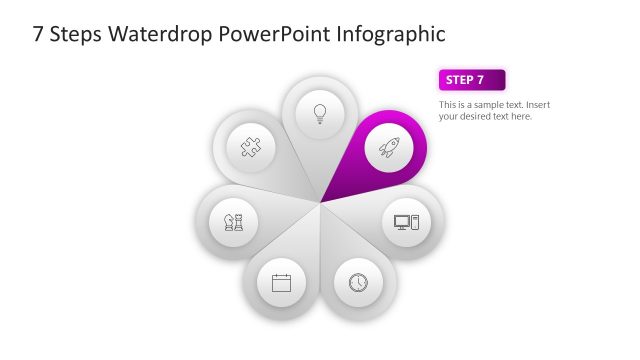
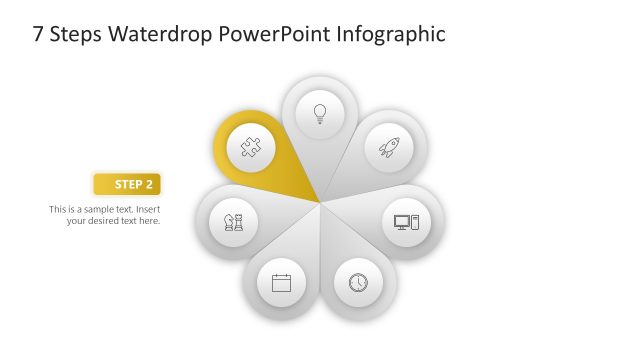
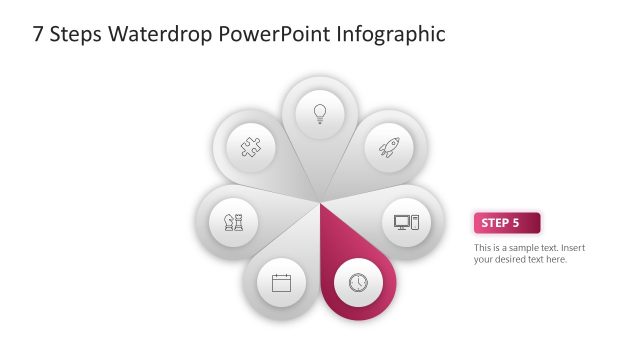
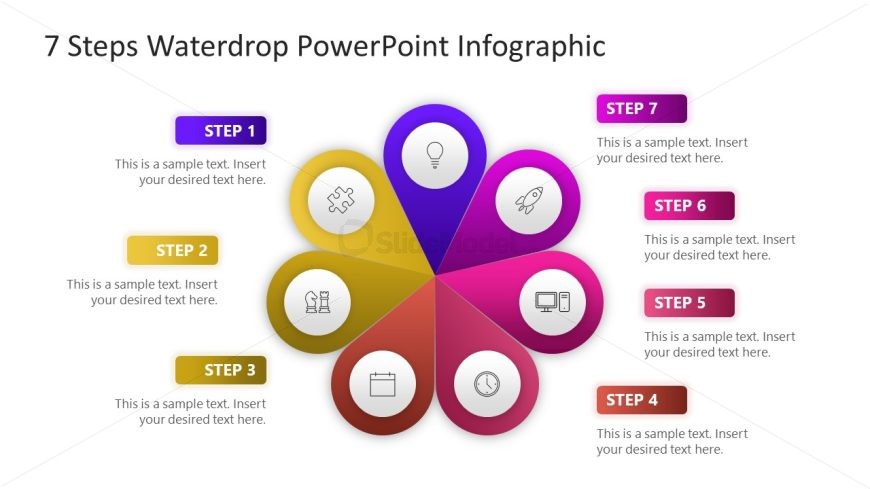
The layout features a central circular shape with seven petal-like segments arranged around it. Each segment contains a circular icon and a text placeholder labeled 'STEP 1' through 'STEP 7', positioned in a clockwise manner. The icons represent various concepts, such as a light bulb and puzzle piece. The background is white, enhancing the visibility of the colorful segments, which include shades of purple, pink, yellow, and orange. Text placeholders are aligned centrally within each segment, allowing for easy readability. The overall composition emphasizes a circular flow, suggesting a process or sequence.
How to Use It
This layout serves as a visual representation of a multi-step process, ideal for presentations that outline sequential actions or stages. It fits well in the introduction or overview section of a presentation, providing a clear roadmap for the audience. Business scenarios include project planning, product development phases, or strategic initiatives. The circular design helps convey continuity and interconnectedness among the steps, making it suitable for educational or training contexts where clarity of process is essential.
Text Placeholders & Capacity
Keep your copy within these limits so it fits without resizing. Each text slot can hold concise phrases, roughly 5-10 words each.
| Placeholder | Count | Max characters (approx.) |
|---|---|---|
| Item heading | 7 | 20 |
| Item body | 7 | 50 |
| Slide title | 1 | 40 |
Slide Keywords
Download unlimited PowerPoint templates, charts and graphics for your presentations with our annual plan.
DOWNLOADReturn to 7 Steps Waterdrop PowerPoint Infographic.