Slide 4 of 8 from 7 Steps Waterdrop PowerPoint Infographic
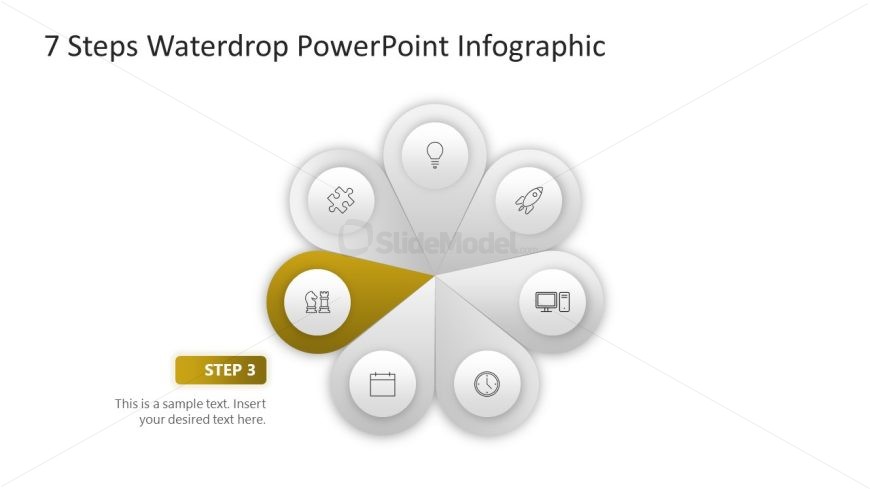
Step 3 Color Highlight Slide for Process Presentation
7 Steps Waterdrop PowerPoint Infographic
- Diagram
- Circular Cycle
- Process Slide
- 16:9
- 100% Editable
What’s on This Slide
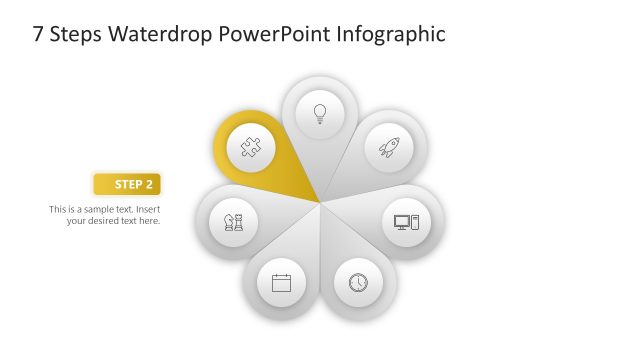
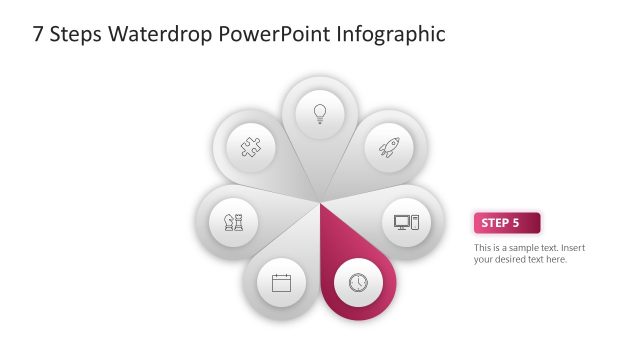
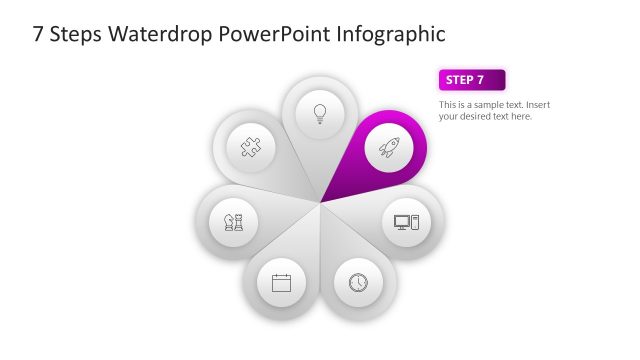
The layout features a circular diagram with eight waterdrop-shaped nodes arranged around a central point. One node is highlighted in gold, indicating it as 'Step 3.' Each node contains an icon, such as a puzzle piece or rocket, representing different steps. A text placeholder is positioned below the highlighted node, aligned left, with a sample text prompt. The overall composition is clean, with a white background and a subtle gradient in the highlighted node. The visual hierarchy emphasizes the central node and the highlighted step.
How to Use It
This layout serves as a circular process diagram, effectively illustrating a multi-step approach. It is suitable for presentations that require a clear depiction of sequential steps or stages, such as project management or product development. This slide fits within a series of steps, making it ideal for business scenarios where clarity in process flow is essential. It can be used individually to highlight specific phases in a broader context.
Text Placeholders & Capacity
Keep your copy within these limits so it fits without resizing. Text slots have limited space; expect tight character counts.
| Placeholder | Count | Max characters (approx.) |
|---|---|---|
| Slide title | 1 | 30 |
| Item heading | 1 | 10 |
| Item body | 1 | 50 |
Slide Keywords
Download unlimited PowerPoint templates, charts and graphics for your presentations with our annual plan.
DOWNLOADReturn to 7 Steps Waterdrop PowerPoint Infographic.