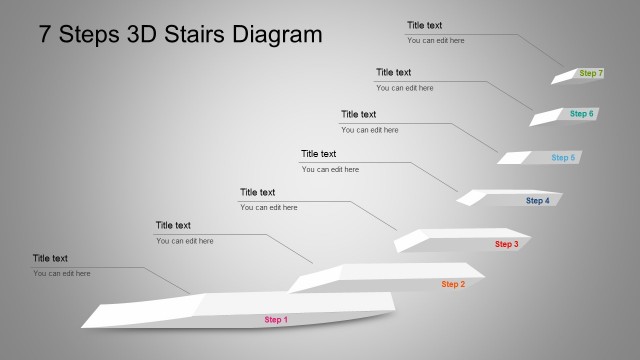
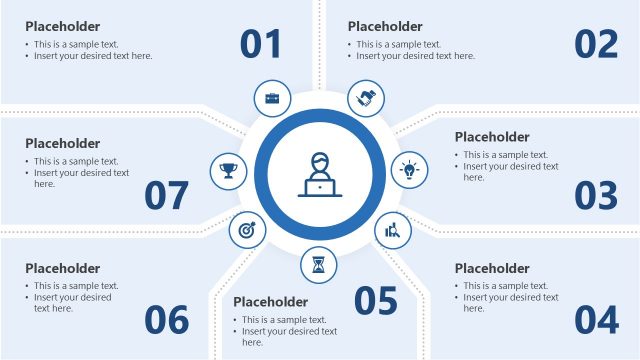
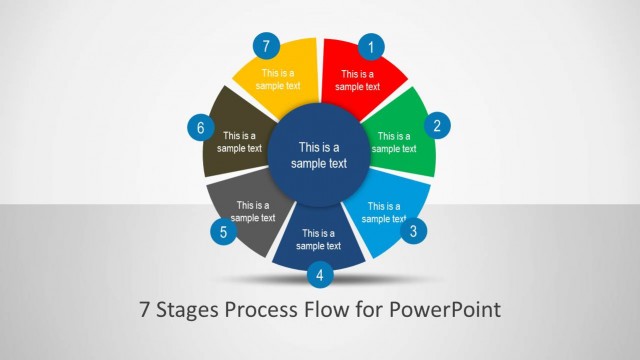
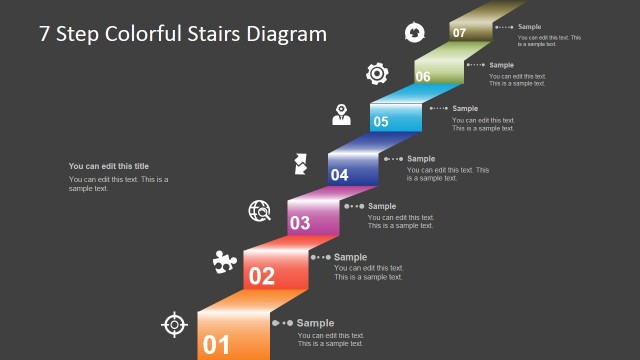
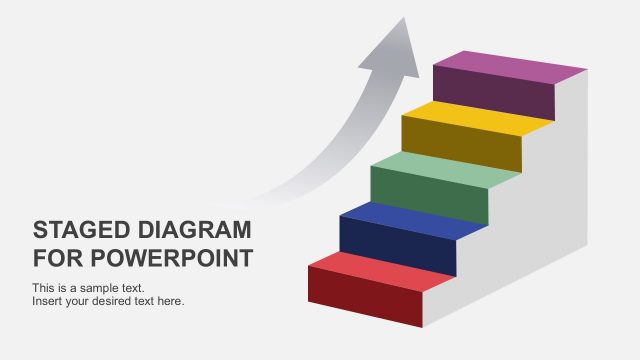
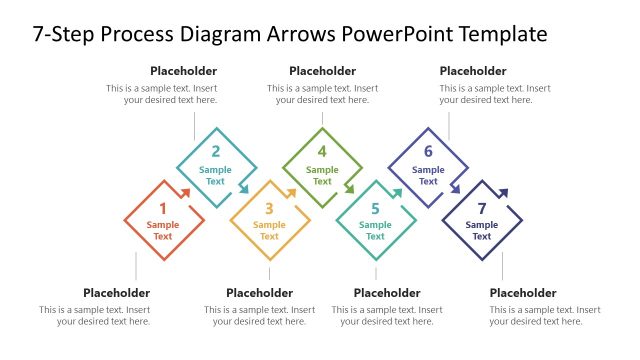
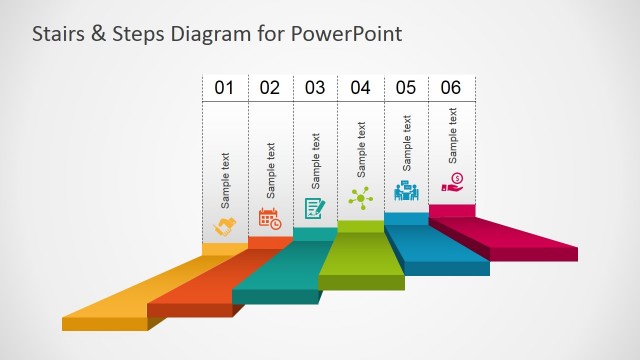
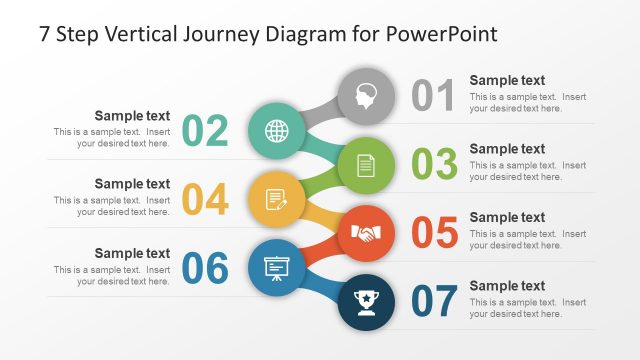
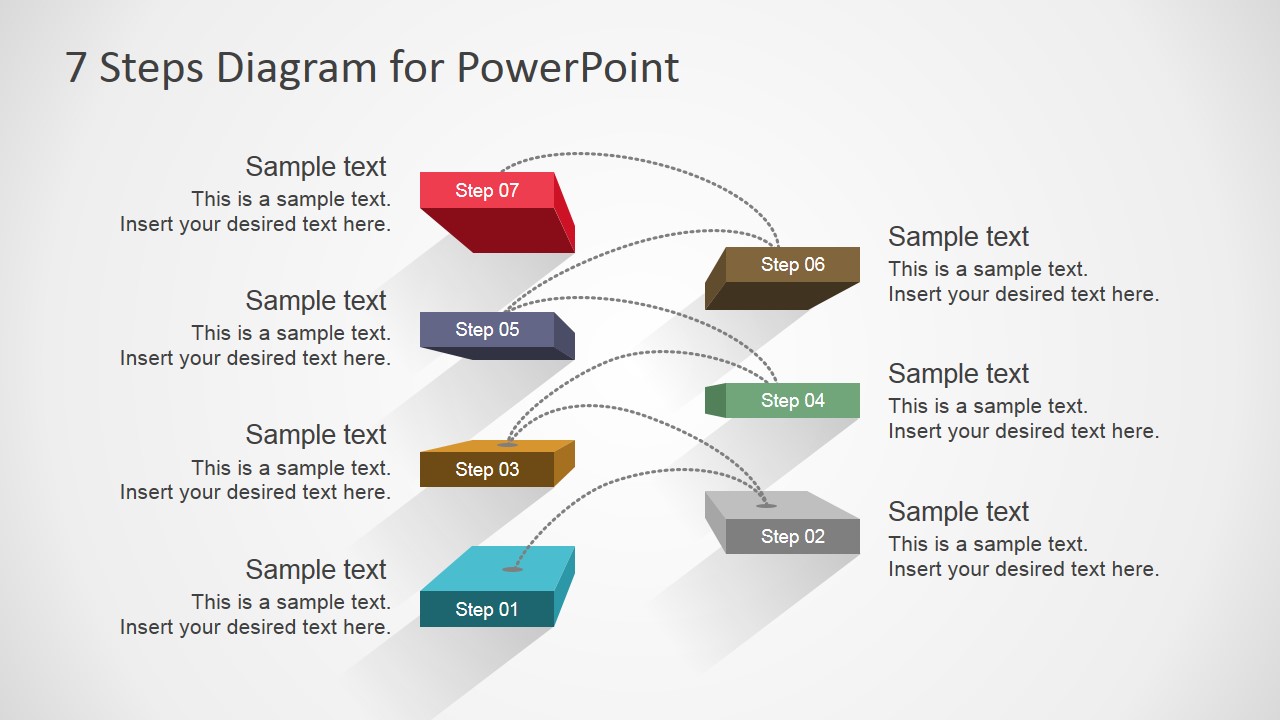
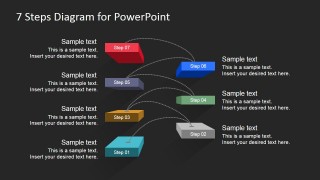
7 Steps diagram Design for PowerPoint is a creative diagram design for presentations that can be used to represent a business concept or business model.
The 7 Steps diagram can be used as a step stairs diagram design and it contains editable elements so you can adapt the diagram for any presentation needs. From goal setup in an organization to other simple business representations where steps can be used to describe a process flow or a series of ideas.
What’s inside this template
Example presentation scenarios
- A project manager can present an implementation plan by assigning each milestone to one stair block and using the callouts to explain ownership or expected outcomes.
- A consultant can explain a client transformation model by placing the current state on Step 01 and the target state on Step 07.
- A trainer can introduce a learning path by using the stair diagram to show the order of modules and the dotted arcs to reinforce progression.
- A team lead can summarize quarterly goals by labeling the seven steps as priorities and using the text boxes to state the action behind each priority.
Features
- 100% editable presentation template
- Compatible with Microsoft PowerPoint and Google Slides
- 16:9 aspect ratio slides
- Scalable vector shapes, icons and illustrations
- AI-Ready for Microsoft Copilot and Claude
- Instant access and download
Frequently asked questions
Q: How should a presenter make the seven-step diagram easy to follow?
A: Keep each step label short, such as a phase name or action verb, then use the nearby callout for one outcome or decision. Present from Step 01 to Step 07 in order and avoid filling every callout with long paragraphs, because the stair metaphor works best when the audience can quickly see progression.
Q: Who is this template best suited for?
A: This template is a good fit for project managers, consultants, trainers, and team leads who need to explain a staged method without building a full process map. The seven colored stair blocks support implementation plans, goal-setting models, onboarding sequences, and maturity paths where the main message is ordered advancement.
Q: Why does the stair layout help communicate a process better than a plain list?
A: The stair metaphor signals progress, effort, and movement toward a higher objective. The staggered blocks separate the seven ideas visually, while the dotted connector arcs guide attention across the sequence. This makes the content feel like a path to complete rather than a static checklist.
7 Steps Diagram Design for PowerPoint
2-slide presentation template with a 7-step stair diagram and process callouts
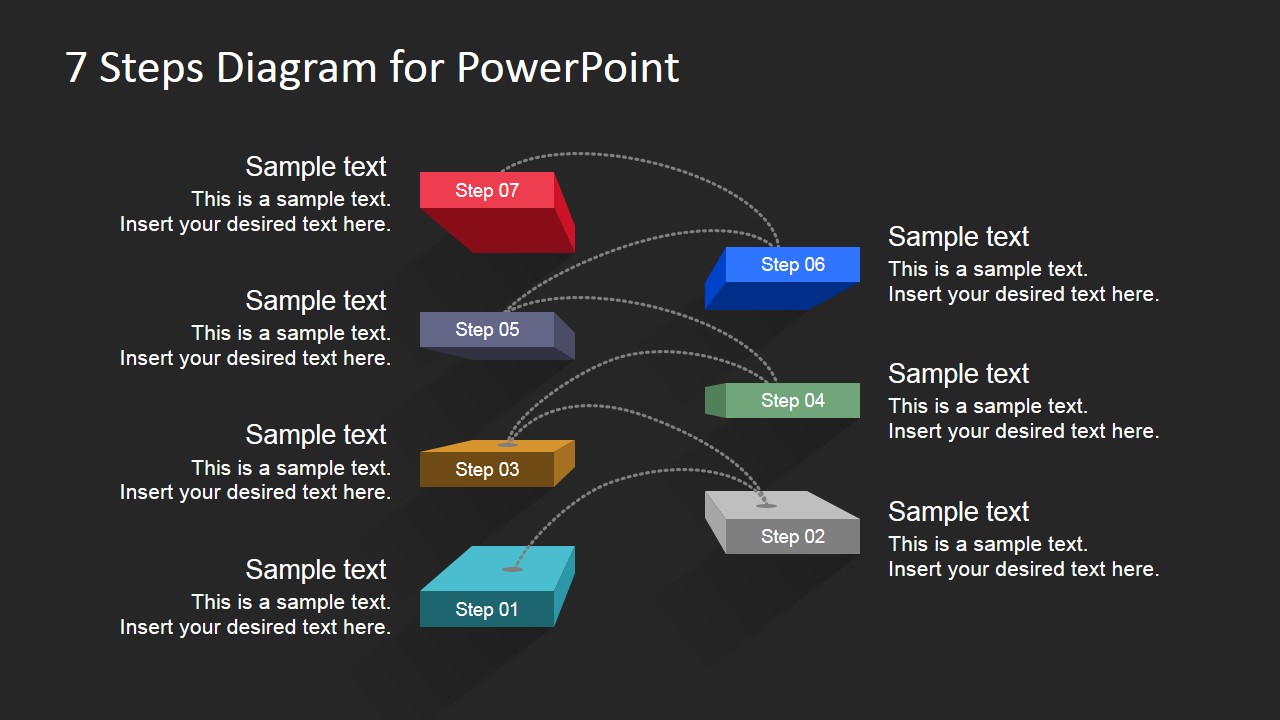
This 2-slide presentation template shows a 7-step stair process diagram in light and dark background variants. Each slide includes floating step blocks, dotted connector arcs, and text callouts for describing a sequence, plan, or business model. It is built for Microsoft PowerPoint and Google Slides.
- Rating


 Loading...
- Aspect ratio
- 16:9
- Item ID
- 7199-01
- Colors
 Microsoft PowerPoint
  Microsoft Copilot
  Claude for PowerPoint
 Other formats supported
Subscribe today and get immediate
access to download our PowerPoint templates.