Slide 9 of 9 from 7 Step Horizontal Flow Diagram for PowerPoint
Trending Infgraphic PowerPoint Horizontal Flow
7 Step Horizontal Flow Diagram for Presentations
- Diagram
- Horizontal Flow
- Process Slide
- 16:9
- 100% Editable
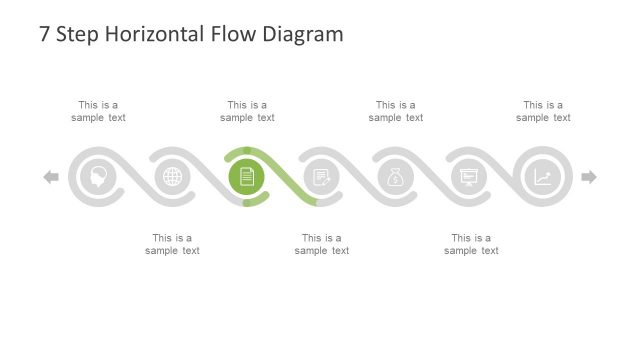
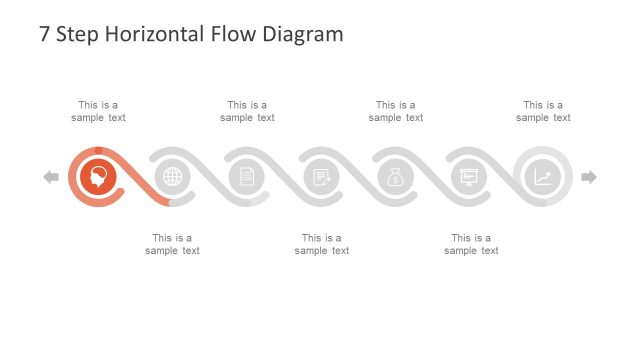
The 7 Step Horizontal Flow Diagram slide from the 7 Step Horizontal Flow Diagram for PowerPoint template offers a clear visualization of sequential processes using editable shapes and vector icons. Ideal for corporate presentations and business presentations, this slide template helps outline project phases and workflows effectively within a slide deck.
What’s on This Slide
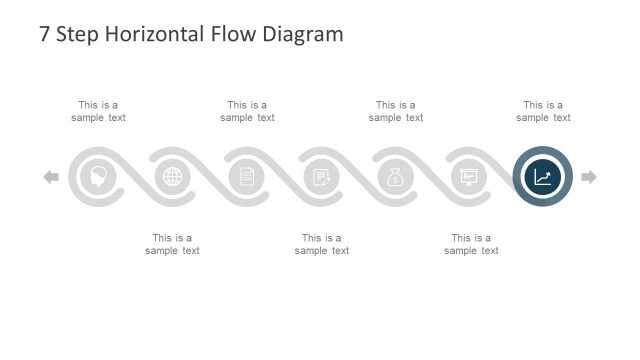
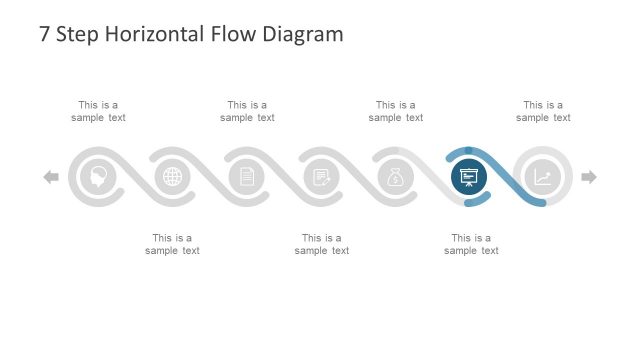
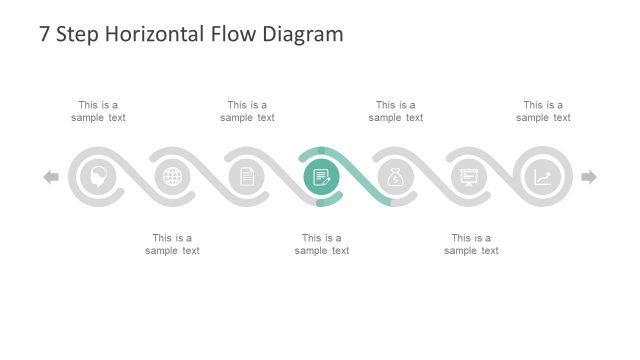
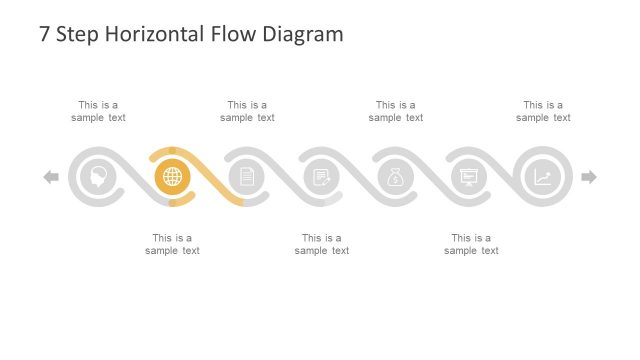
The layout features a horizontal flow diagram with seven distinct nodes. Each node contains an icon and a text placeholder, aligned centrally above the nodes. The icons represent various concepts, such as a person, globe, document, and dollar sign. Below the nodes, there are two larger text placeholders for additional information, centered and aligned vertically. The flow is indicated by curved lines connecting the nodes, leading from left to right. The background is light, enhancing the visibility of the elements, which are grouped closely to maintain coherence.
How to Use It
This layout serves as a process flow diagram, illustrating a sequence of steps in a business process. It fits well in presentations that outline workflows, project phases, or strategic initiatives. This structure is useful for explaining processes in meetings or training sessions, helping audiences visualize the progression of tasks. It can be applied in various business contexts, such as project management, product development, or operational workflows, providing clarity and organization to complex information.
Text Placeholders & Capacity
Keep your copy within these limits so it fits without resizing. Node labels can hold about 3-4 words each, while body text can accommodate roughly 10-12 words.
| Placeholder | Count | Max characters (approx.) |
|---|---|---|
| Item heading | 7 | 20 |
| Item body | 2 | 50 |
Slide Keywords
Download unlimited PowerPoint templates, charts and graphics for your presentations with our annual plan.
DOWNLOAD