Slide 8 of 9 from 7 Step Horizontal Flow Diagram for PowerPoint
7 Step Diagram of Horizontal Process Flow
7 Step Horizontal Flow Diagram for Presentations
- Diagram
- Process Flow
- Process Slide
- 16:9
- 100% Editable
What’s on This Slide
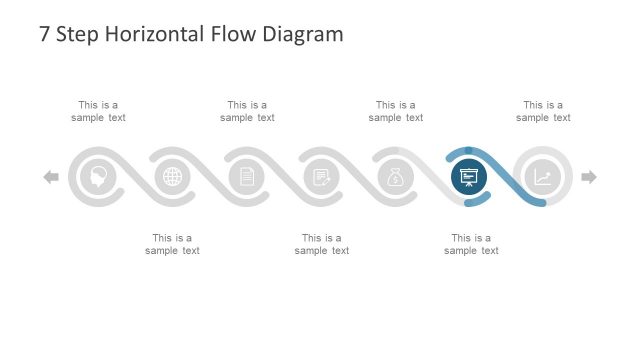
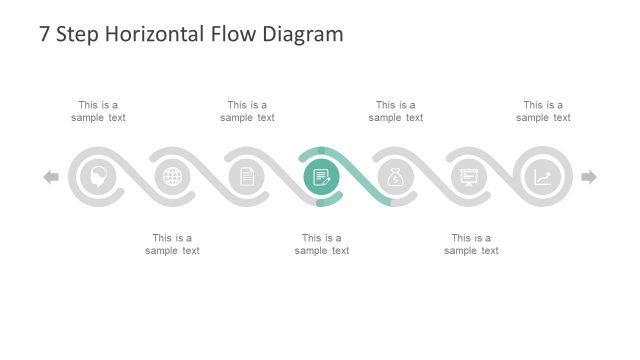
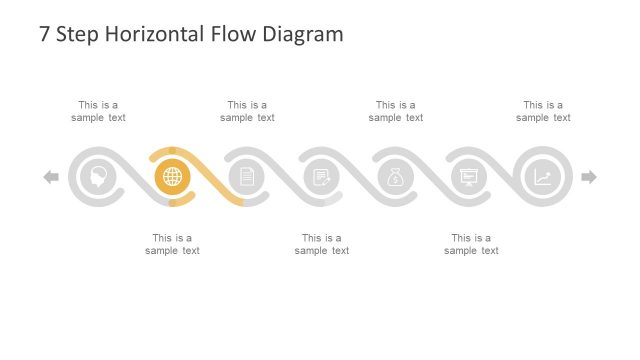
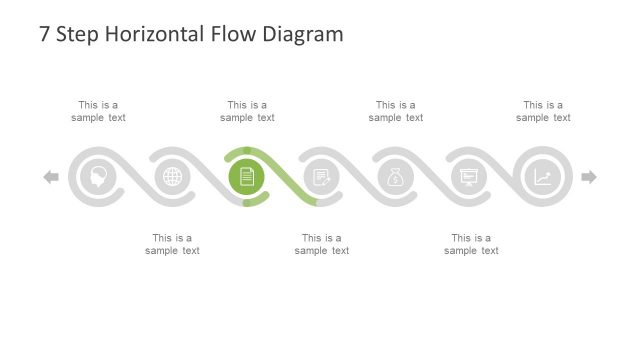
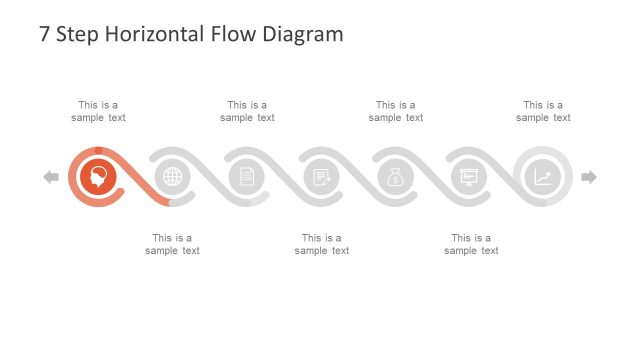
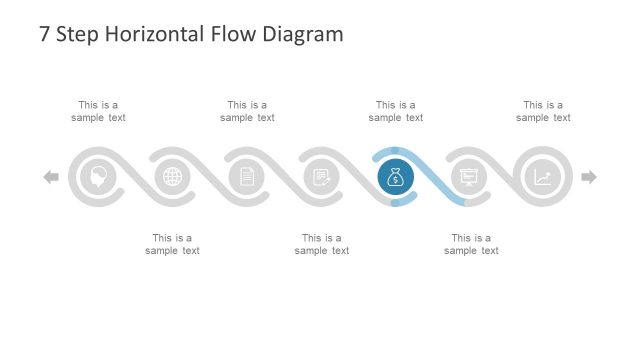
The layout features a horizontal flow diagram with seven nodes represented by circular icons. Each node is connected by a wavy line, indicating progression. The first six nodes are aligned with sample text placeholders below them, while the seventh node is emphasized with a darker circular background. The text placeholders are centered beneath each icon, maintaining a consistent visual hierarchy. The overall composition is balanced, with a clear left-to-right flow, and the background is a light color, enhancing readability.
How to Use It
This layout serves as a process flow diagram, ideal for illustrating sequential steps in a business process. It fits well in presentations discussing workflows, project timelines, or strategic plans. The design allows for clear communication of each step's significance while maintaining visual engagement. It is particularly useful in scenarios where clarity in progression is essential, such as training sessions or project updates.
Text Placeholders & Capacity
Keep your copy within these limits so it fits without resizing. Each node can accommodate roughly 20 characters of text.
| Placeholder | Count | Max characters (approx.) |
|---|---|---|
| Item body | 7 | 20 |
Slide Keywords
Download unlimited PowerPoint templates, charts and graphics for your presentations with our annual plan.
DOWNLOAD