Slide 4 of 9 from 7 Step Horizontal Flow Diagram for PowerPoint
Curve Design Horizontal Diagram Slide
7 Step Horizontal Flow Diagram for Presentations
- Diagram
- Horizontal Flow
- Process Slide
- 16:9
- 100% Editable
The 7 Step Horizontal Flow Diagram slide from the 7 Step Horizontal Flow Diagram for PowerPoint template offers a clear process visualization ideal for business presentations. This slide template features editable shapes and vector icons arranged in a balanced horizontal flow, making it suitable for illustrating project timelines, workflows, or sequential steps in a corporate presentation or pitch deck template.
What’s on This Slide
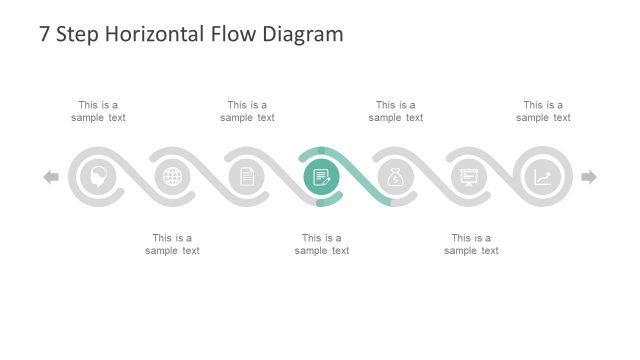
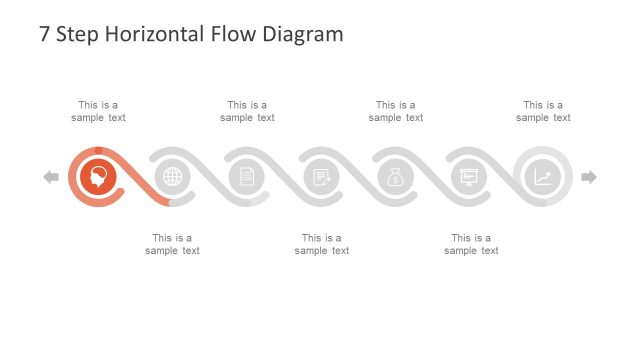
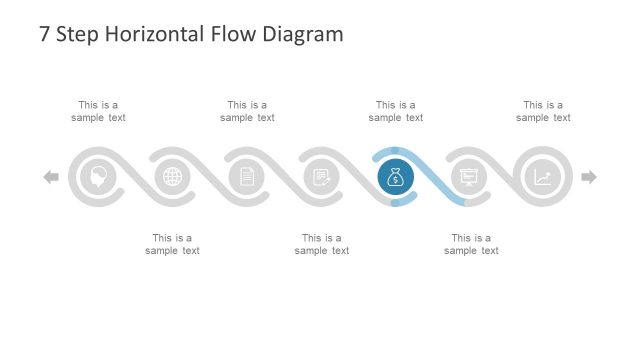
The layout features a horizontal flow diagram with seven nodes. Each node is represented by a circular icon, with a green highlight on one node indicating emphasis. The nodes are connected by a wavy line, suggesting a continuous process. Text placeholders are positioned below each node, aligned centrally. The title is at the top center, with a clear visual hierarchy. The background is light, enhancing the visibility of the icons and text. The overall composition is balanced, with equal spacing between nodes.
How to Use It
This layout serves as a process flow diagram, ideal for illustrating sequential steps in a business context. It fits well after a problem statement and before a solution or roadmap slide. Use it to outline processes such as project phases, product development stages, or customer journey steps. It is effective in presentations that require clarity in depicting workflows or timelines, allowing for easy audience comprehension of complex processes.
Text Placeholders & Capacity
Keep your copy within these limits so it fits without resizing. Node body slots can hold about 3-5 words each.
| Placeholder | Count | Max characters (approx.) |
|---|---|---|
| Slide title | 1 | 30 |
| Item body | 7 | 20 |
Slide Keywords
Download unlimited PowerPoint templates, charts and graphics for your presentations with our annual plan.
DOWNLOAD