Slide 1 of 9 from 7 Step Horizontal Flow Diagram for PowerPoint
7 Step PowerPoint Horizontal Flow
7 Step Horizontal Flow Diagram for Presentations
- Diagram
- Horizontal Flow
- Process Slide
- 16:9
- 100% Editable
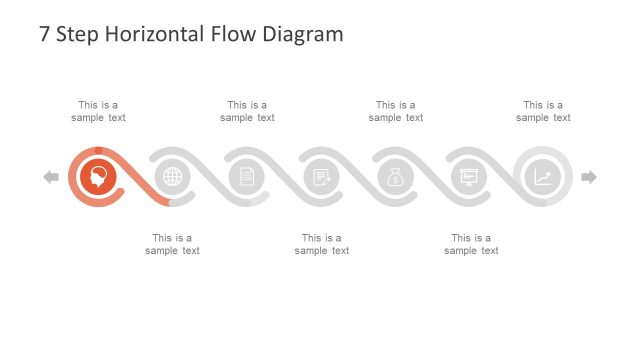
The 7 Step Horizontal Flow Diagram slide from the 7 Step Horizontal Flow Diagram for PowerPoint template offers a clear, sequential layout ideal for business presentation templates focused on process workflows. Featuring editable shapes and vector icons arranged in a horizontal flow, this slide supports effective communication of project management updates and workflow illustrations within corporate presentations or pitch deck templates.
What’s on This Slide
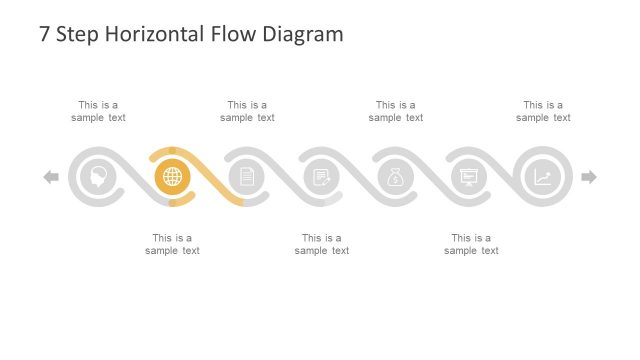
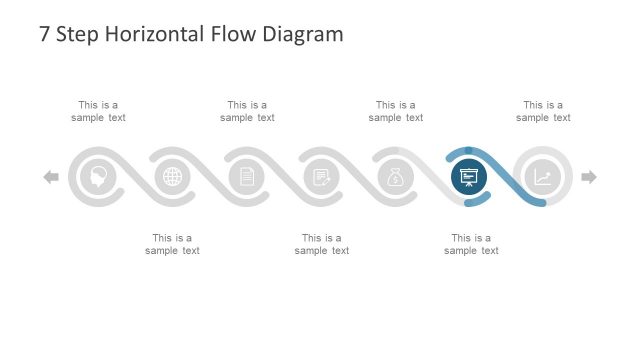
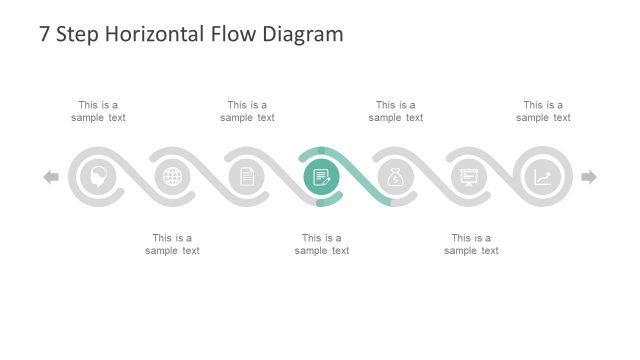
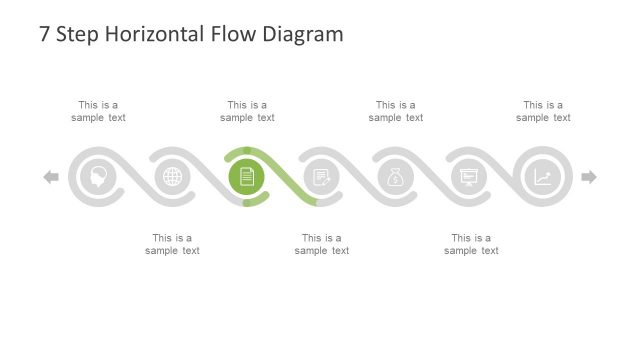
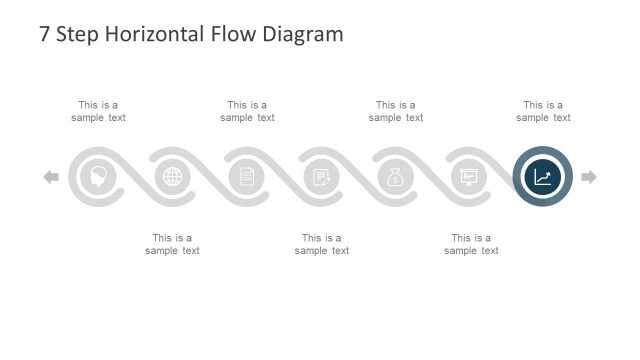
The layout features a horizontal flow diagram with seven distinct nodes. Each node is represented by a circular icon, arranged in a wavy line from left to right. The icons include a brain, globe, document, money bag, presentation, and graph, each accompanied by a text placeholder below. The background is light, enhancing the visibility of the colored nodes, which alternate between warm and cool tones. Text placeholders are centered beneath each icon, maintaining a consistent alignment. The overall composition emphasizes a clear flow from the first to the last node.
How to Use It
This layout serves as a sequential process diagram, ideal for illustrating a seven-step business process. It fits well in presentations that require a clear depiction of workflows or project phases. Common scenarios include project management updates, process improvement discussions, or training sessions. The horizontal arrangement allows for easy comprehension of the steps involved, making it suitable for both internal team discussions and client presentations.
Text Placeholders & Capacity
Keep your copy within these limits so it fits without resizing. Node labels can hold about 20 characters each, while body text can accommodate around 40 characters.
| Placeholder | Count | Max characters (approx.) |
|---|---|---|
| Item heading | 7 | 20 |
| Item body | 7 | 40 |
Slide Keywords
Download unlimited PowerPoint templates, charts and graphics for your presentations with our annual plan.
DOWNLOAD